
Why I Turned Off Prioritize Faster Shooting on My iPhone
iPhone camera and Prioritize Faster Shooting: Disabling this setting boosts photo quality, clarity, and detail in low-light conditions.
I still remember the first time I noticed something was off with my iPhone photos. It was a dimly lit restaurant, and I snapped a picture of my friends. The result was grainy, with blown-out highlights and muddy shadows. I blamed my shaky hands or the lighting. But then I stumbled upon a setting buried deep in the Settings app: Prioritize Faster Shooting. It was on by default, and I had never touched it. Curious, I turned it off, and the next time I took a photo in similar conditions, the difference was night and day. That moment changed how I use my iPhone camera forever.
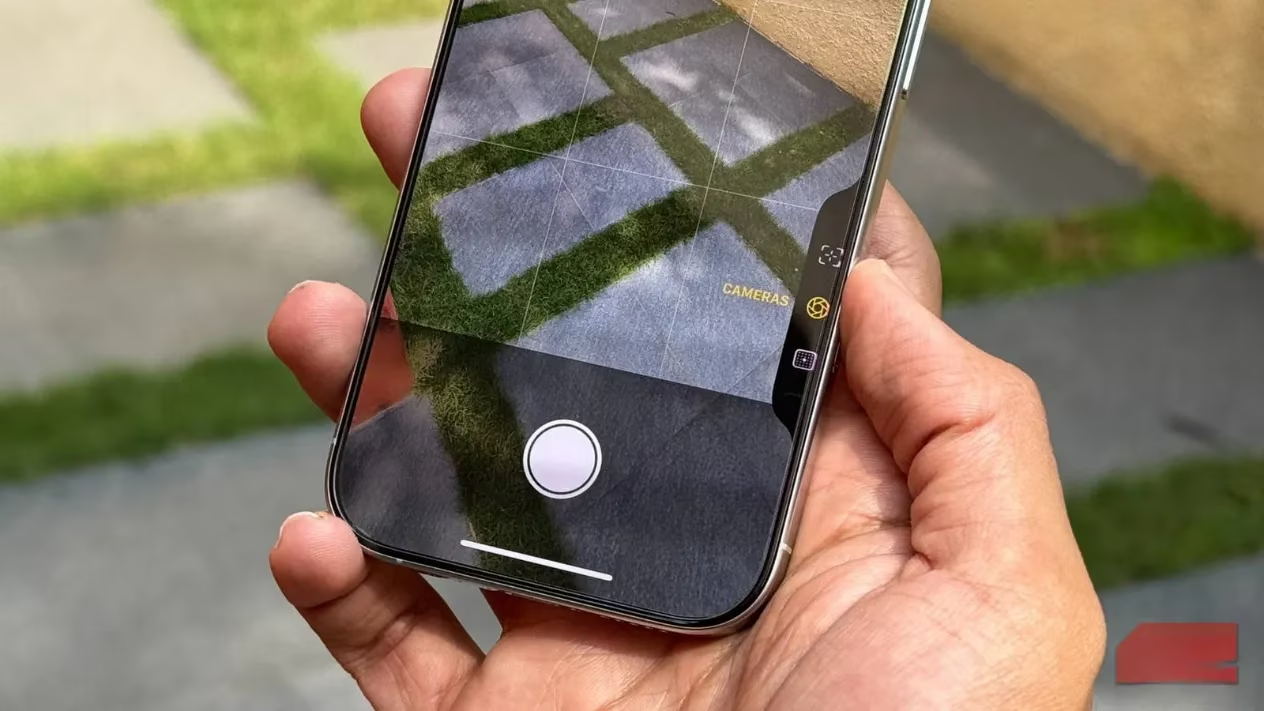
What Prioritize Faster Shooting Actually Does
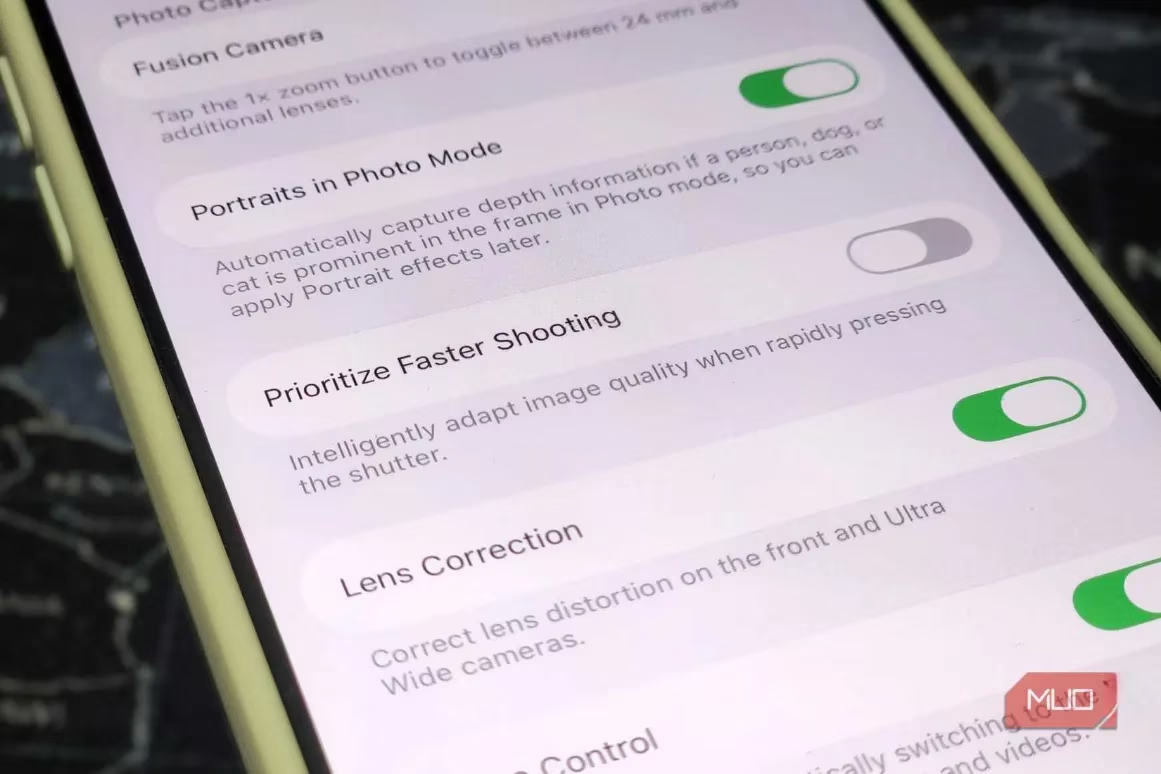
On the surface, Prioritize Faster Shooting sounds like a dream. Who wouldn’t want their camera to fire off shots more quickly? It’s designed to reduce shutter lag, letting you capture fleeting moments without waiting for the camera to finish its behind-the-scenes magic. But here’s the catch: to achieve that speed, your iPhone skips or shortens some of the computational photography steps that make iPhone photos look so good.
When this setting is enabled, your iPhone prioritizes speed above all else. It still takes a photo, but it doesn’t blend multiple frames together as thoroughly. It doesn’t spend as much time on HDR, noise reduction, or balancing highlights and shadows. In other words, you get a faster shot, but you sacrifice image quality. And in most situations, that trade-off isn’t worth it.
The Hidden Cost of Speed
Your iPhone is a photography powerhouse. Every time you press the shutter, it captures several frames before and after, then merges them using advanced algorithms. This process is why iPhone photos often look polished straight out of the camera—clean shadows, balanced lighting, and sharp details. When Prioritize Faster Shooting is on, the camera cuts corners. It grabs a single moment as quickly as possible, leaving less time for that computational wizardry.
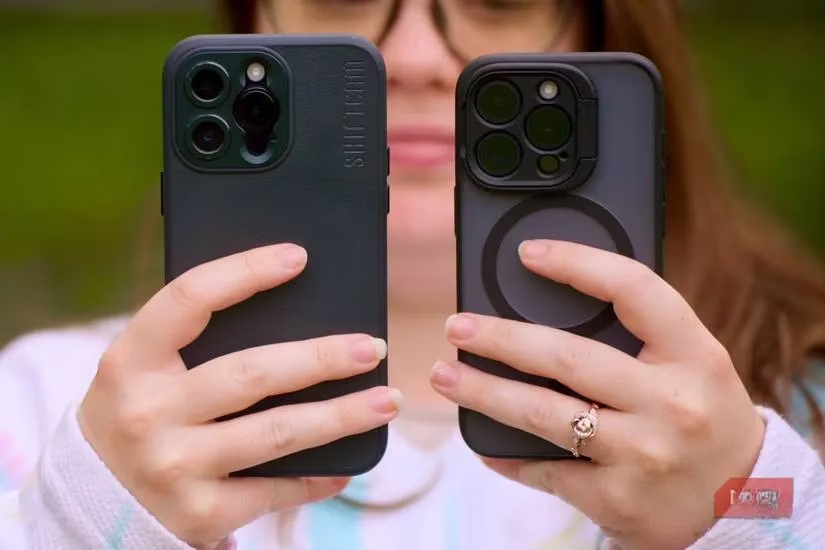
I noticed the biggest difference in low light. With the setting off, my iPhone had more time to reduce noise and properly balance highlights and shadows. Photos that used to look noisy and flat suddenly had depth and clarity. It was like upgrading my camera without buying a new phone.
How to Turn It Off
Turning off Prioritize Faster Shooting is easy, but you won’t find it in the Camera app. You have to go to Settings > Camera and toggle it off. It’s a bit annoying if you need to switch it on the fly, but once you set it, it stays that way.
After turning it off, I immediately saw improvements in my everyday shots. Skin tones looked more natural, skies weren’t blown out, and indoor photos had less grain. For someone like me who just wants great photos without editing, this was a game-changer.
When Speed Actually Matters
Now, I’m not saying Prioritize Faster Shooting is useless. There are scenarios where speed trumps quality. If you’re photographing a toddler or a hyperactive dog, that reduced shutter lag can help you catch the perfect expression. Similarly, if you prefer to edit your photos yourself and want a more natural, less processed starting point, this setting can be useful. Some photographers actually like the raw-ish look it produces.
But for most people—those who point, shoot, and expect a beautiful image—leaving it off is the better choice.
Better Ways to Shoot Faster
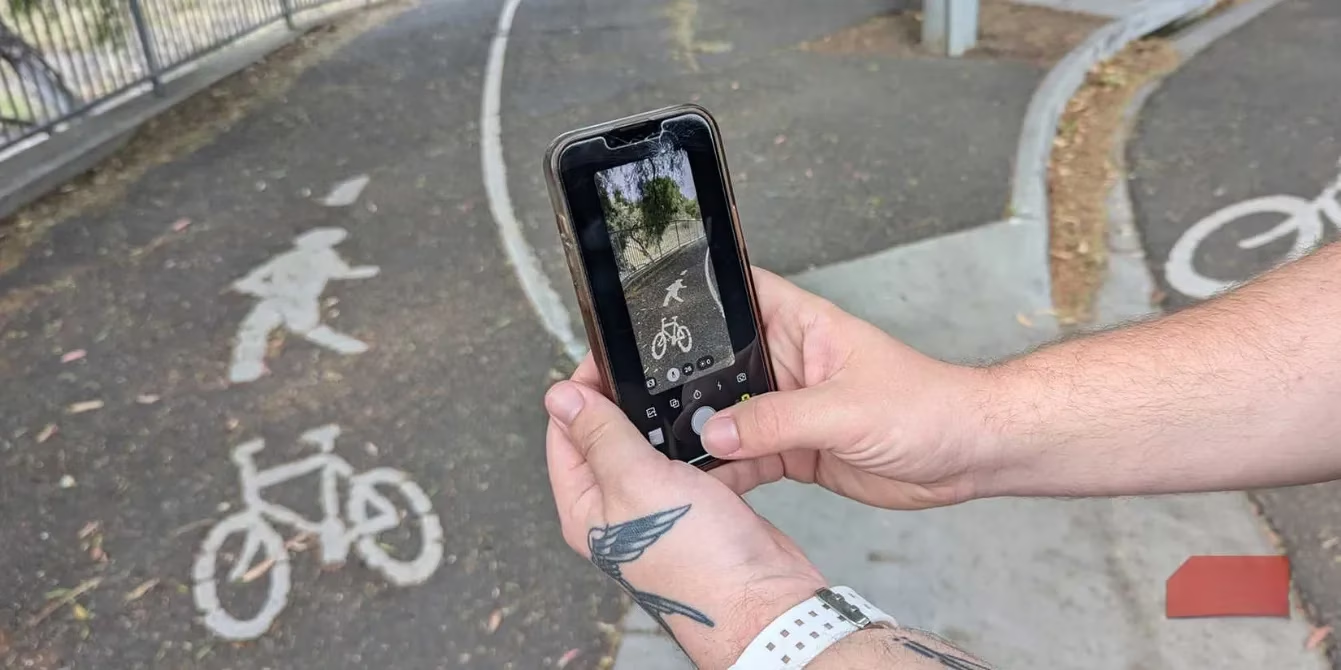
If you want speed without sacrificing quality, there are smarter alternatives. First, enable Preserve Settings so your iPhone remembers your preferred camera mode (like Photo mode with Live Photo off). This way, the camera is ready the instant you open it. Second, turn on Grid and Level. These won’t make the camera fire faster, but they’ll make you faster by helping you frame and level your shots correctly the first time. When your camera is set up to match your habits, you’ll naturally shoot more efficiently.
Final Thoughts
Image processing is the secret sauce behind iPhone photography. Turning off Prioritize Faster Shooting is just one step toward better photos. There are many other settings you can tweak to get the most out of your camera. But this one, hidden away in the Settings menu, might be the most impactful. Give it a try—you might be surprised at how much better your photos look when you let your iPhone take its time.