
Why I Replaced Cloud Notes With Zettlr and Finally Felt True Ownership
Zettlr local Markdown studio offers stable note-taking and writing ownership, unlike cloud apps with sync issues and proprietary barriers.
By early 2026, I had grown tired of cloud note-taking. It was supposed to feel seamless, but somewhere between quiet outages, surprise interface redesigns, and the constant nudge to upgrade, I realized I was spending more energy adapting to my tools than actually using them. The biggest friction, though, was the feeling that my notes were trapped behind a glass wall. They were technically mine, but not in any way that felt permanent or dependable. I needed something stable, local, and fully under my control. That search led me to Zettlr, a local Markdown studio, and it changed how I think about writing and ownership.
A Studio, Not a Silo
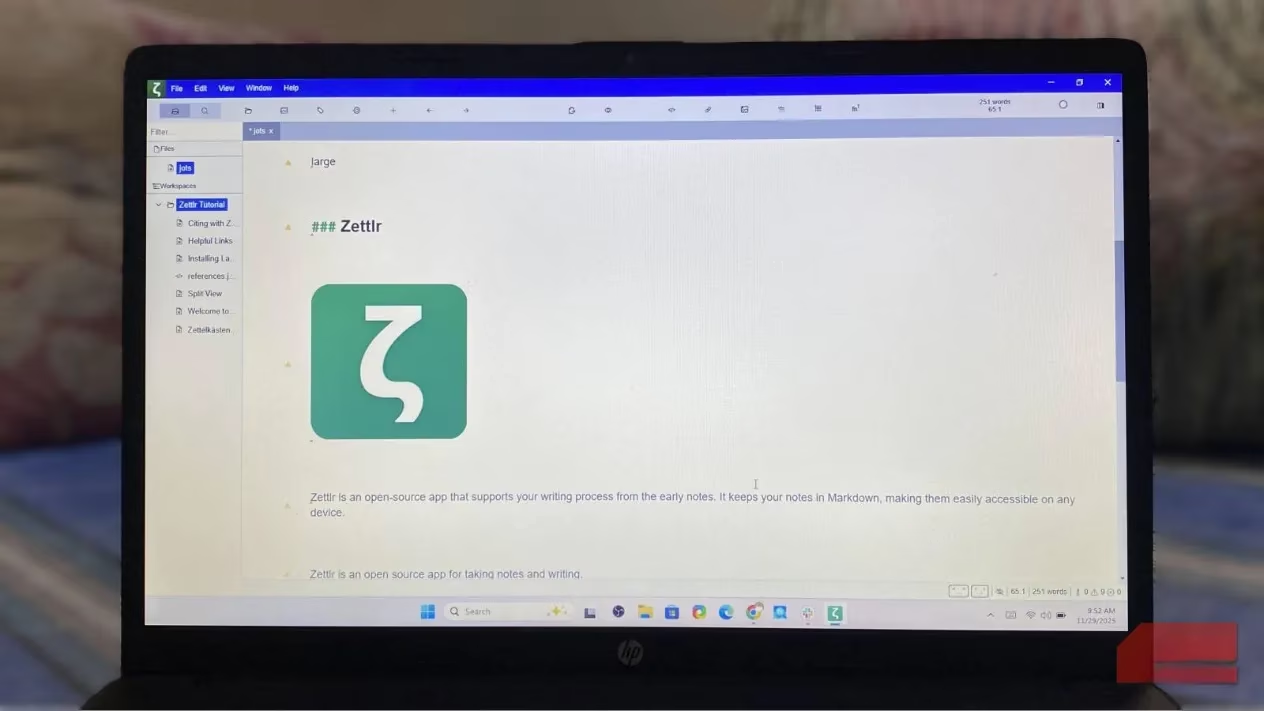
What struck me first was how ordinary everything felt. My notes were not hidden behind a sync layer or trapped inside a proprietary database. They were simple Markdown files that I could open in any text editor. That removed an anxiety I had been carrying for years. If Zettlr disappeared tomorrow, I would still have every word I wrote. No exports, no format breakage, no pleading with a server to give me back my own ideas. It was like moving from a rented storage unit into a home where I actually held the deed.
I also appreciated that Zettlr was not trying to be my entire digital life. It was not pretending to replace my project manager, my database, my calendar, and my brain all at once. It focused on writing, editing, and linking notes. That narrow focus made it feel less like a note silo and more like a quiet workshop with good lighting. Everything was fast, predictable, and based on my file system rather than a third-party algorithm.
Daily Writing Feels More Intentional
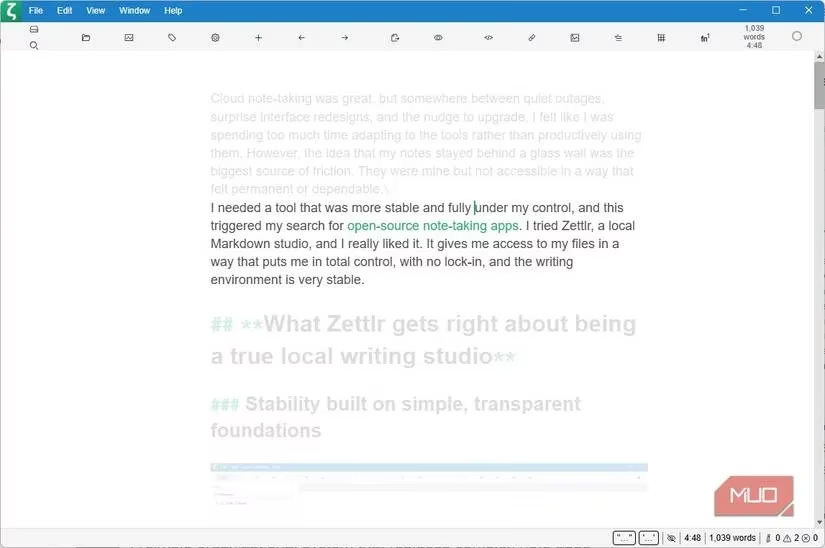
My daily writing is different now. It is not necessarily simpler, but it is more deliberate. The editor is clean without trying too hard to be minimalist. There is a focused writing mode that lets me disappear into a document for long stretches, like a musician closing the door to a practice room. I spend more time on the words than on the interface.
I notice the difference most during long-form work. Zettlr includes a live document outline that turns my headings into a structured sidebar. That small feature has become indispensable. I can jump between sections of a research piece without endless scrolling or breaking my train of thought. It is like having a blueprint of my own argument pinned beside the page.
When it is time to publish or share, Zettlr's Pandoc integration lets me export directly to Word or PDF from the app. That may not sound flashy, but it removes the extra step of uploading a document to an online converter and hoping the formatting survives. The workflow finally feels respectful of my time.
Organization That Matches My Brain
Unlike tools that push you into a proprietary hierarchy, Zettlr uses folders and Markdown. No smart notebooks, no nested layers of abstraction. I structure my files the same way I structure my projects. If I want a folder called “Ideas,” it is just a folder called “Ideas.” If I want to move it later, I drag it. That sounds small, but it removed a surprising amount of mental friction.
Zettlr also has lightweight linking syntax. I do not have to commit to a full Zettelkasten system to connect ideas. Links can be as casual or as deep as I want. For more granular organization, I use tags and YAML frontmatter. At first the frontmatter felt unnecessary, but it quickly became useful for filtering and searching. Once I understood it, I was retrieving notes faster than I ever did with a cloud app.
Setting Up Sync Once, Then Forgetting It
Yes, setting up sync takes more effort than signing into a cloud service. But you only do it once. I connected my main notes folder to Syncthing and avoided Google Drive and OneDrive entirely. The system has been stable ever since, with no mysterious conflicts or partial uploads. I can access the same Markdown files on my phone through another app, and because there is no proprietary format to translate, everything behaves the same way.
Backups are equally straightforward. My local copy and offsite copy are independent of Zettlr. I do not depend on a single company or subscription to keep my notes alive. That independence is quietly empowering.
What Ownership Actually Feels Like
Going local made note-taking faster, but the real reward was ownership. My notes finally feel like they belong to me. They will remain readable years from now, no matter which devices or apps I use. That permanence gives me a kind of mental calm I did not expect. I now write with more intention because the interface encourages it without upgrade nudges or surprise UI changes. Open standards matter more than the app itself, and Zettlr understands that.
| Feature | Cloud Notes | Zettlr |
|---|---|---|
| File format | Proprietary or database | Plain Markdown |
| Offline access | Sometimes limited | Full local control |
| Export freedom | Often restricted | Direct via Pandoc |
| Sync setup | Automatic but opaque | Manual, then transparent |
| Long-term permanence | Depends on service | Depends on you |
In the end, I did not just change apps. I changed my relationship with my own writing. 🗂️✍️