
Vertical Monitors Are the Unsung Heroes of Productive Desks in 2026
A vertical monitor setup with portrait orientation maximizes desk productivity, stacking chats and video calls into a legible, space-saving panel.
For years, the conventional wisdom among PC users suggested that a second monitor should sit beside the first, creating one continuous horizontal panorama. But as workspaces in 2026 become denser with microphones, lights, capture cards, and decorative clutter, the quest for desk real estate has forced many users to reconsider that assumption. A spare display rotated into a portrait orientation functions like a second lung for a workspace that had been holding its breath, opening vertical space for conversations, documents, and live feeds without forcing the desk deeper into chaos. This shift from dual horizontal screens to one landscape and one portrait panel is less about following a trend and more about reclaiming attention in an era of overlapping digital obligations.
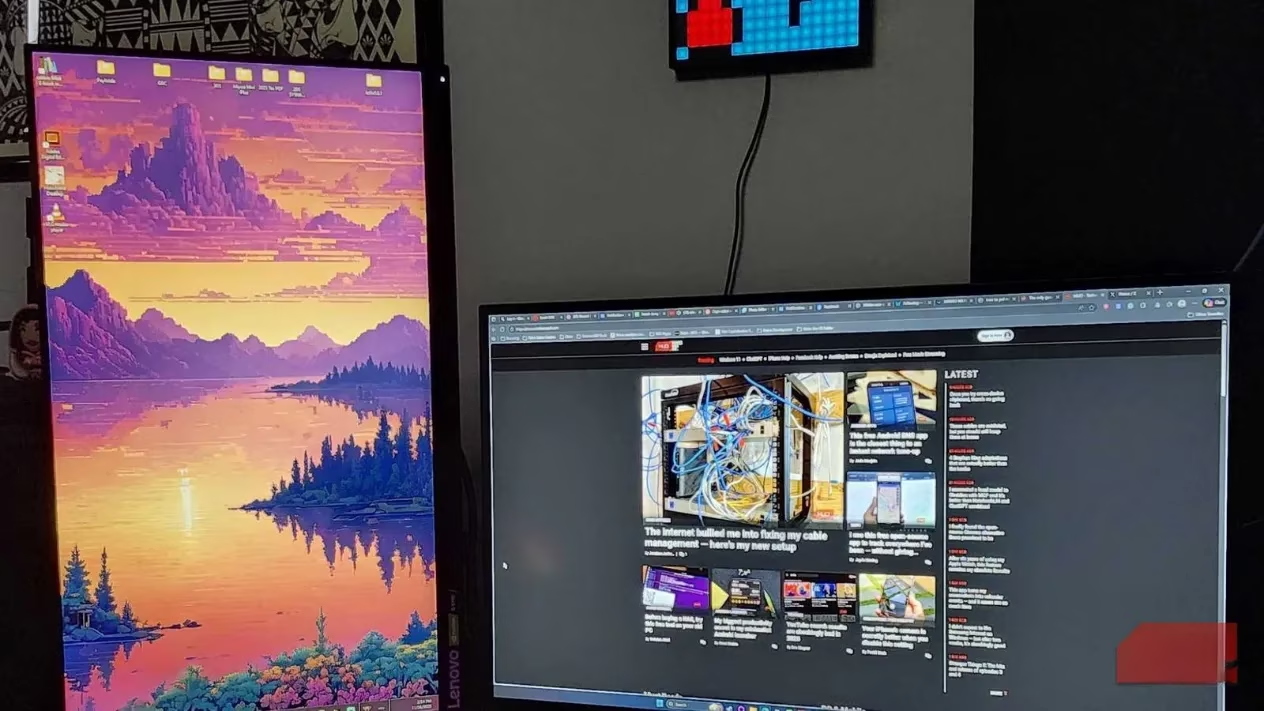
📨 The Stacked Conversation Effect
Modern communication rarely happens in a single app. A typical afternoon might involve Discord voice channels, Slack threads, YouTube background playback, and a burst of email notifications. On a traditional horizontal display, those applications become shuffled windows that hide behind each other like cards in an overstuffed wallet. A vertical monitor changes that dynamic entirely.
When the spare display is rotated into portrait mode, messaging apps can be stacked into neat horizontal bands. Discord might occupy the top third, Slack the middle, and a small YouTube window the bottom. The eye can scan the entire stack without dragging, resizing, or minimizing anything. It is a ribbon of stacked conversations that can be read like a grocery list, rather than a shuffled deck of overlapping tabs. For anyone who needs to digest a large volume of information at once, the vertical arrangement creates a calm, legible hierarchy out of what would otherwise be digital noise.
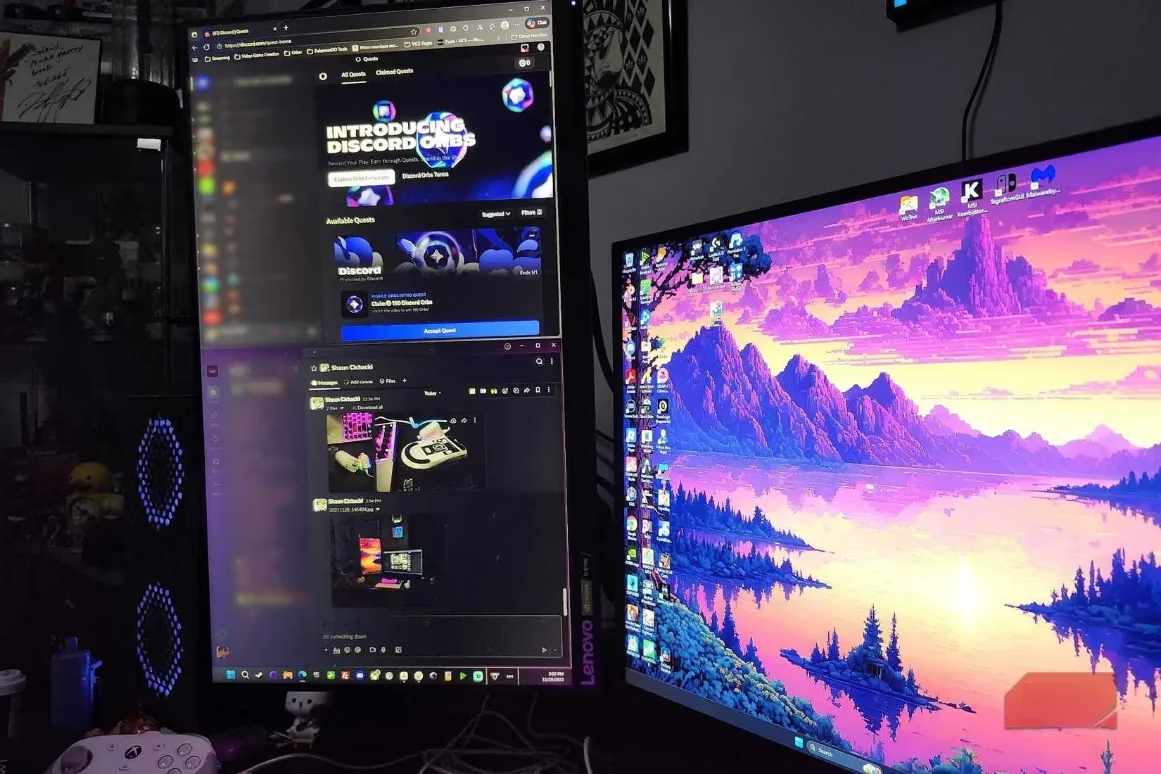
This setup is especially valuable for people who move between focused work and quick replies. A conversation can stay active in the corner of the eye, allowing fast responses without interrupting the primary workflow. Instead of toggling between applications and losing the thread of a project, the vertical monitor keeps the social layer visible but unobtrusive.
📹 Video Calls That Match the Screen to the Moment
Video calls reveal one of the most immediate benefits of a portrait-oriented display. Calls made from a phone often arrive in portrait format, and when they are placed on a traditional widescreen monitor, wide black bars squeeze the image into an awkward center strip. That visual mismatch can make a personal call feel distant and mechanical.
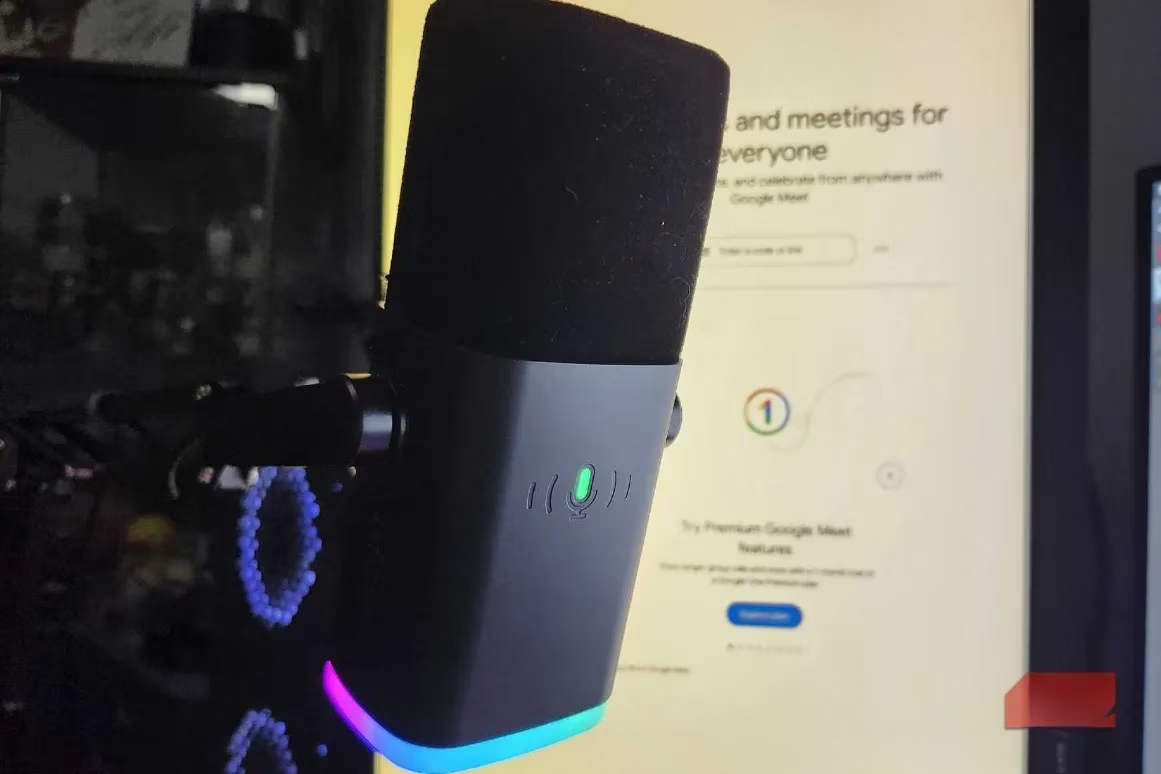
A vertical monitor behaves like a chameleon adjusting its display to the shape of the conversation. When a family member calls from a mobile device, the portrait panel matches the orientation naturally, filling the screen without ugly bars. The result is a much warmer and more immersive experience, particularly for long catch-up sessions using a headset and microphone. When a more traditional business call or group meeting occurs, the same monitor can be returned to landscape orientation or the call can simply be moved to the primary horizontal screen. This flexibility gives users the right aspect ratio for both intimate one-on-one chats and broader conference calls.
🎮 Streaming Without Losing the Room
For streamers, attention is the most fragile currency. A broadcaster who becomes too absorbed in gameplay can miss chat messages, questions, subscriptions, or sudden moments of audience excitement. The easiest way to lose an audience is not through poor gameplay but through disengagement. A vertical monitor solves this by placing the chat and streaming software in an always-visible column.
OBS can run in the top half of the portrait display while a platform chat such as TikTok Live sits in the bottom half. This setup is especially useful for multi-streamers who broadcast to two platforms simultaneously. Instead of nervously switching between windows, the streamer can glance at the vertical stack and see both conversations at once. The chat becomes a living transcript that runs alongside the action, allowing the broadcaster to respond without breaking the flow of the game.
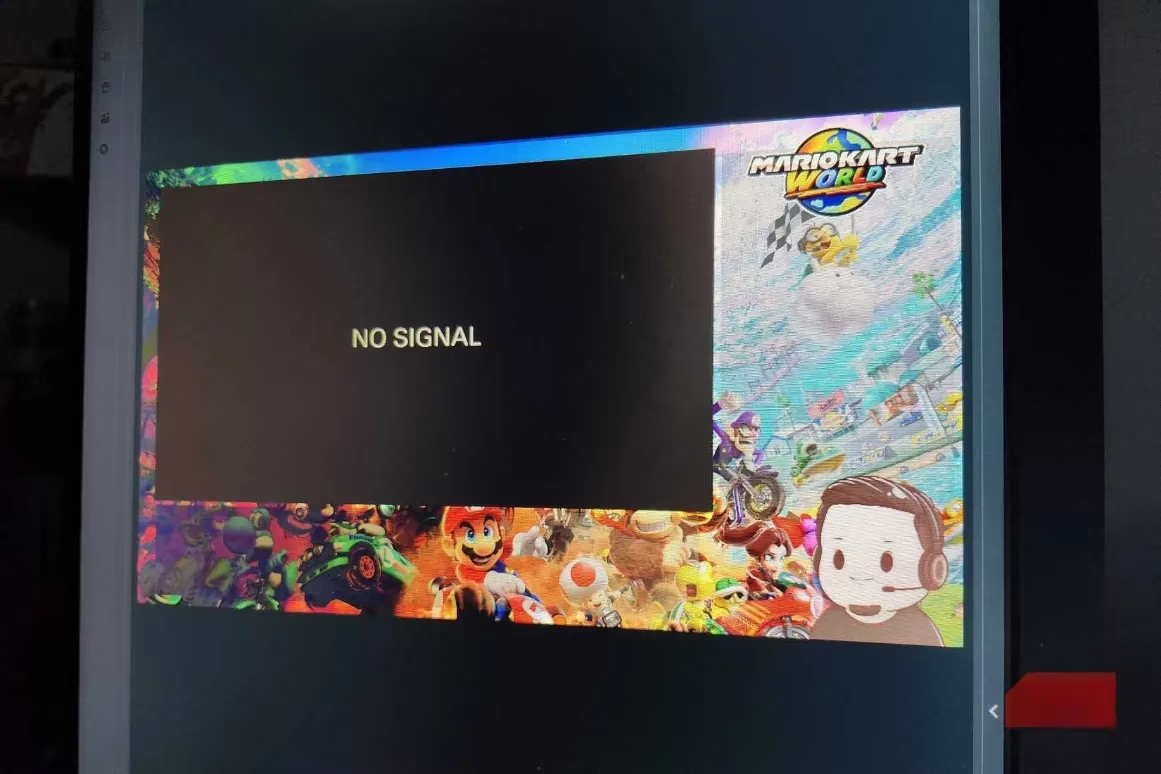
A common mistake among new streamers is keeping chat closed or buried beneath the game. The portrait monitor removes that barrier. It places audience interaction in a dedicated space, making engagement feel less like a chore and more like a natural part of the broadcast rhythm.
⚠️ The Fine Print: Viewing Angles and Panel Differences
A vertical monitor is not automatically perfect. One of the first issues users notice is viewing angle shift. A primary OLED monitor may offer rich, stable colors from nearly any position, but a secondary LED panel may not be as forgiving. When rotated into portrait orientation, LED panels can show noticeable color and contrast changes depending on where the user sits.
At certain angles, text can look washed out or slightly fuzzy, like reading through a pane of old glass. This does not mean the vertical monitor is unusable, but it does mean buyers should inspect the panel from different seating positions before committing to the setup. A monitor that looks superb in landscape may reveal weaknesses when placed sideways. Checking the vertical display critically from the normal seated position can prevent long-term frustration.
The difference between panel types matters more in portrait mode because the user is often viewing the screen at a slight angle rather than straight on. Those who are sensitive to color consistency should consider an IPS panel or an OLED panel for the vertical role. LED panels can work, but their side-angle performance deserves careful evaluation.
🔄 A Reversible Experiment
The best part of trying a vertical monitor is that the decision is fully reversible. If the orientation does not suit the workflow, the user can simply rotate the display back to landscape and continue as before. There is no hardware modification required beyond adjusting the monitor stand or arm and changing the display orientation in the operating system settings.
| Use Case | Horizontal Monitor | Vertical Monitor |
|---|---|---|
| Messaging apps | Overlapping windows and frequent tab switching | Stacked conversations visible at once |
| Mobile video calls | Black bars and a cramped portrait image | Natural full-screen portrait view |
| Streaming chat | Hidden behind gameplay or minimized | Always-visible chat column next to the action |
| Reading documents and email | Wide but shallow view | Tall, scroll-friendly layout |
The comparison makes clear that each orientation has its own strengths. A horizontal monitor remains ideal for movies, spreadsheets, and most games. A vertical monitor excels at text-heavy content, communication tools, and supplementary feeds. In a dual-monitor setup, the two orientations complement each other rather than compete.
In 2026, the workspace is rarely a single-purpose environment. It is a shifting mixture of gameplay, streaming, messaging, video calls, and creative work. A vertical monitor supports that mixture by giving each layer a dedicated place. It clears the desk, reduces window clutter, and turns the second screen into a focused tool rather than an extra surface for scattered shortcuts.
For those who have never tried the portrait orientation, the rewards often appear within the first few hours. The setup feels unusual at first, but once the eye learns the new vertical rhythm, returning to two horizontal panels can feel like losing peripheral vision. The change is small, reversible, and surprisingly effective.
According to coverage from PC Gamer, PC setups increasingly treat the second screen as a purpose-built utility surface rather than just “more pixels,” which lines up with the portrait-monitor workflow described here: keep the main landscape panel reserved for gameplay or creative focus, while the vertical display becomes a dedicated column for chat, Discord/Slack stacks, OBS status, and reference docs—reducing alt-tabbing and preserving attention during streams, calls, and multitasking-heavy sessions.