
Unlocking Android's Hidden Heart: A Poetic Journey Through the Accessibility Menu
Unlock the hidden potential of your Android's Accessibility menu, transforming daily digital interactions into effortless, personalized experiences with features like Live Caption and Extra Dim.
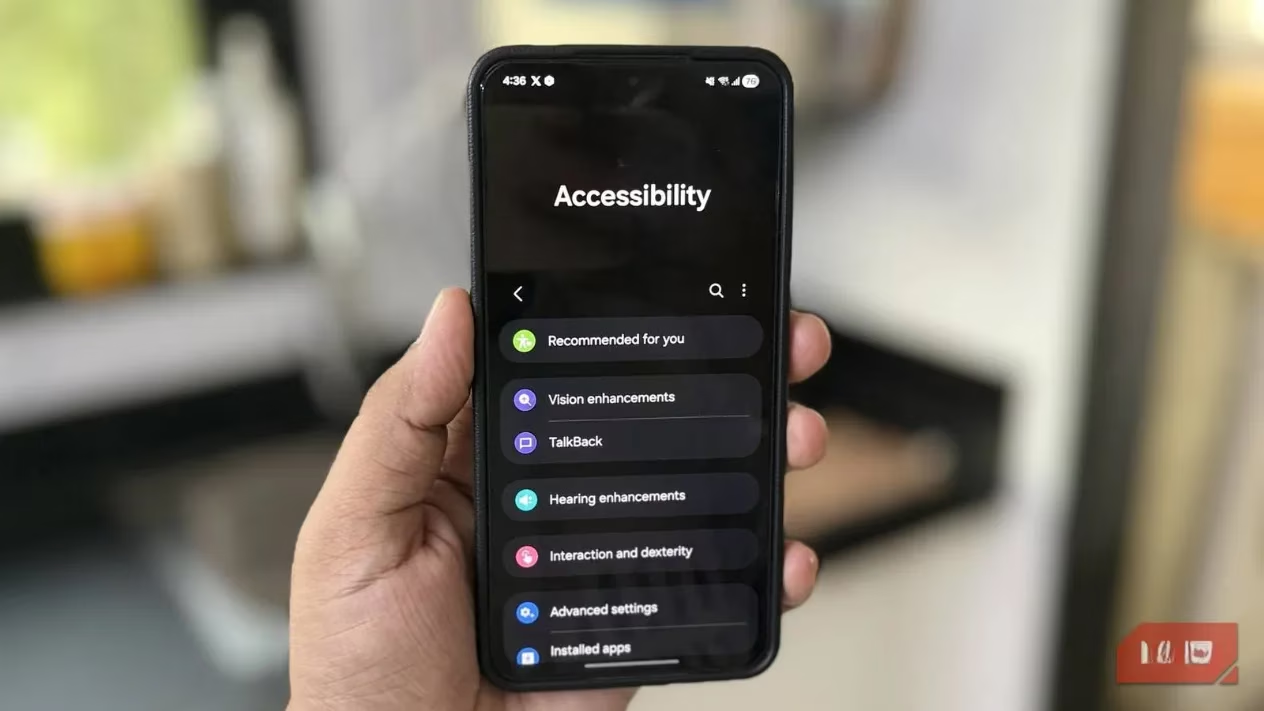
I hold in my palm a universe of glass and light, a device so familiar it feels like an extension of my own hand. Yet, within its digital soul lies a quiet, often overlooked sanctuary: the Accessibility menu. How many of us have hurried past this gateway, assuming it was a realm built for others? I confess, I was one. But what if this hidden chamber wasn't a place of limitation, but a treasury of enhancements waiting to be claimed by all? What if, with a few gentle taps, we could transform our daily digital rituals into experiences of greater ease, clarity, and connection?
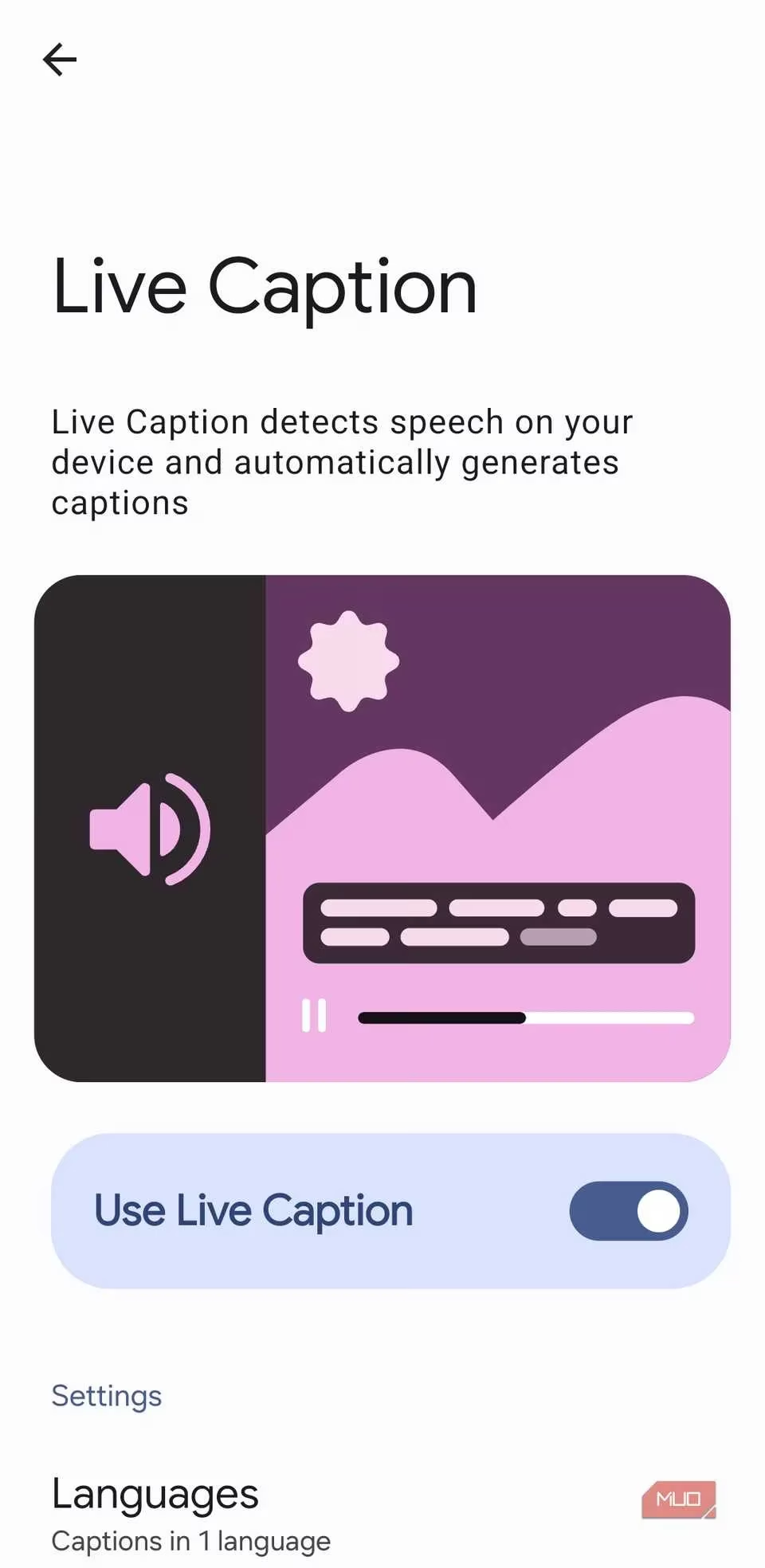
🎧 The Symphony of Silence: Live Caption
In the cacophony of a bustling café or the hushed silence of a shared room, sound can be a barrier. But what if your phone could translate the audible world into a silent, visual poetry? This is the magic of Live Caption. It listens—not with judgment, but with intent—to any audio flowing from your device and paints it in real-time text upon the screen.
-
A noisy commute? Follow your podcast's narrative without missing a beat.
-
A whispered voice message? Read its contents privately, a secret shared between you and the pixels.
-
A phone call in a crowded space? See the words form as they are spoken, and if you wish, type your reply to be voiced aloud by your digital companion.
To invite this silent scribe into your world, the path is simple: Settings > Accessibility > Hearing enhancements > Live Caption. A single toggle, and a new layer of understanding unfolds.
🌙 A Gentle Glow for Weary Eyes: Extra Dim
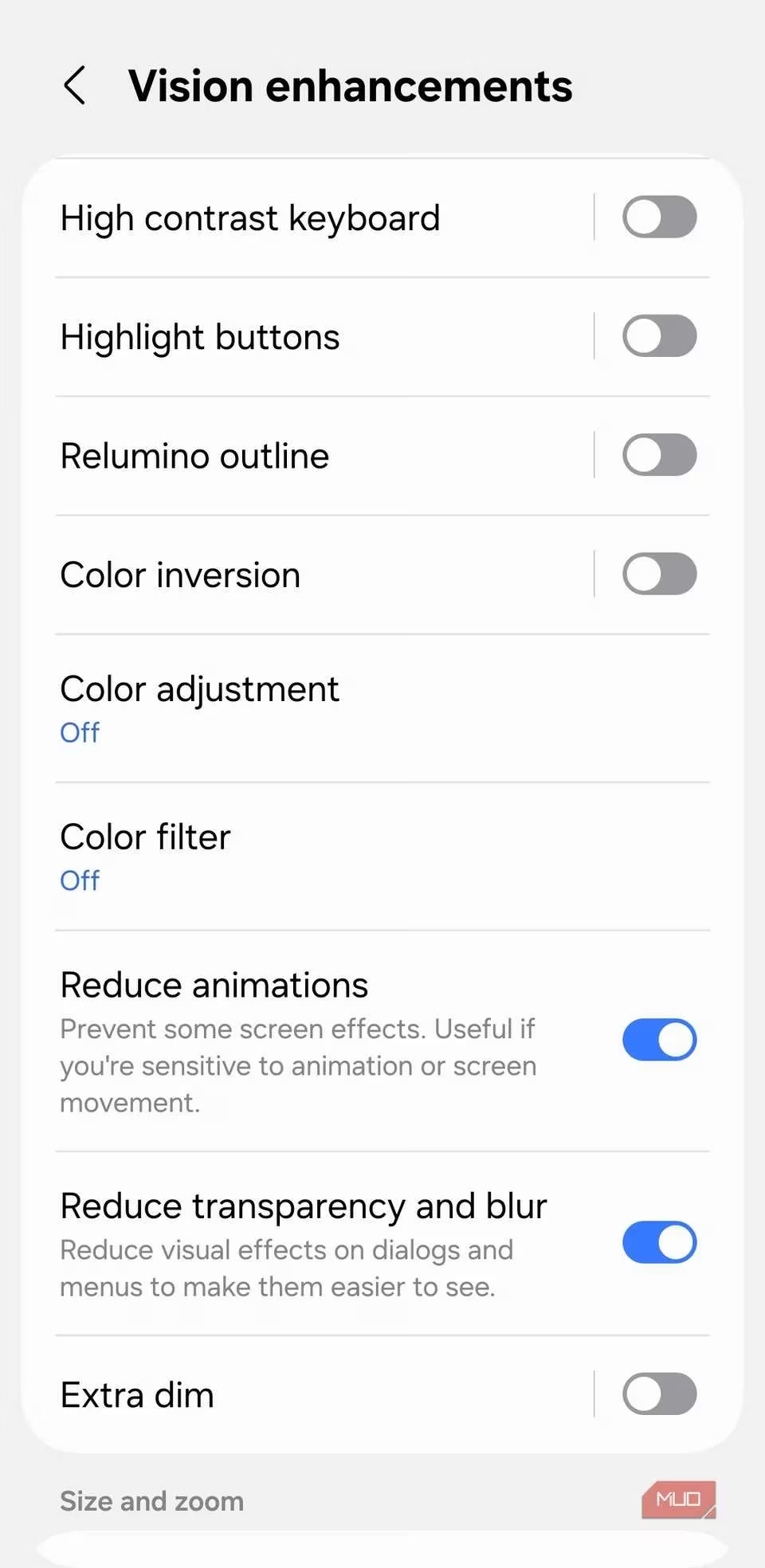
Have you ever felt the piercing gaze of your screen in the deep velvet of night? Even at its lowest official setting, it can feel like a miniature sun. But within the Vision enhancements, a gentle guardian named Extra Dim awaits. It allows the brightness to recede further, into a soft, comforting twilight perfect for late-night reading or checking the time without startling your senses awake. Find this solace under Settings > Accessibility > Vision enhancements. You can even grant it a permanent home in your Quick Settings panel, a lantern always ready to soften the digital night.
🧭 Your Personal Floating Island: The Assistant Menu
Imagine a tiny, loyal satellite orbiting your screen, a movable haven of control. This is the Assistant Menu. A small, persistent button you can place anywhere; a tap unveils a constellation of shortcuts you can shape to your will:
| Shortcut | My Poetic Purpose |
|---|---|
| Screenshot | Capturing a fleeting moment of digital beauty. |
| Magnifier | Bringing the minute details of the world into sharp focus. |
| Power Menu | A gentle gateway to rest or rebirth for the device. |
| Volume/Brightness | Fine-tuning the sensory experience with a single touch. |
It is a boon for one-handed use, a backup for weary physical buttons, a personalized command center. Craft your own under Settings > Accessibility > Interaction and dexterity > Assistant menu.
👂 The Phone That Listens for You: Sound Notifications
When I am lost in thought or drowned in melody, my phone becomes an extra set of ears, ever vigilant. Sound Notifications transform it into a sentinel for the sounds of life. Is that the kettle whistling? The baby stirring? A smoke alarm's urgent cry? This feature listens and delivers a clear, descriptive alert—a quiet nudge from your pocket saying, "Listen, the world is calling." You choose what it hears: from barking dogs to doorbells. Guide it under Accessibility > Hearing enhancements > Sound Notifications.
📞 Conversations, Reimagined
Even the simple act of a call holds possibilities for graceful interaction within this menu. Under Answering and ending calls, I found small revolutions:
-
Automatic Speakerphone: When no Bluetooth companion is linked, let the conversation fill the room effortlessly.
-
Spoken Caller ID: With headphones in, a voice whispers the caller's name, saving me the search through fabric and pocket.
-
Button Remapping: Answer with the volume up, end with the side key—a tactile blessing for gloved hands or hurried moments.
⚡ A Breath of Fresh Speed
For an older device carrying the weight of memories, the Visibility enhancements section offers a lightening of its load. Reduce animations strips away the decorative flourishes between screens, leaving a more direct, responsive path. Reduce transparency and blur clears away frosted glass effects, making text crisper and reclaiming slivers of performance. It’s not about stripping beauty, but about choosing clarity and agility.
As I wander back from this exploration, my phone feels different. It feels considered. The Accessibility menu, I've learned, is not a separate wing for "special needs"; it is the foundational architecture of thoughtful design, offering tools that acknowledge our shared human spectrum of situation and preference. It asks, "How can this experience bend to better serve you?" In 2026, our devices are more powerful than ever, but true power lies not in raw speed, but in this kind of adaptable, empathetic intelligence. So I ask you, fellow traveler in the digital age: when will you open this door and discover the upgrades your pocket-sized universe has been quietly holding for you all along?