
The Unsung Hero in Your Pocket: iPhone's LiDAR is More Than a Camera Trick
Discover how iPhone LiDAR sensor and augmented reality apps revolutionize 3D modeling, spatial awareness, and accessibility with stunning precision.
It was a lazy Sunday afternoon, and our intrepid iPhone user was about to have their mind quietly blown. They opened a design app, half-expecting the usual clunky, glitchy augmented reality experience. Instead, their living room materialized on the screen in a perfect, real-time 3D model, complete with sofa indentations and that suspicious stain on the rug they'd been ignoring. This wasn't magic; it was the silent, unassuming LiDAR sensor in their iPhone Pro, finally stepping out of the shadows to show off. For years, this little piece of tech has been sitting there, humming away, doing far more than just making portrait mode photos look good. It’s been building a secret map of the world, one laser pulse at a time.
So, what is this mysterious LiDAR? 🤔 Think of it as a super-fast, invisible bat. Short for Light Detection and Ranging, it fires thousands of pulses of laser light every second and times how long they take to bounce back. This creates an instant, precise depth map of everything in front of it. While Apple popularized it in consumer phones starting with the iPhone 12 Pro, LiDAR has a storied past, having mapped ancient ruins from the sky and guided self-driving cars long before it ever helped someone decide if a new IKEA Poäng chair would fit. Fast forward to the latest iPhone 17 Pro, and this sensor has evolved into a powerhouse. Teamed up with the phone's brainy A19 neural engine, it now 'sees' the world with higher resolution and faster reflexes than ever, powering everything from cinematic videos to the immersive experiences on the Apple Vision Pro headset.
Once you realize this depth-mapping is happening constantly, the real-world applications start popping up everywhere like digital daisies. Of course, photography gets a massive boost. Low-light shots are clearer, portraits have that creamy, professional background blur (bokeh for the fancy folks), and objects look startlingly realistic. But that's just the appetizer.
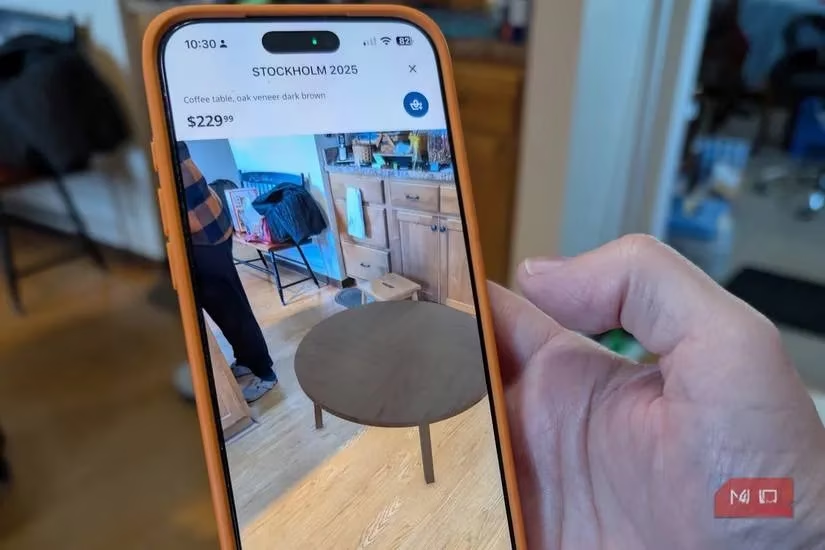
The main course is spatial awareness. Remember that living room scan? Apps like IKEA Place and Apple's own RoomPlan use LiDAR to let you virtually plop furniture into your space. No more guessing if that seven-seater sectional will turn your den into a claustrophobic maze. A simple sweep of your phone, and voilà—you have a 3D blueprint. It’s like having a tiny architect in your pocket, albeit one that works for peanuts (or rather, battery percentage).
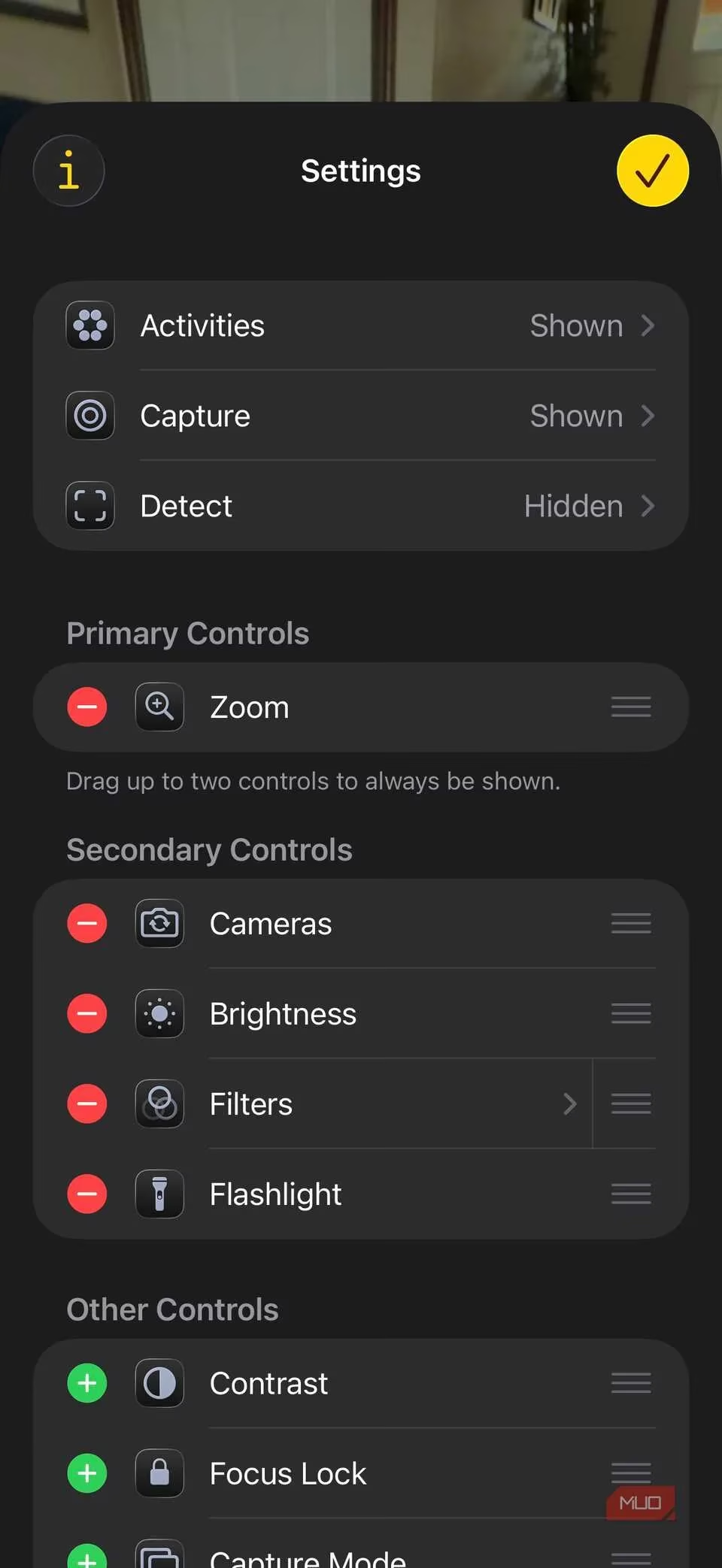
Perhaps one of the most heartwarming uses is in accessibility. The built-in Magnifier app can use LiDAR to detect objects and alert users with visual impairments, turning spatial data into a crucial safety net. It’s a small feature with an enormous impact, proving technology’s best role is often as a silent guardian.
For the creatives, LiDAR is a dream tool. Artists and designers can walk around an object, capture photo-realistic 3D data with pro-grade accuracy, and have a model ready for rendering or 3D printing in minutes. It democratizes high-end scanning, putting power that once required expensive gear right into a smartphone. And let's not forget facial recognition and other camera-assisted apps; they get faster, smoother, and more reliable in the dark, thanks to that constant depth intel.
Okay, so you're convinced LiDAR is cool. But how do you play with it? 🤷♂️ You’ve probably already used it in Portrait mode. To see it in its full glory, check out these apps:
-
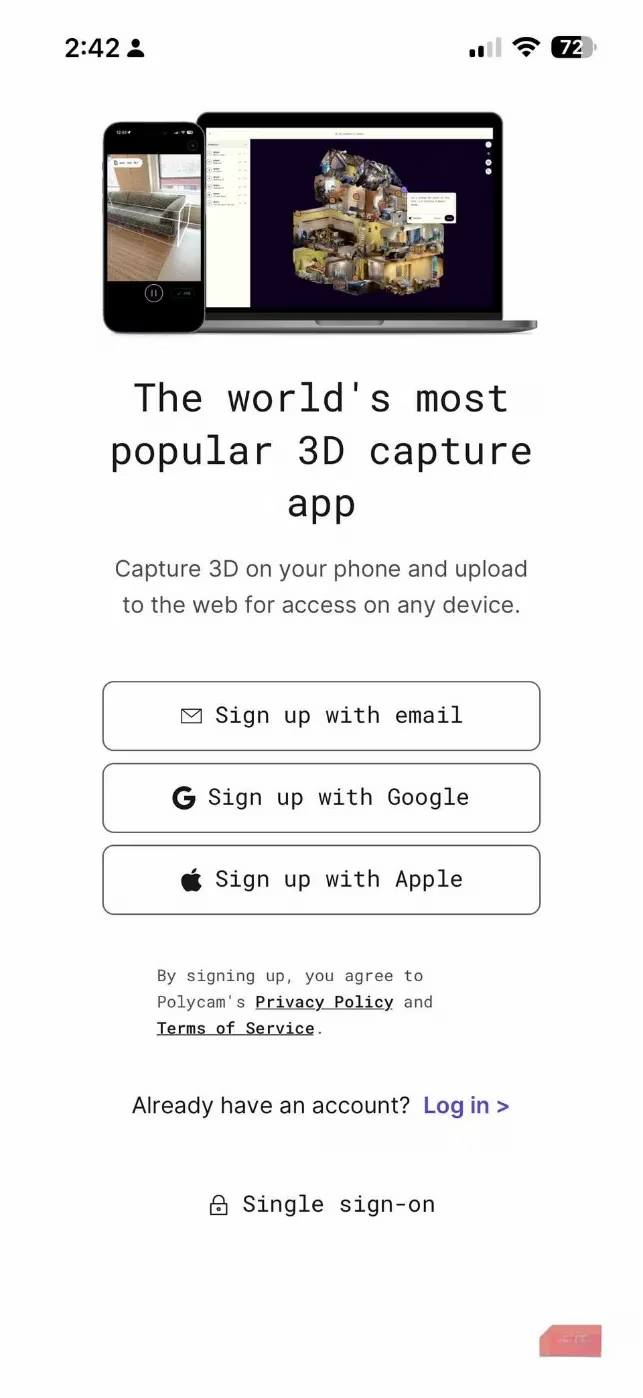
Polycam: The go-to for turning your physical world into digital 3D spaces. Scan objects, rooms, or entire environments quickly. It can even generate 2D floor plans from your scans. Perfect for the digital hoarder who wants a model of everything.
-
Canvas LiDAR 3D Measurements: This one is for the practical folks. Scan a room to get a measurable 3D model with exact dimensions. You can export to CAD or BIM formats—a lifesaver for DIY renovations or professional construction work.
-
SiteScape: The heavy-duty option for architects, engineers, and site managers. It captures inch-accurate 3D scans of buildings and sites, exportable to tools like SketchUp and AutoCAD. It’s basically a surveying team in your pocket.
-
The Native Measure App: Don't overlook the simple stuff! This built-in tool uses LiDAR to act as a shockingly accurate digital tape measure. It can even measure a person's height automatically. No more wondering if you'll fit under that low ceiling!
| LiDAR Superpower | Real-World Benefit | Who It's For |
|---|---|---|
| Depth Mapping | Sharper low-light photos, perfect portrait blur | Photographers, social media enthusiasts |
| 3D Scanning | Virtual furniture placement, room planning | Homeowners, interior designers, DIYers |
| Precision Measurement | Instant room dimensions, object sizing | Contractors, real estate agents, organizers |
| Accessibility | Object detection for the visually impaired | Everyone, promoting inclusive design |
| Creative Capture | Photorealistic 3D models for art & print | Artists, designers, 3D printing hobbyists |
Available on iPhone Pro models since the 12 Pro, LiDAR has quietly become a fundamental pillar of the modern smartphone experience. It’s a brilliant example of how an often-overlooked sensor can unlock a universe of potential, transforming your phone from a mere communication device into a portal for spatial computing, creative expression, and practical magic. So next time you take a portrait mode shot, remember: there’s a lot more going on behind that blur than meets the eye. 😉