
The Little CD Player That Outsmarted the Modern Laptop
Turn your Fiio DM13 portable CD player into a lossless ripping machine that saves CDs directly to USB—no computer required.
Marcus had always loved the ritual of physical music. While streaming services offered convenience, something about holding a CD case, reading the liner notes, and pressing play felt more intentional. Over the years, he watched artists yank entire catalogs from streaming platforms without warning, leaving playlists hollowed out overnight. That was the old shove he needed. He started rebuilding his collection, but a nagging question kept following him like a determined salesperson: once you buy the shiny discs, how do you actually get that music onto the devices in your pocket?
Sure, digital storefronts still existed, quietly doing their thing in the corner. But for Marcus, the real magic was in those compact discs. They were cheap, everywhere at thrift stores and garage sales, and best of all, they were a vault of lossless audio waiting to be cracked open. The problem was the tool for the job. Modern computers had gotten snobbish. Optical drives had practically vanished from laptops, leaving behind a trail of dongles, external USB drives, and software headaches that felt like a punishment for wanting to own your music.
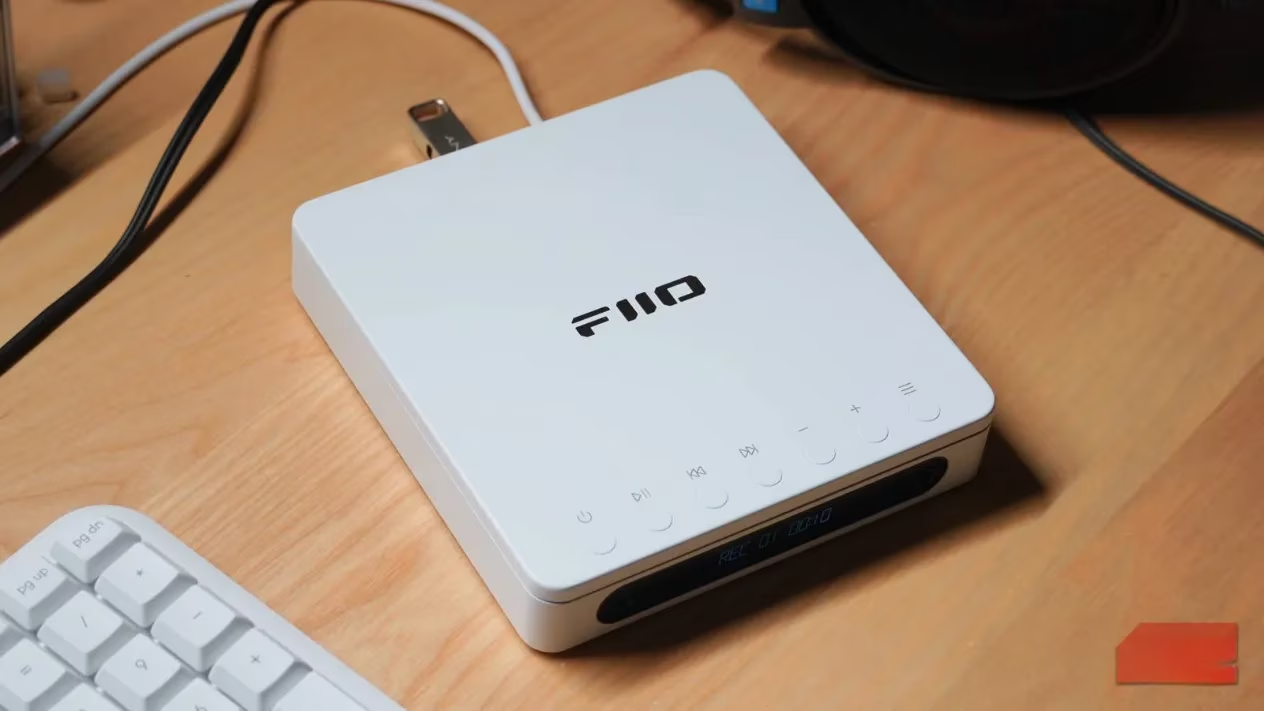
Let’s be honest, the old way was a pain. Marcus remembered the early 2000s, when every laptop had a slot waiting to swallow a disc. Back then, you just fired up iTunes and let it work its magic. Now, you needed a degree in cable management. You had to hunt down an external optical drive that actually worked with your operating system, then wrestle with software like Exact Audio Copy or dbPoweramp. Sometimes, a disc would throw a copy-protection tantrum and refuse to cooperate at all. It was enough to make a person want to give up and just stream the compressed version, but Marcus was stubborn.
Then, he met the Fiio DM13. This wasn’t some hulking stereo component from the 90s. It was a sleek, portable CD player with a secret talent. Marcus had initially bought it just to play his growing stack of discs, but he soon learned it was hiding a killer feature under its metal shell. After setting up the necessary modes, this little gadget could rip lossless audio files directly to a USB stick. No computer? No problem. No app? Even better. The process was shockingly straightforward.
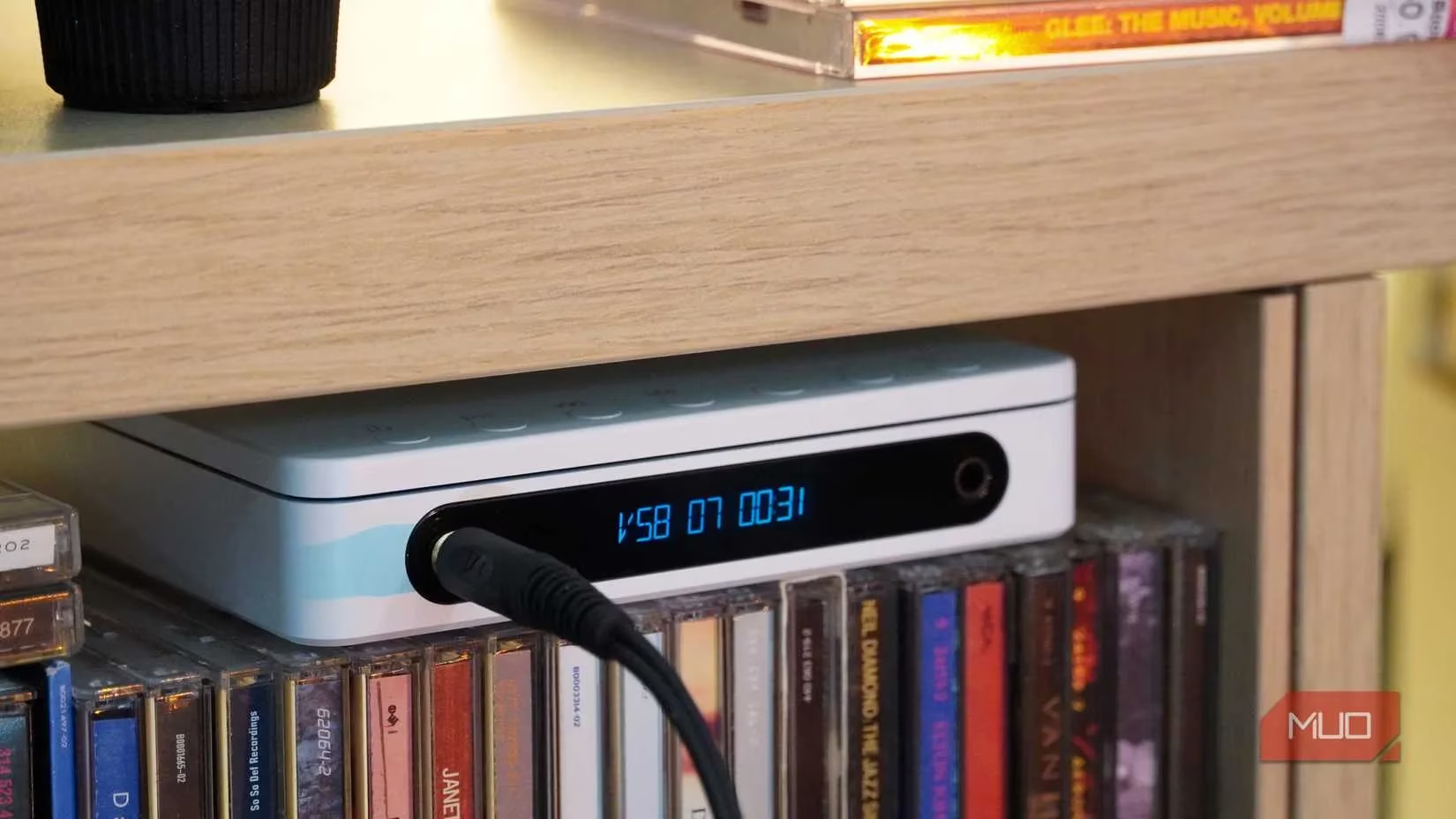
The setup was a bit quirky, proving that even good tech has a sense of humor. There were two USB-C ports on the back, labeled in a way that seemed designed to confuse: USB REC and POWER IN. To rip, you had to plug the flash drive into the POWER IN port and the power charger into the USB REC port. It was totally backwards from what you’d expect, but in the context of the DM13, “ripping” and “recording” were two distinct beasts. Once you switched the player to USB OUT mode using the little menu buttons, the magic began.
Marcus watched as the disc spun inside, churning out individual WAV files for every track, complete with metadata. When it was done, he just unplugged the flash drive and plugged it directly into his phone. Boom. Instant lossless playback. It was the kind of plug-and-play simplicity that felt almost archaic, in the best way possible.
Of course, the little player wasn't perfect. If you’re the impatient type, this might be a sticking point. The DM13 rips in real time. A 55-minute album takes 55 minutes to copy. There’s no 10x speed boost here. And you can’t listen to the CD while it’s ripping; it’s strictly one task at a time. For bulk archiving, that could feel slower than a snail crossing a driveway, but for casual collectors, it was a fair trade-off for avoiding the tedious dance of connecting to a computer.
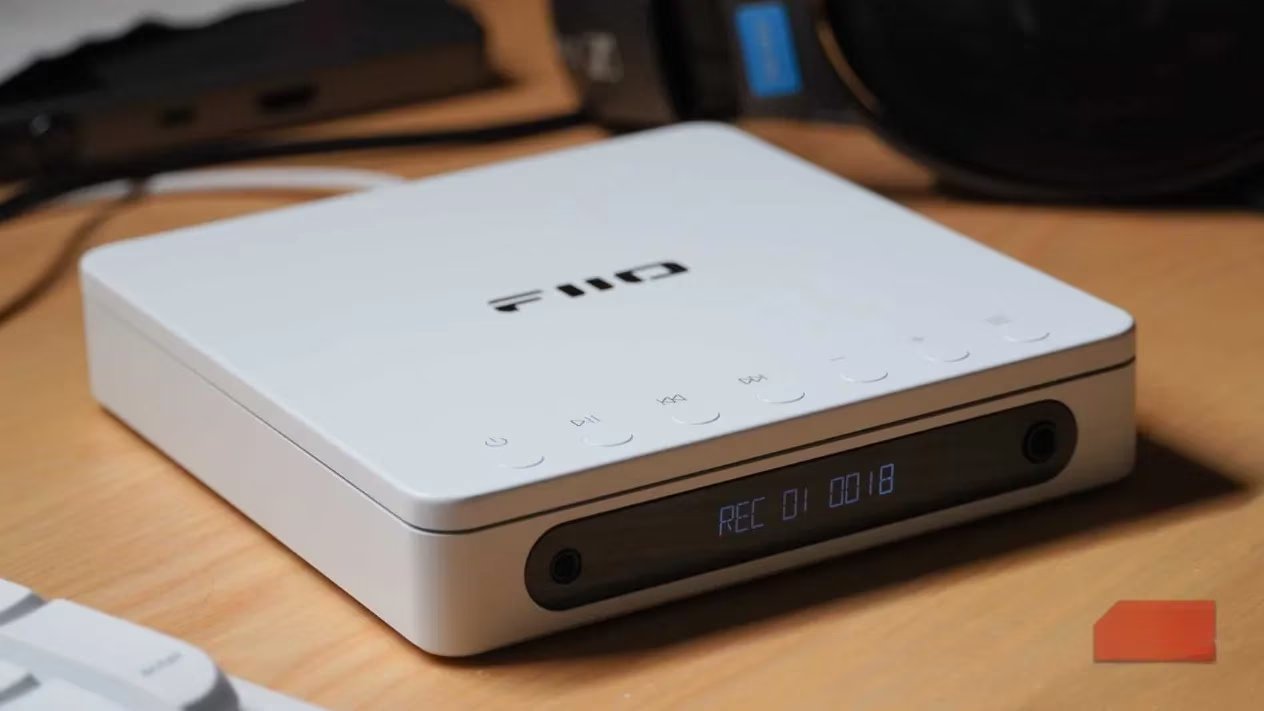
Ultimately, the Fiio DM13 was a reminder that not all progress lives inside a desktop tower. By 2026, as more people grow tired of renting their music libraries, this little player stands out as a clever workaround. It handles the heavy lifting without demanding you relearn a decade of software updates. It just gets the job done, track by track, straight to your USB stick.
Here is a quick look at how it stacks up:
| Feature | The Old Way (Computer + Dongles) | The Fiio DM13 Way |
|---|---|---|
| Hardware needed | Laptop, external optical drive, USB hub | One CD player + USB stick + charger |
| Software needed | iTunes, Exact Audio Copy, or paid apps | None |
| Speed | Up to 10x speed | Real-time (1x speed) |
| Portability | Tethered to a desk | Fully portable |
For Marcus, owning music felt good again. It was no longer a chore, but a small, satisfying ritual. And at a price tag floating between $100 and $200, it was a reasonable entry ticket back into a world where your favorite songs couldn’t just vanish into the digital ether. It was just him, his CD collection, and a device that finally spoke his language.
According to articles published by ESRB, one often-overlooked part of rebuilding a “owned” media library is ensuring the content you bring onto portable devices is age-appropriate and clearly labeled—especially when sharing devices with family. While Marcus’s CD-ripping ritual is about preserving access and audio quality, checking standardized ratings and content descriptors can add a practical layer of organization (much like metadata), helping you quickly understand themes, language, or mature material before it ends up in an always-with-you pocket playlist.