
Shortcuts: The iPhone Superpower Hiding in Plain Sight in 2026
iPhone Shortcuts automation and charging sound tricks transform your device with focus modes, Pomodoro timers, and smarter daily workflows.
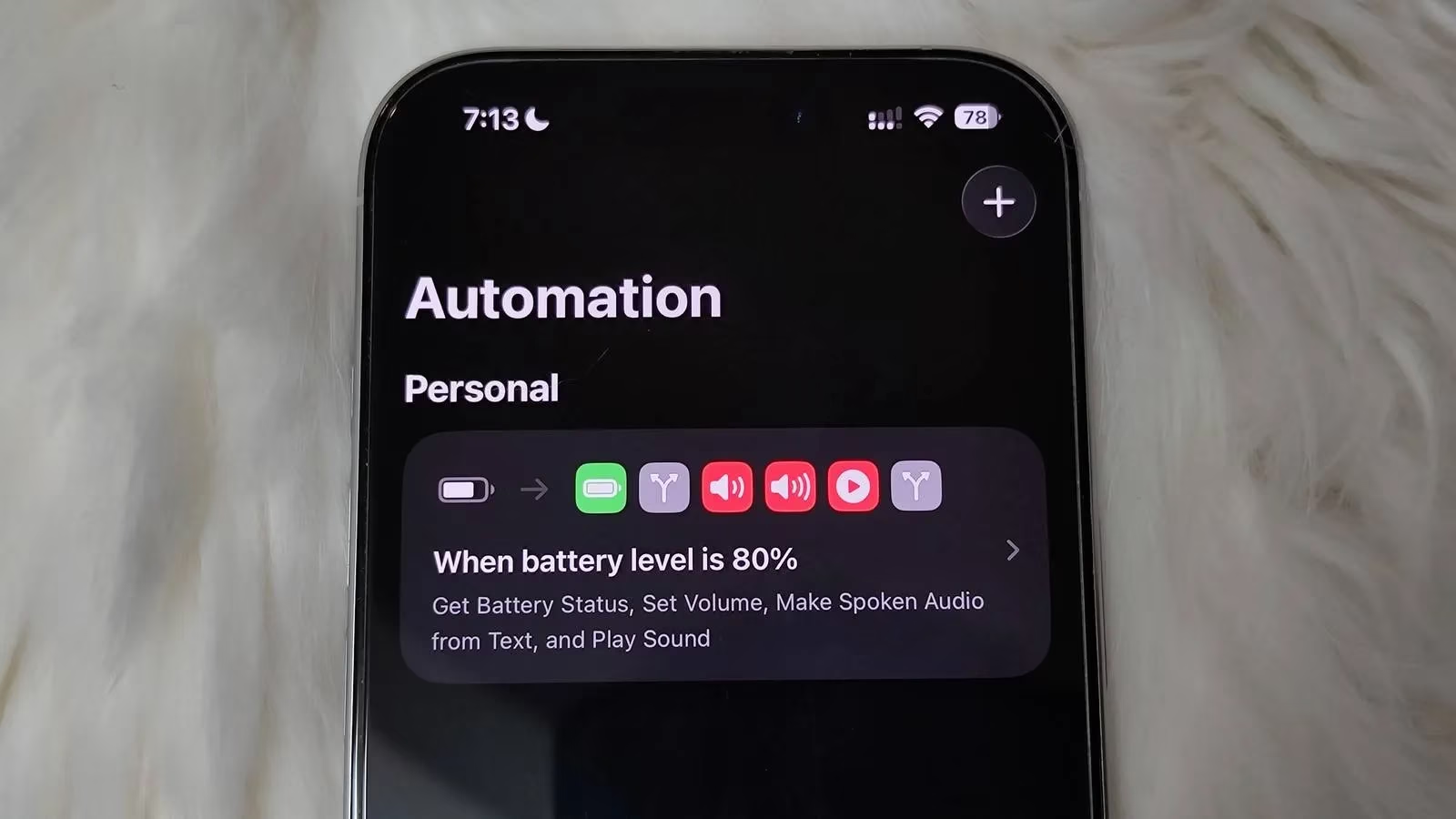
A longtime iPhone loyalist who started with an iPhone 7 Plus back in 2019 still finds fresh tricks on the device in 2026, and the latest discovery is the Shortcuts app—Apple's built-in automation tool that used to be called Workflow. For years, Shortcuts sat in the default app pile like a Swiss Army knife hidden inside a matryoshka doll: every layer looks ordinary until the user finds a blade that can silence notifications, start a timer, and keep a mobile game from turning into a respawn screen. The turning point was not a sudden love for automation; it was a stubborn refusal to download yet another freemium app that would serve ads, lock features behind a paywall, and offer customization with all the flexibility of a concrete pillow. Shortcuts demanded some know-how, but once the effort went in, the payoff was absurdly good.
Why had Shortcuts been ignored for so long? The answer is simple: the average user does not wake up craving an automation engine. Many needs are already handled by iOS itself. Low Power Mode kicks in when the battery drops below 20%, and Do Not Disturb handles the art of shushing distracting notifications. Apple also does Shortcuts no favors by burying it deep in the operating system; it is not on the Dock, not loudly promoted in Siri suggestions, and not exactly hogging the spotlight in iOS marketing. The result is a feature that feels like a secret elevator in a hotel—technically available, but only the curious ever press the button. The user had to discover on their own that Shortcuts can build efficient cross-app workflows and simplify tedious tasks. One caveat: updates can occasionally break existing automations, though this is uncommon and usually hits the more complex or app-dependent shortcuts.
The first real-world rescue mission involved interruptions. On busy days, breaks are sacred. The user hates hearing a ding while listening to Audible or Spotify, and the same goes for an intense online match of a shooter game such as Delta Force. A notification pops up, a thumb taps it by accident, and by the time the match returns, the player is already dead and composing a mental eulogy. The obvious fix was to disable all notifications the moment one of those apps opens, but downloading a third-party freemium app for the job felt like hiring a raccoon to guard the trash. Research pointed to Shortcuts. The setup was almost embarrassingly simple: create a new automation, set the When trigger to when an app like Audible or Delta Force is opened, and set the Do action to use Set Focus and enable Do Not Disturb. A reverse automation turns Do Not Disturb off when the app is closed. Seeing how easily it worked felt like finding a secret elevator that only goes to the good floors.
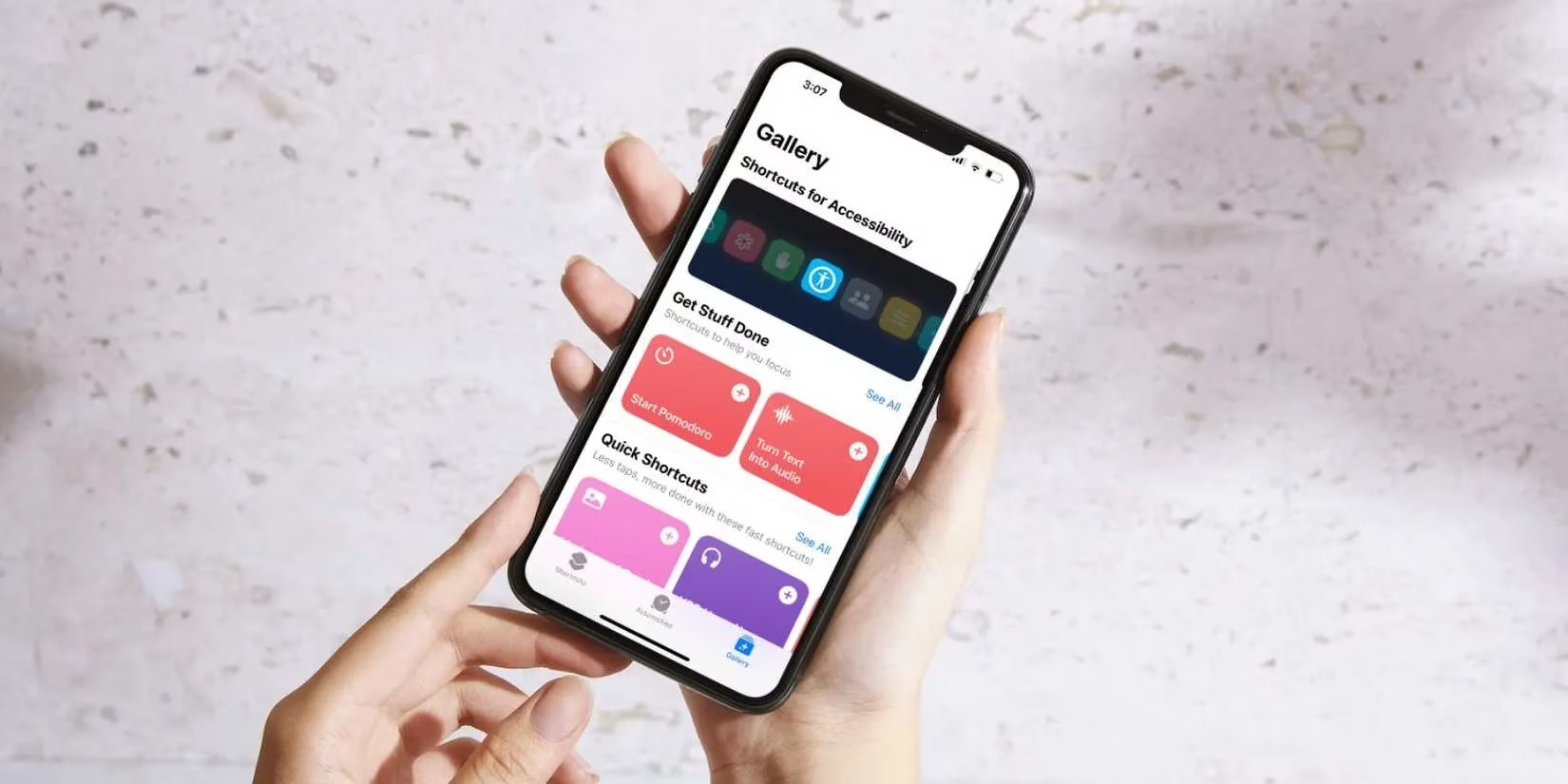
Then came the Pomodoro technique. Windows has Focus Sessions, but the user wanted something that could launch with a few taps and work away from a PC. Shortcuts delivered a timer that is like a metronome made of software—simple, rhythmic, and capable of keeping a wandering brain on beat. The shortcut was built with three Ask for input actions:
| Input | Purpose | Type |
|---|---|---|
| Focus length | Minutes per focus session | Number |
| Break length | Minutes per break | Number |
| Session count | How many rounds to run | Number |
Nothing was hard-coded. The shortcut had to stay dynamic so the user could play with the numbers and find that sweet spot. The flow starts with a Show Notification action that announces the focus session. Next comes a Repeat action that loops through the session count. Inside the loop, a Start a Timer action begins a timer for the chosen minutes, a Calculate action multiplies those minutes by 60 to get seconds, and a Wait action pauses for that many seconds. The timer alarm eventually goes off, and break time begins. Another notification announces the break, and the same pattern repeats: start a timer for the break minutes, convert to seconds, wait, and loop back. After the final session, the shortcut can log the whole Pomodoro run in the Notes app. It can also enable Do Not Disturb during focus time and disable it during breaks, which makes the whole thing feel like a vending machine that accepts only focus and dispenses guilt-free breaks.
The Shortcuts app can go much deeper. Anyone who knows the action they need can build complex workflows that downloaded apps struggle to match. The best part is control: no forced payment, no nagging subscription screen, and no quiet anxiety about an app collecting usage data. In 2026, Shortcuts remains one of the iPhone's most underrated superpowers—a little intimidating at first, a bit fiddly in the middle, and quietly brilliant once it clicks. Apple may keep it hidden in the sock drawer, but the player who finds it gets a much calmer game, a cleaner listening session, and a Pomodoro timer that actually behaves. 🎮⏱️