
Permission Purge: The Secret Battery Savior for Android Phones
Boost Android battery life dramatically by auditing app permissions. Restrict background activity and location access to eliminate silent power drains. Simple permission tweaks can double your phone's stamina without sacrificing functionality.
For ages, our intrepid smartphone warrior thought their dwindling battery life was just the inevitable fate of aging hardware. Bigger screens, beefier processors, and constant connectivity? Yeah, they’re total juice-guzzlers. Twice-daily charges and a perpetually packed power bank were just part of the daily grind. But then, a lightbulb moment! 🤯 Instead of resigning to a life tethered to outlets, they dove headfirst into the labyrinthine Settings app. The game-changing move? A ruthless audit of app permissions. Holy battery life, Batman! Within days of revoking just three pesky permissions, their phone’s stamina nearly doubled. No app purges, no living in dimly lit Low Power Mode purgatory. Just telling apps to stop doing stuff they had no business doing. Turns out, permissions are the silent battery assassins lurking in plain sight.
1. Background Shenanigans: The Stealthy Drain
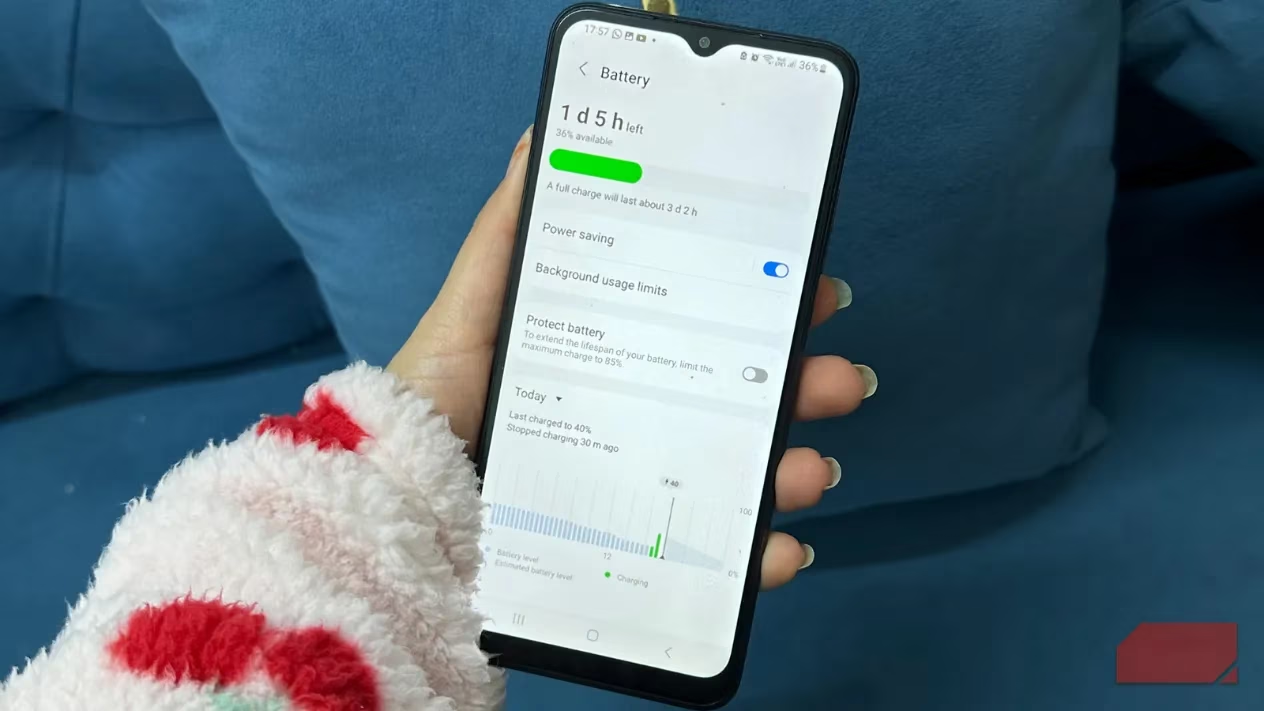
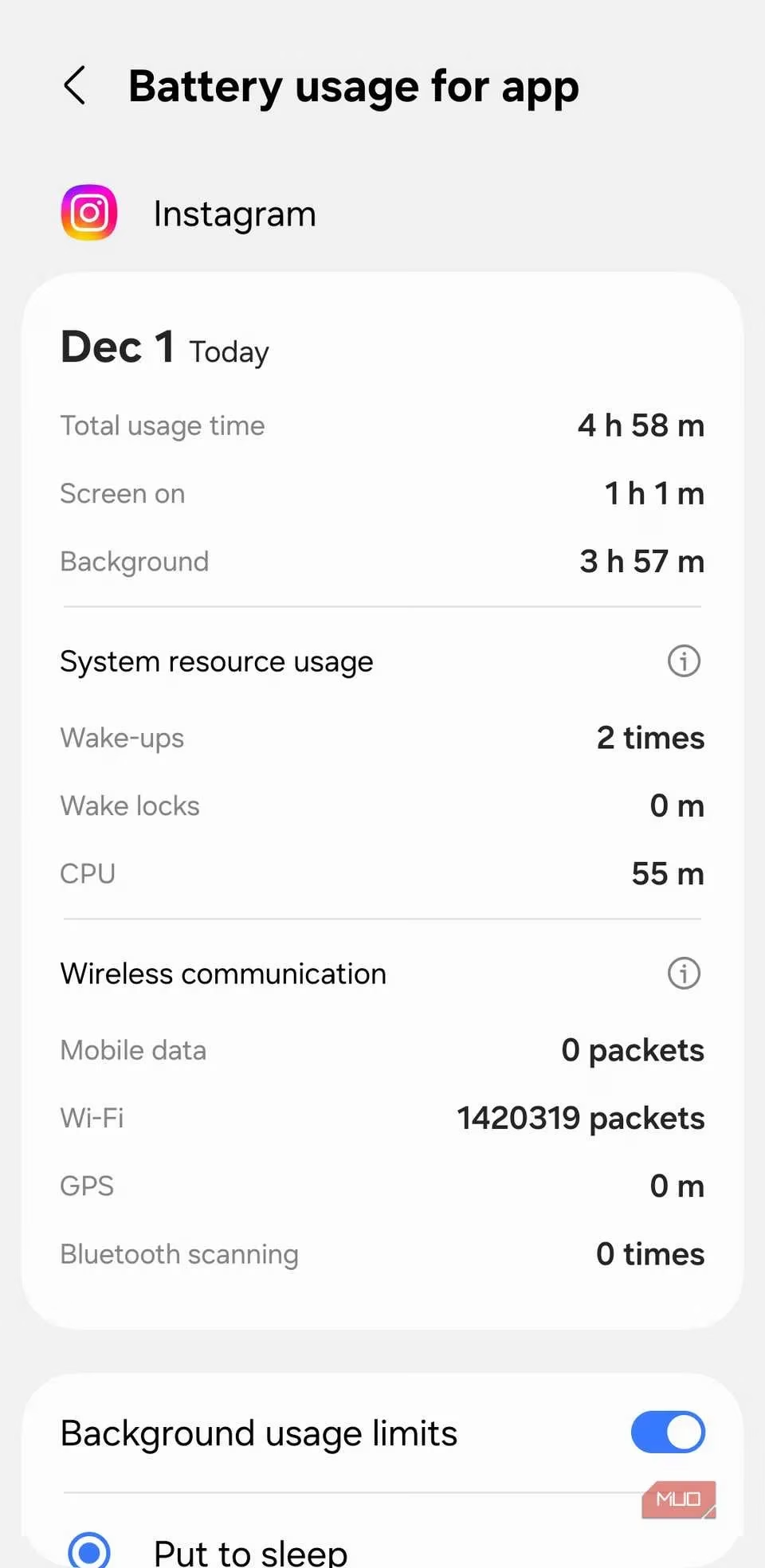
Much like iPhones have Background App Refresh, Android lets apps run wild in the background by default. Super convenient for getting the latest cat memes the second you open Instagram? Sure. But for apps you barely use? It’s like leaving all your faucets running 24/7. Our hero discovered apps they hadn't touched in weeks were still chugging away, syncing data and sipping precious battery life like it was free lemonade. The fix? Ruthless restriction!
-
The How-To:
Settings>Apps> [Select App] >Battery>Restricted. Boom. Background activity neutered. -
Pro Tip: Cloud storage? Needs it. That hyper-casual bubble shooter game you play once a month? Nope. Restrict it, pronto!
2. Location, Location, Depletion! 🔋➡️📉
If permissions were battery vampires, location access would be Count Dracula himself, especially when set to "Allow all the time" with precise location. This setting turns on GPS, Bluetooth, Wi-Fi, and sensors – a full-blown power-hungry orchestra! 🎻 Our investigator was shocked to find shopping apps and social media demanding constant, pinpoint tracking. Seriously, does your grocery delivery app really need to know your exact coordinates while you sleep?
-
The Fix:
Settings>Location>App Permissions. Get medieval on those permissions! -
Smart Swaps:
-
Navigation/Ride-Hailing: Keep "Precise, All the time" (Accuracy matters!).
-
Weather/News: Switch to "Approximate only" (Saves tons of juice!).
-
Social Media/Shopping: Just say "No"! Or set to "While using the app" only. Ain't nobody need Instagram tracking their midnight snack run.
-

3. The Nearby Device Scavenger Hunt 🕵️♂️
Even with Bluetooth off, your phone might still be playing hide-and-seek with nearby devices if apps have permission. While handy for quick pairing or sharing, letting rarely-used apps constantly scan is like sending your phone on endless, energy-sapping treasure hunts for no treasure. Each scan is small, but they add up, preventing deep sleep and causing that dreaded idle drain. 😴 Our permission slayer found apps they barely knew existed still had this power.
-
The Purge:
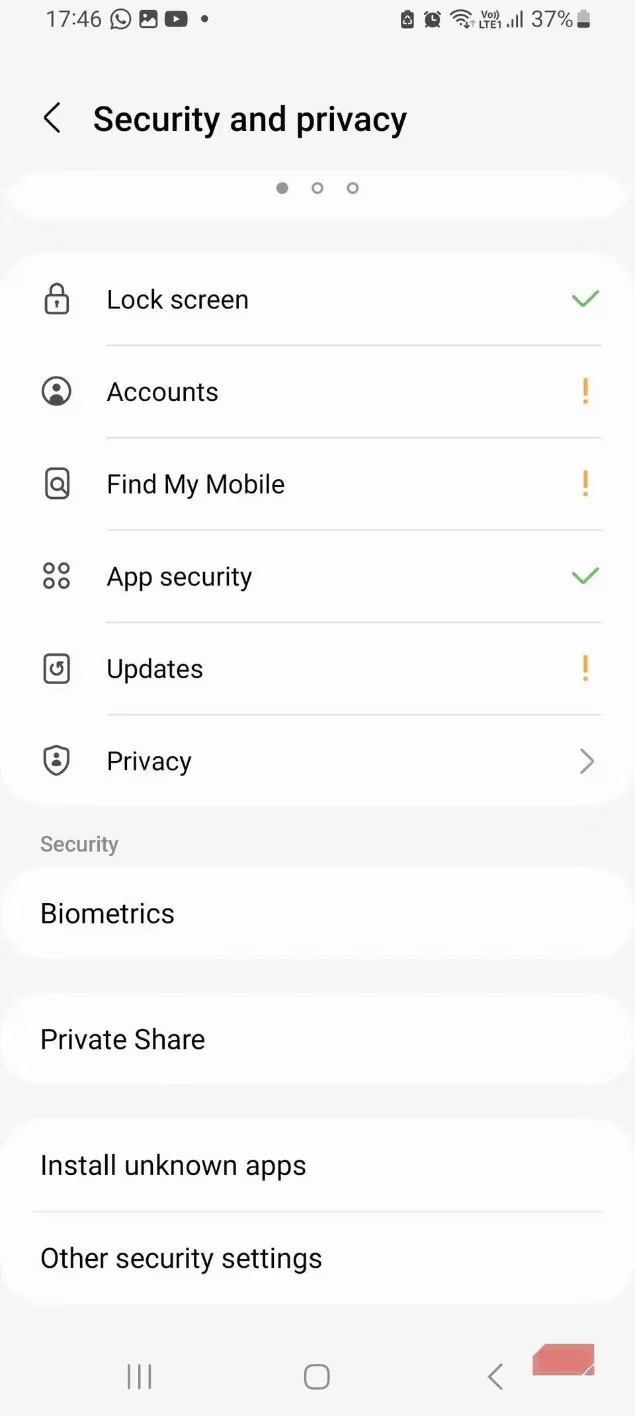
Settings>Privacy>Permission manager>Nearby devices. Revoke access for anything non-essential. -
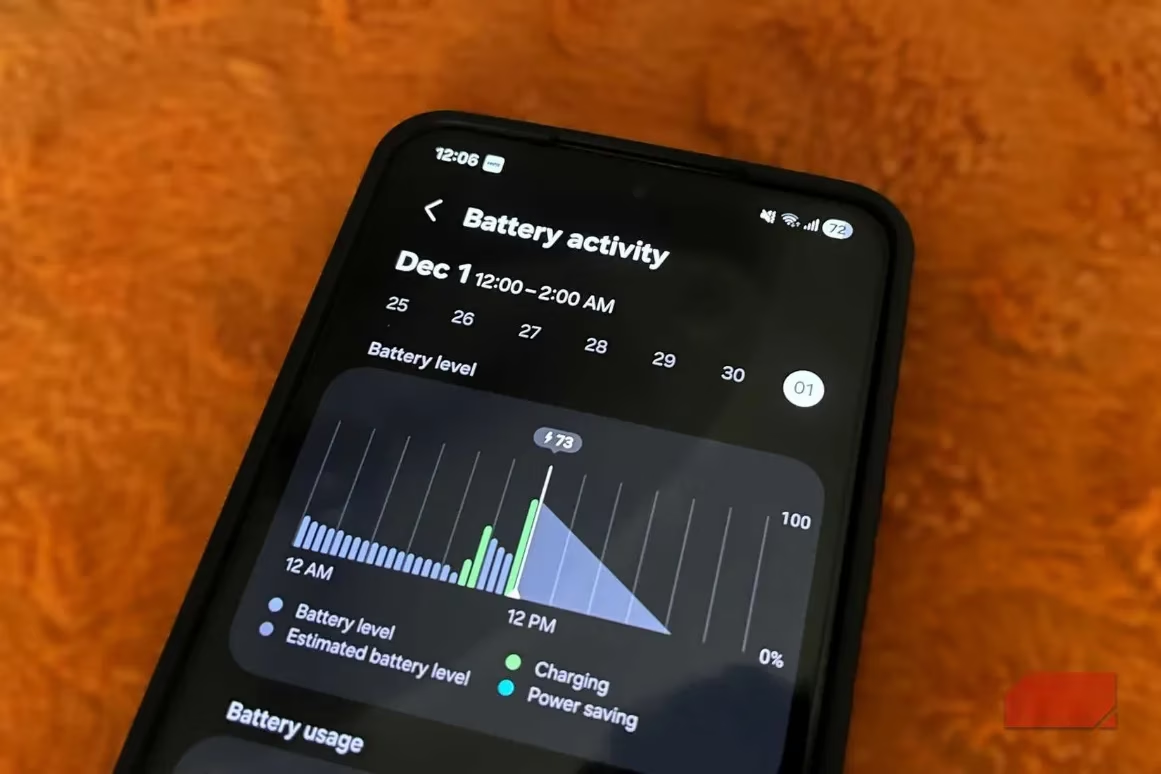
Result: Flatter battery graphs! More screen time! Less anxiety! Winning! 🏆
The Glorious Aftermath: From Power Bank Prisoner to Free-Range Phone User
Before the Great Permission Purge of 2025, life was bleak:
| Symptom | Before Purge | After Purge |
|---|---|---|
| Daily Battery Life | Barely 1 day | ~1.5 days |
| Overnight Drain | ~15% 😱 | ~5% 😴 |
| Phone Temperature (Idle) | Warm & Toasty | Cool as a Cucumber 🥒 |
| Midday Charging Anxiety | Constant Companion | Gone! |
| Power Bank Dependency | Essential Luggage | Gathering Dust |

Permission Prudence: Don't Go Nuclear! ☢️➡️🙅♂️
The goal wasn't to create a digital hermitage by disabling everything. It was strategic:
-
Notifications: Trimmed the fat from rarely-used apps, kept essentials. No need to live under a rock!
-
System Apps: Left core permissions alone. Messing with these is asking for trouble (instability, worse battery!). 🤯
-
Wi-Fi: Kept it on. Turning it off saves minimal juice and sacrifices too much convenience.
-
Mic/Camera: Monitored closely. Revoked only for apps with zero legitimate need (Why does that calculator app want mic access?!). Didn't blanket-ban.
The Bottom Line: Your Phone's Secret Second Life 🔋✨
Modern smartphones are marvels of efficiency, but rogue permissions are like kryptonite. Apps don't even need to be open to be battery bandits; all they need is permission to run amok. By reigning in background activity, location gluttony, and unnecessary nearby device scans, our hero essentially gave their phone a free battery upgrade. Forget shelling out for a new phone or a fancy power bank just yet! Spare 15 minutes. Dive into your Settings. Be a permission detective. You might just unlock a whole new lease on life for your trusty Android companion. Small tweaks, massive gains – that's the real magic. ✨