
One Cable to Charge Them All: My 3-in-1 Charging Cable Story
A 3-in-1 charging cable replaces multiple charging cables, charging Lightning, USB-C, and micro-USB devices from one compact, tangle-free lead.
Last weekend I packed for a day trip and realized I had not touched my tangle of charging cables in months. I used to be the person with a drawer full of cables. Sound familiar? I owned multiple charging cables, yet I was always juggling three or four of them to keep my phone, power bank, headphones, earbuds, and an old feature phone alive. It was messy, frustrating, and it caught me off guard more than once when I was away and did not have the right cable for the device that was about to die.
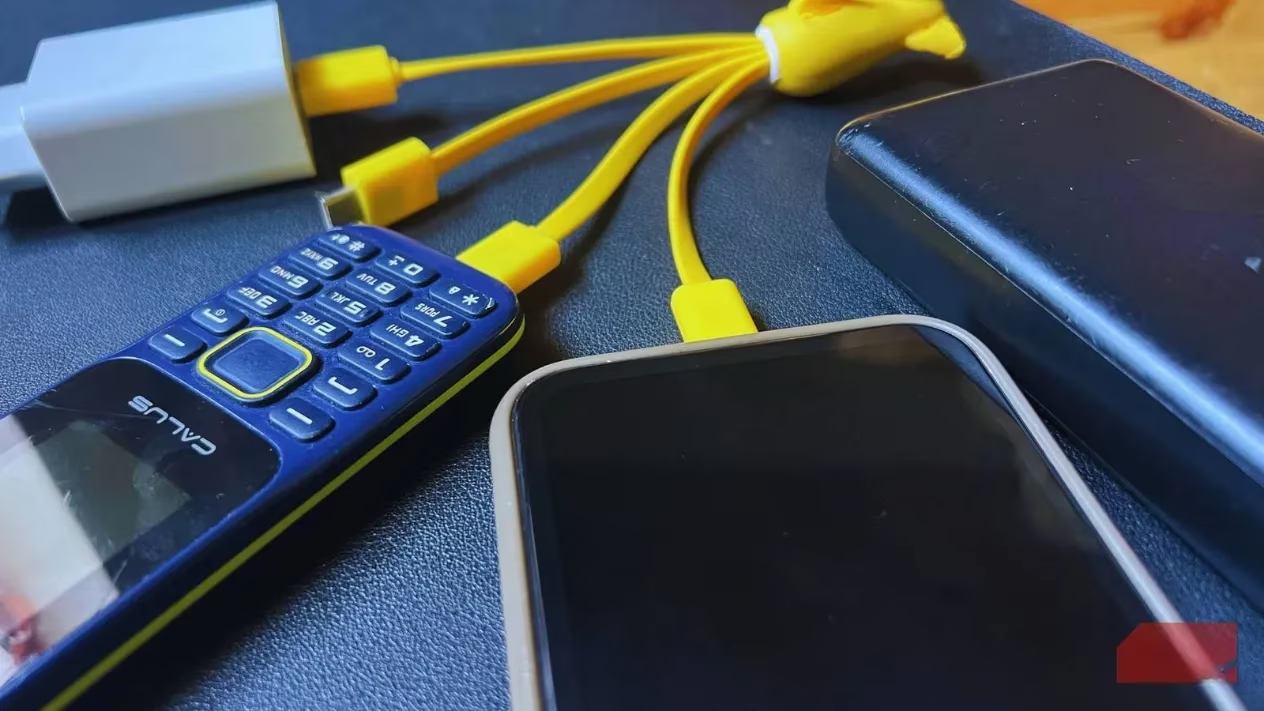
Here is the thing: in 2026, USB-C is everywhere. New phones, tablets, laptops, headphones, power banks, and even monitors increasingly use it. The EU common charger rules pushed the industry in that direction, and it has made life easier for anyone buying new gear. But my own bag is still a small museum of ports. My power bank from around 2020 uses micro-USB. My headphones use USB-C. My feature phone uses micro-USB. My older iPhone still uses Lightning. Why would I carry three cables for four devices? Or four cables for six devices? That was the question I kept asking every time I zipped up my backpack.
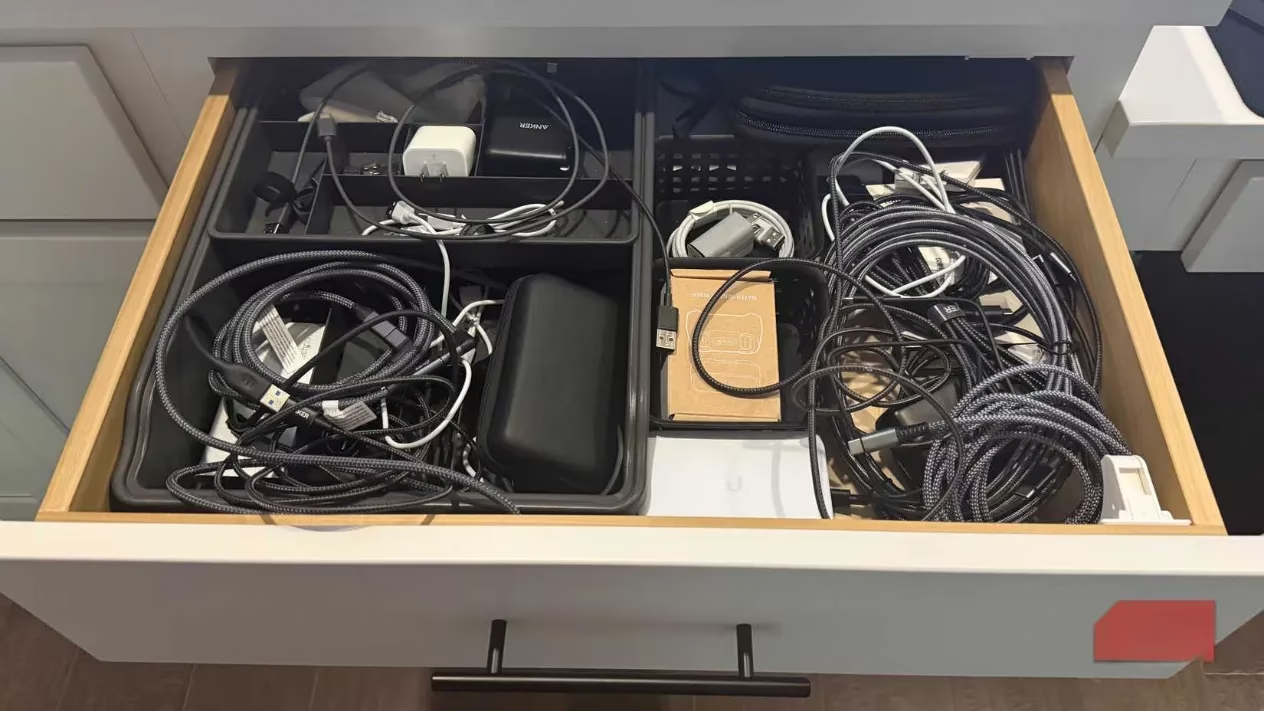
For years, I assumed the answer was organization. I tried cable ties, pouches, and even one of those roll-up organizers. They helped for a week, then the drawer returned to its natural state: a nest of connectors that somehow always hid the one I needed. The real fix was not organizing more cables. It was carrying fewer cables.
Then I stumbled across a 3-in-1 charging cable. Mine is a generic, no-name cable. I did not expect much, but it has been in my bag for over a year without a problem. It is simple: one USB-A plug for the charging brick or a USB-A extension strip, and three device heads for micro-USB, USB-C, and Lightning. That means it can charge my iPhone, my feature phone, my earbuds, my power bank, my headphones, and even an older Android tablet. It is compact, tangle-free, and the flexible material has not frayed after months of being shoved into pockets and bags.
| Device | Port | Charged by the same cable? |
|---|---|---|
| Older iPhone | Lightning | ✅ |
| Feature phone | micro-USB | ✅ |
| Power bank | micro-USB | ✅ |
| Headphones | USB-C | ✅ |
| Earbuds | USB-C or micro-USB | ✅ |
| Older Android tablet | micro-USB | ✅ |
Is it a perfect cable? No. The catch is speed. Many multi-charging cables and adapter kits do not support fast charging, even when the product title says fast charging. I learned to read the details instead of trusting the headline. In my experience, the cable is no slouch: with an 18W charging brick, it can top up my 20,000 mAh power bank in a few hours. I have not measured exact wattage, and I would not expect it to power a high-end laptop at full speed. If you need 65W or 100W USB-C charging for a laptop, check the specs carefully. Also remember that when a multi-cable splits its output across several devices, each device may charge more slowly.
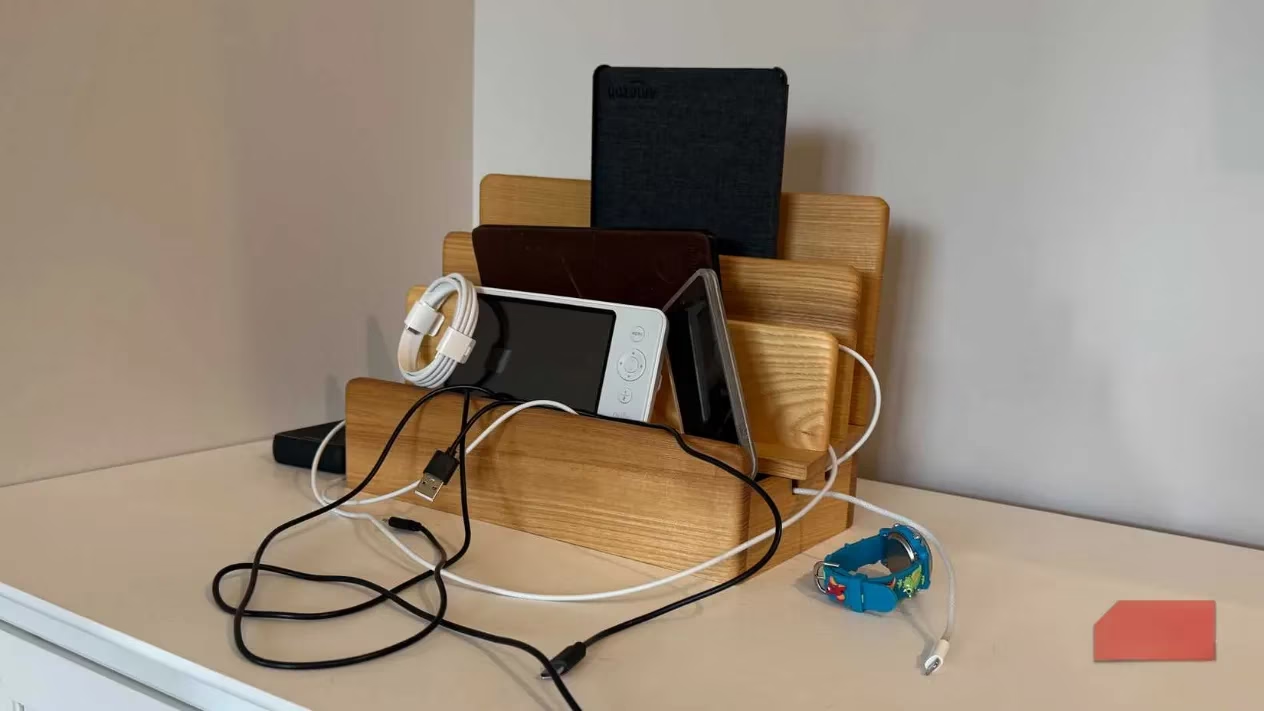
That trade-off is worth it for me. When I go on a day trip, I do not pack a separate cable for every device. I grab my power bank and this one cable, and I am good. The cable has earned a permanent spot in my bag because it solves the actual problem: different ports. It is not about having the fastest cable in the world. It is about having the right connector when a device is at 2 percent and I am far from home.
If you are shopping in 2026, there are several options. The Anker Powerline II is a well-known 3-in-1 cable with micro-USB, USB-C, and Lightning connectors. Idison's multi-charging cable offers a similar setup with a longer cable, which is handy. Aioneus also makes a comparable multi-cable. If you already own good cables and just want to reduce clutter, a cheap adapter kit such as the Jadebones kit can turn your existing cable into a multi-device tool. The important thing is to check charging speeds and supported protocols before you order.
So, do you really need a separate cable for every device? Not if you choose the right multi-charging cable. If every device you own is USB-C, congratulations: one cable really is enough. But if you are like me, with a mix of Lightning, micro-USB, and USB-C devices, a 3-in-1 cable is a small purchase that removes a surprisingly large amount of daily friction. It may not be the fanciest gadget in my bag, but it is one of the most useful. And that is why a simple cable felt like hitting the tech jackpot.