
My USB-C Cable Journey: Why That Old USB-A Adapter Won't Fast Charge Your Phone in 2026
Discover why USB-C cables and the crucial CC pin are essential for true Power Delivery fast charging, unlike outdated USB-A to USB-C adapters.
Let me tell you about my recent deep dive into the world of USB-C cables. It all started when I was trying to figure out why my fancy new 100W laptop charger was barely trickling power into my phone when I used this old, trusty-looking USB-A to USB-C adapter. I mean, come on! The charger said 100W right on the box, but my phone was charging like it was 2010 again. This sent me down a rabbit hole, and what I discovered about those tiny pins and hidden wires was a real eye-opener. USB-C is this incredible piece of engineering, a masterpiece really, but it's only as good as the cable connecting it.
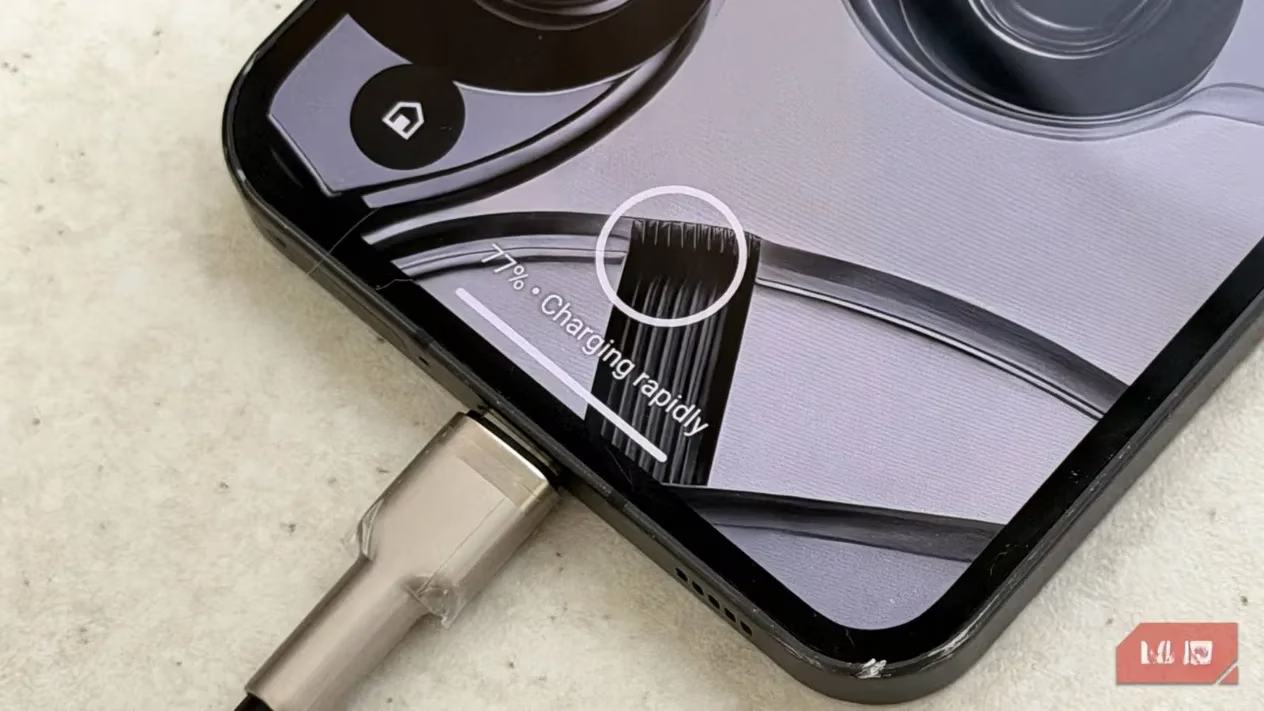
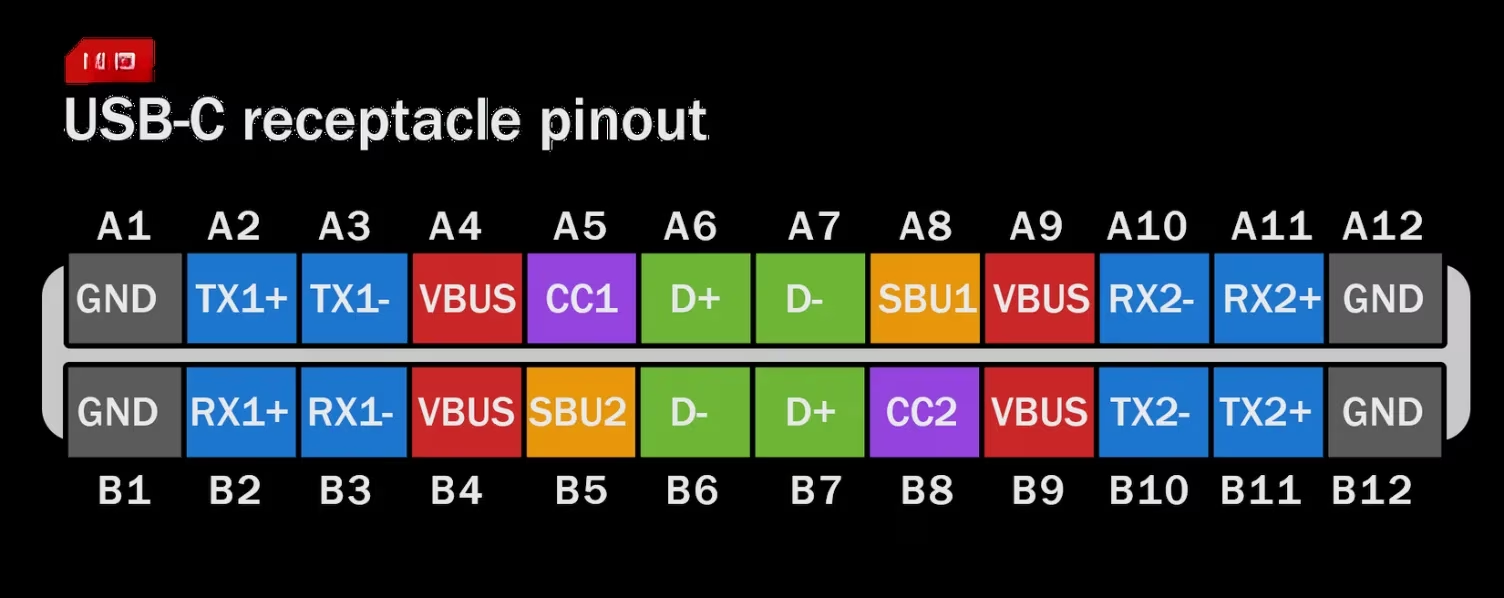
So, here's the thing I learned that changed everything: The CC pin is the secret handshake. It's the boss of the whole charging operation. In a proper USB-C cable, this tiny pin is responsible for all the low-level negotiations. It figures out which device is giving power and which one is taking it, it knows which way you plugged the cable in (no more flipping it three times!), and most importantly, it decides what charging technology to use. Without a functioning CC pin talking to both your charger and your device, you're not getting modern Power Delivery (PD). It's like trying to have a conversation where only one person can talk—nothing gets agreed upon!
I didn't even know USB-C had 24 pins until I started looking at the diagrams. It's wild how much is packed in there. The CC pin is basically the fifth essential wire, alongside the positive (VBUS), negative (GND), and the D+/D- pair for basic data. Most modern USB-C ports are what they call 'cold sockets'—they won't even spit out a single volt of power unless that CC pin tells them a compatible device is connected and they've had a proper chat about voltage and current. All that communication happens through the CC wire inside the cable. So, it's a three-way agreement: charger, device, and cable all have to be on the same page.
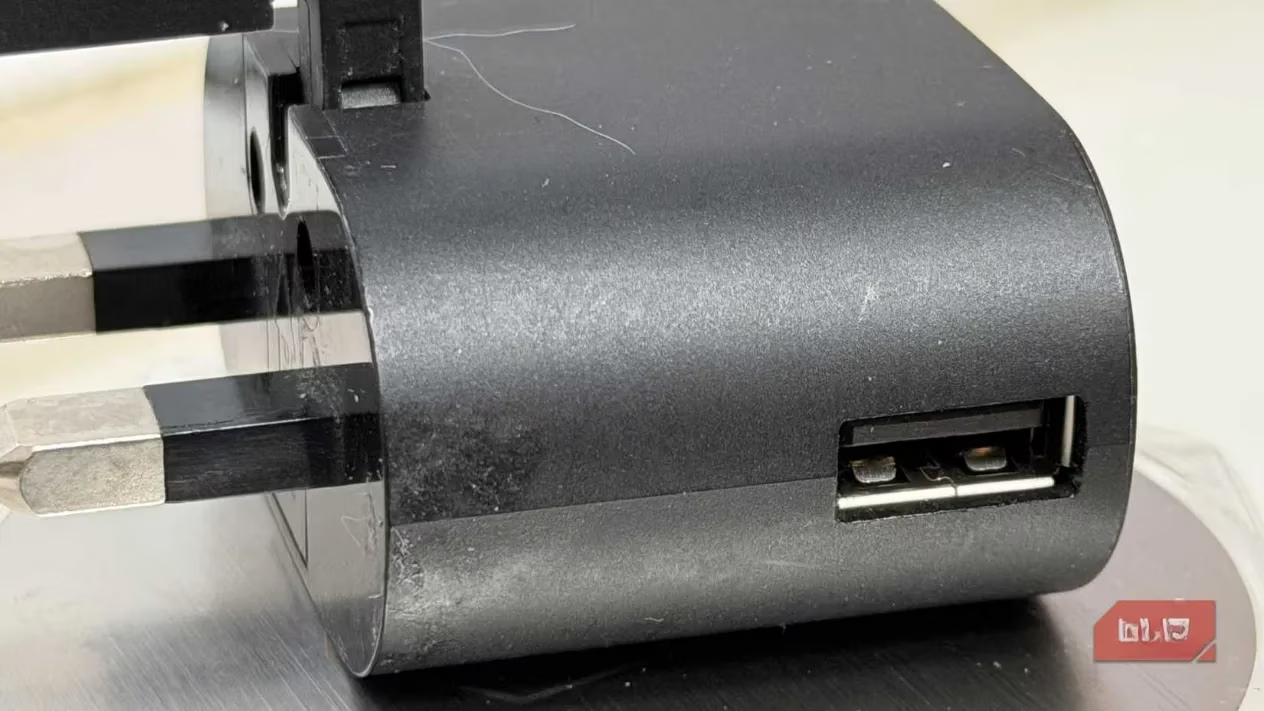
Now, this is where the big 'aha!' moment hit me. Let's talk about the elephant in the room: USB-A. I took a look at the old, familiar USB-A port. You know, the rectangular one we've had for decades. The key detail? USB-A does not have a CC pin. Nada. Zip. Zero. Even the newer USB 3.0 versions lack it completely. That's because USB-A ports are always 'on'—they're not cold sockets. Plug something in, and power flows without any fancy negotiation required.
This leads to the slightly uncomfortable truth I had to accept: Any USB-A to USB-C cable will NOT fast charge your phone using Power Delivery (PD). It's physically impossible. There's no pathway for that high-level PD negotiation to even begin. So, if your charging brick has a USB-A port, it will not deliver true USB-C PD, no matter if it says 68W, 100W, or even 200W on the box. That promised power has no way to get to your phone through the PD protocol. Adapters, OTG dongles, or any kind of USB-A conversion won't magically create a CC pin. The hardware just isn't there.
Of course, it's not all doom and gloom. USB-A isn't completely useless for faster charging. It just uses different, older methods. Here's the breakdown of what USB-A can actually do:
-
USB 2.0: A measly 2.5W (snail's pace).
-
USB 3.0: Up to 5W (still pretty slow).
-
Battery Charging (BC) 1.2: Can reach 7.5W.
-
Quick Charge (QC): This is the universal 'fast' standard for USB-A, hitting about 15-18W. It works by hijacking the old D+/D- data wires for negotiation.
So, when you plug a PD-capable Android phone into a USB-A brick, it'll likely fall back to this 15W QC speed. And your iPhone? It'll probably charge even slower, sticking to standard 5V/2.4A (12W) or less. It doesn't matter how expensive or thick your cable is—the bottleneck is the port itself.
Now, here's a fun twist that makes everything more confusing. Some companies found a clever workaround. Proprietary standards like OnePlus SuperVOOC or Xiaomi HyperCharge can push insane power, like 65W, through a USB-A port! How? They add a secret, non-standard fifth pin to the USB-A port and use a special, brand-specific cable that connects to it. It's like having a secret backdoor. But the catch is huge: the charger, cable, and phone must all be from the same brand. Lose that one magical cable, and poof—your 65W charging vanishes. I learned this the hard way! I had a 68W USB-A Xiaomi charger that was a beast for my Xiaomi phone, but it charged my Nothing Phone at a crawl and my iPhone at a glacial pace. Mystery solved!
Alright, so the landscape isn't as black and white as we'd hope, is it? While it's tricky to tell if a random USB-C cable is high-quality just by looking at it, you can follow one golden rule to avoid disappointment: Avoid USB-A for high-power devices.
For reliable, fast charging in 2026, here’s my simple guide:
-
Build a Full USB-C Ecosystem: Don't buy USB-A charging bricks for your new devices. Don't use USB-A to USB-C cables for anything that needs more than basic charging. Go all-in on USB-C from the wall to your device.
-
Understand the Power Tiers:
-
Up to 60W: A decent, well-made USB-C to USB-C cable with the five essential wires (including CC) is usually enough.
-
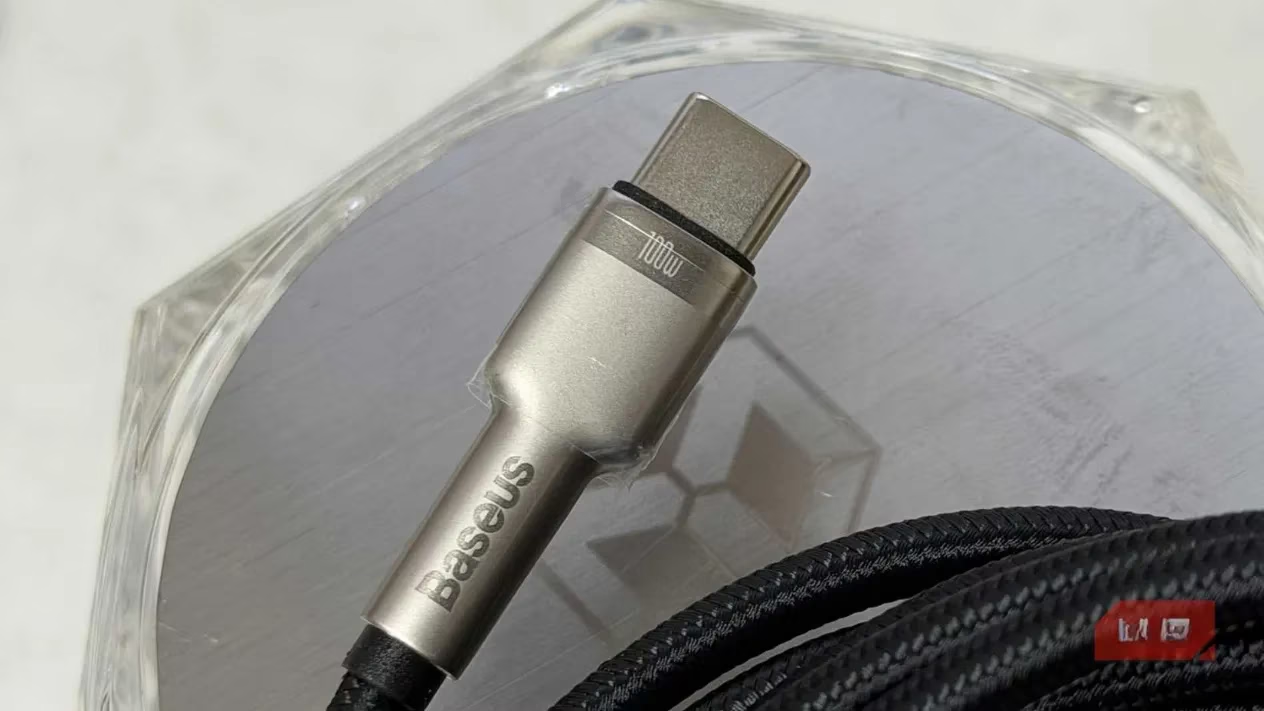
100W and Above: This is where things get serious. Pushing 100W is no joke—a bad cable could overheat. For this, you need a cable with an E-marker chip. This tiny chip inside the cable tells your devices, 'Hey, I'm certified to handle this much power.' Only cables designed for high wattage have them, and they're usually from reputable brands.
-
And here's the kicker—even if a cable's packaging claims 100W support, there's no easy way for you to verify it has the proper E-marker chip. You kinda have to trust the brand. It's a bit of a leap of faith, I know.
So, to wrap up my little adventure, USB-C is just a connector standard. It defines 24 pins, but it doesn't force manufacturers to wire all of them. Many cheap cables only connect the bare minimum. The magic of fast, intelligent charging lives in that CC pin and the protocols it enables. USB-A, as much as we love its familiarity, simply isn't built for that modern conversation. If you want your gear to charge at the speeds it was designed for, especially as we move further into 2026, do yourself a favor and leave the old USB-A adapters in the drawer. Stick to a proper USB-C cable from a brand you trust, and let that CC pin do its quiet, essential work. It makes all the difference.