
My Pixel's Secret Superpowers: 4 On-Device AI Features That Work Offline & Protect Your Privacy
Experience ultimate privacy and smart features with Pixel's on-device AI and secure phone AI in 2026, keeping your data safe and accessible anytime.
Okay, let's talk real talk about phone AI in 2026. It feels like every other ad is shouting about some new 'smart' feature, but here's the thing that gets me—where is all your personal data actually going? 🤔 Most brands are kinda vague about what's running safely on your phone versus what's being shipped off to some cloud server. And honestly, the idea of my private calls, notes, or screenshots floating around out there? No, thank you. That's why I've been obsessed with my Pixel's on-device AI lately. It's like having a super-smart assistant that lives right in your pocket and never leaves your side. The peace of mind is just... chef's kiss. 👌
Your AI Bodyguard for Calls 📞
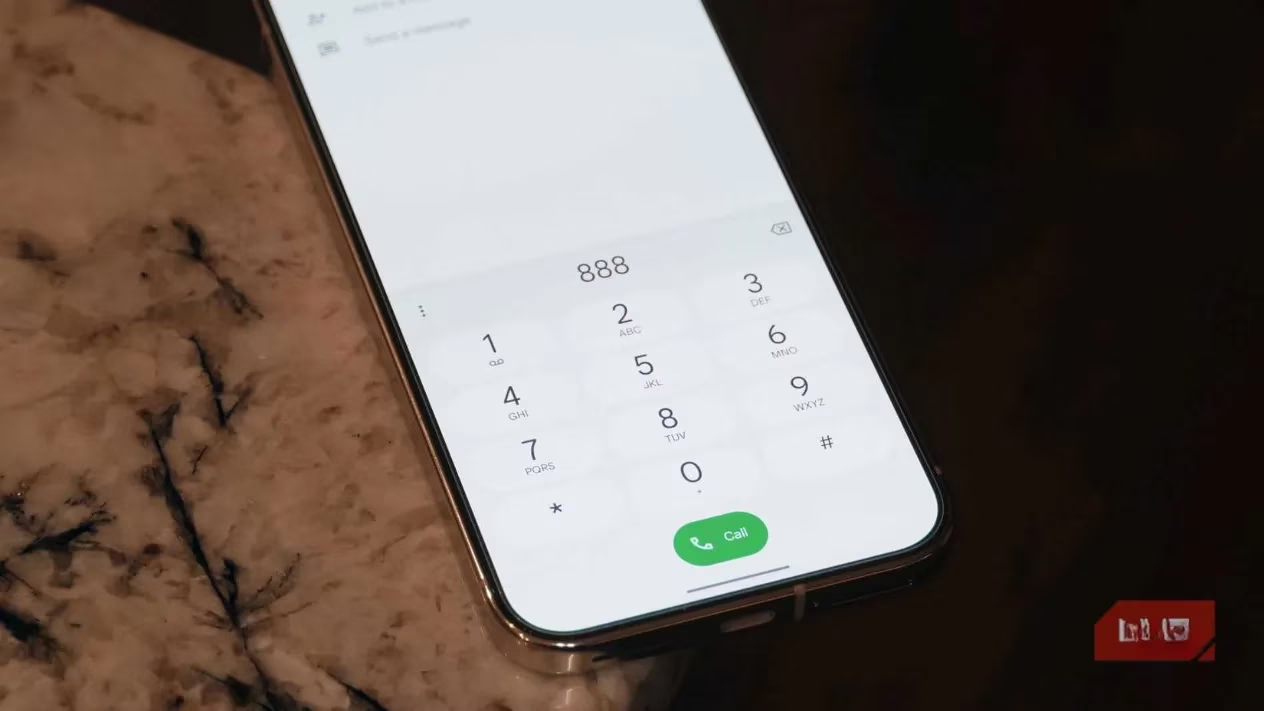
Ever get that sinking feeling when an unknown number pops up? Is it spam, a scam, or maybe that delivery you're waiting for? I used to just let it ring, paralyzed by the awkwardness. Not anymore. Enter Call Screen. This little feature is a game-changer. It's like having a super-polite, AI-powered receptionist who answers for you. It asks who's calling and why, transcribes their response in real-time, and lets you decide—answer, block, or send to voicemail—all without you saying a word.
The best part? It's not just Call Screen. A whole suite of calling features—Hold for Me, Direct My Call, Call Notes, Live Translate—they all run 100% on-device. That means your conversations stay your conversations. Google uses its super-efficient Gemini Nano model right on the Pixel's Tensor chip to make it happen. No waiting for a cloud connection, no privacy worries. It just works.
Your Super-Smart, Offline Recorder 🎤
Remember when voice memos were just... audio files? Yeah, me too. Google's Recorder app has been my not-so-secret weapon for years. Since its launch, it's done something magical: real-time, on-device transcription. I can record a lecture, a meeting, or just a random thought, and the text appears on screen as I speak. No internet needed. Zero data leaves my phone. Period.
Now with the latest Gemini Nano models on newer Pixels, it's gotten even smarter. We're talking:
-
Smarter AI Summaries: Get the gist of a 30-minute meeting in a few bullet points.
-
Improved Context Understanding: It better identifies names, topics, and key points.
-
Longer Transcript Handling: Summarizes lengthy recordings effortlessly.
It's the ultimate trusty sidekick for anyone who needs to capture ideas fast and securely.
The Magic Song Detector That's Always Listening (Safely!) 🎶
This one freaked me out at first, I won't lie. Now Playing means your Pixel is always listening for music around you. But hear me out—the genius is in the execution. It's not streaming your ambient noise to the cloud. Instead, it compares what it hears against a massive music library stored directly on your device. When it recognizes a song, it pops the title and artist right on your lock screen. No more frantic Shazam-ing at cafes or parties!
How it works:
-
First setup downloads a huge song database over Wi-Fi.
-
That's it. The library lives on your phone.
-
From then on, song ID works completely offline.
It logs every song it hears in a history, so you can look back later. It's one of those features that feels like actual magic, but the kind that respects your privacy.
Your Screenshot Librarian & Genius Organizer 🗂️
Let's be honest, our camera rolls are a graveyard of forgotten screenshots—flight details, event info, memes, you name it. Finding anything is a nightmare. Pixel Screenshots is the dedicated app I didn't know I needed. It uses on-device Gemini Nano to look at your screenshots and... understand them.
Seriously, it's wild. Here’s what it does for me:
-
Auto-Organizes: Mine sorts into folders like 'Social Media,' 'Flight Info,' and 'Events' automatically.
-
Makes Screenshots Searchable: You can search with natural language like "screenshot of that taco place address from last week."
-
Generates Titles & Summaries: It can caption a screenshot and give you a quick summary.
-
Suggests Actions: See an event? It suggests adding it to Calendar. See a tracking number? It might offer to copy it.
There's even a Recall feature where you can ask questions about your screenshots in plain English, and it finds the answer. All of this analysis happens on your Pixel. Your boarding passes, concert tickets, and random ideas stay private and are instantly useful.
The Engine Behind It All: Gemini Nano ⚙️
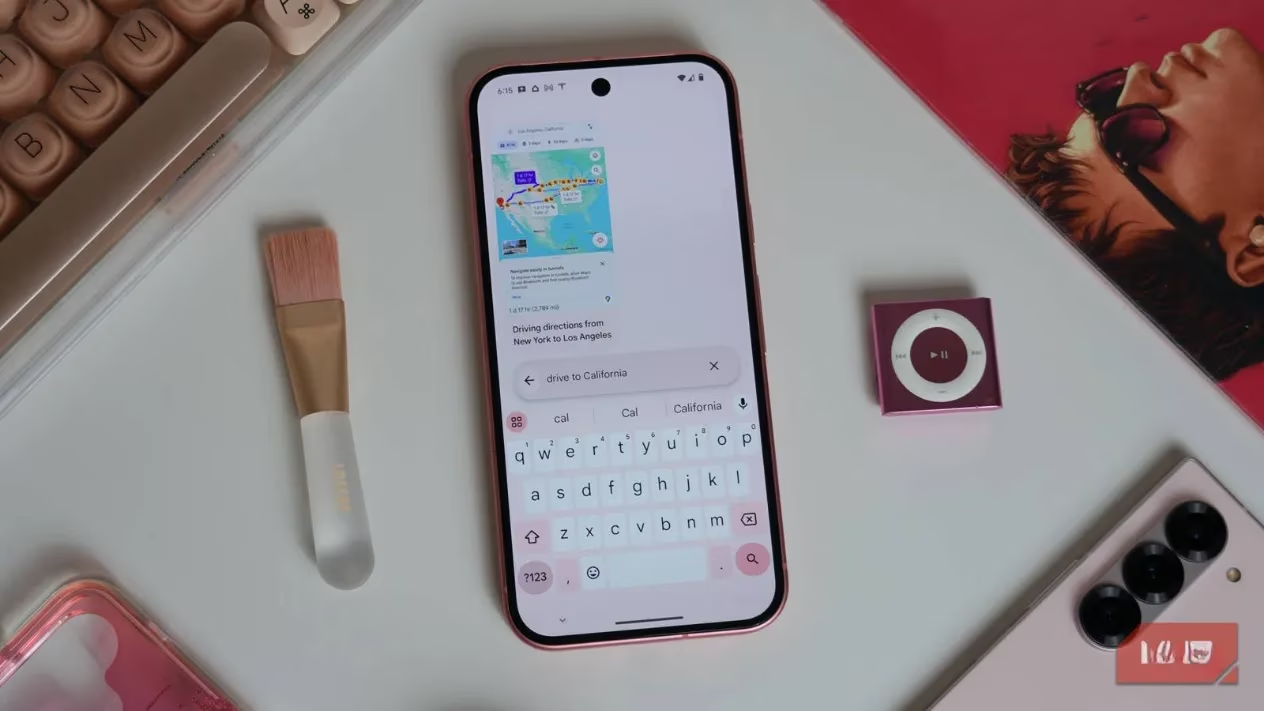
So, how does my Pixel do all this locally? The secret sauce is Gemini Nano. It's Google's purpose-built, lightweight AI model designed to run directly on the Pixel's Tensor chip (Pixel 8a and newer). Think of it as the brain that lives in your phone.
-
Why On-Device? Speed, privacy, and offline access. No lag waiting for a server response.
-
What About Powerful Cloud AI? Sure, features like Gemini Live (the super conversational assistant) need the cloud's raw power. But for these core, everyday helpful features, on-device is the perfect fit.
-
It's Getting Better: The latest version on Pixel 9 series and later is multimodal, meaning it can understand and process different types of info (text, images, etc.) together, right on the device.
Using these features, I get to experience the best of Google's AI—the convenience, the smarts—without the trade-off of sending my life's details into the cloud. It's a different kind of smart, one that puts you in control. And that, my friends, is the real power move. 💪