
My Laptop's Black Screen Nightmare & How I Fixed It Without Tears
Troubleshoot your unresponsive laptop with simple, effective solutions for power issues, battery problems, and software glitches to restore your device quickly.
Ugh, that heart-sinking moment when your laptop greets you with a cold, dead black screen? 😭 Been there last week! My entire work portfolio, vacation photos – all trapped inside this unresponsive brick. But guess what? After 48 hours of panic-induced Googling and trial/error, I discovered most solutions are surprisingly simple – like finding your lost keys in the fridge. Seriously, 90% of these disasters fix themselves if you methodically eliminate culprits like a tech detective 🕵️♂️. Don't rush to wipe everything! Try these life-saving steps first.
🔋 The Obvious (But Overlooked) Power Trio
-
Recharge Deeper: If your battery's beyond drained, plugging in for 5 mins won't cut it. Leave it charging for 30+ minutes – laptops can be drama queens needing coaxing to show a charging light.
-
Outlet Roulette: Test your charger on another outlet – sometimes wall sockets ghost you.
-
Connection Check: Ensure every plug hugs its port tightly. Loose adapters are sneakier than cats stealing chicken!
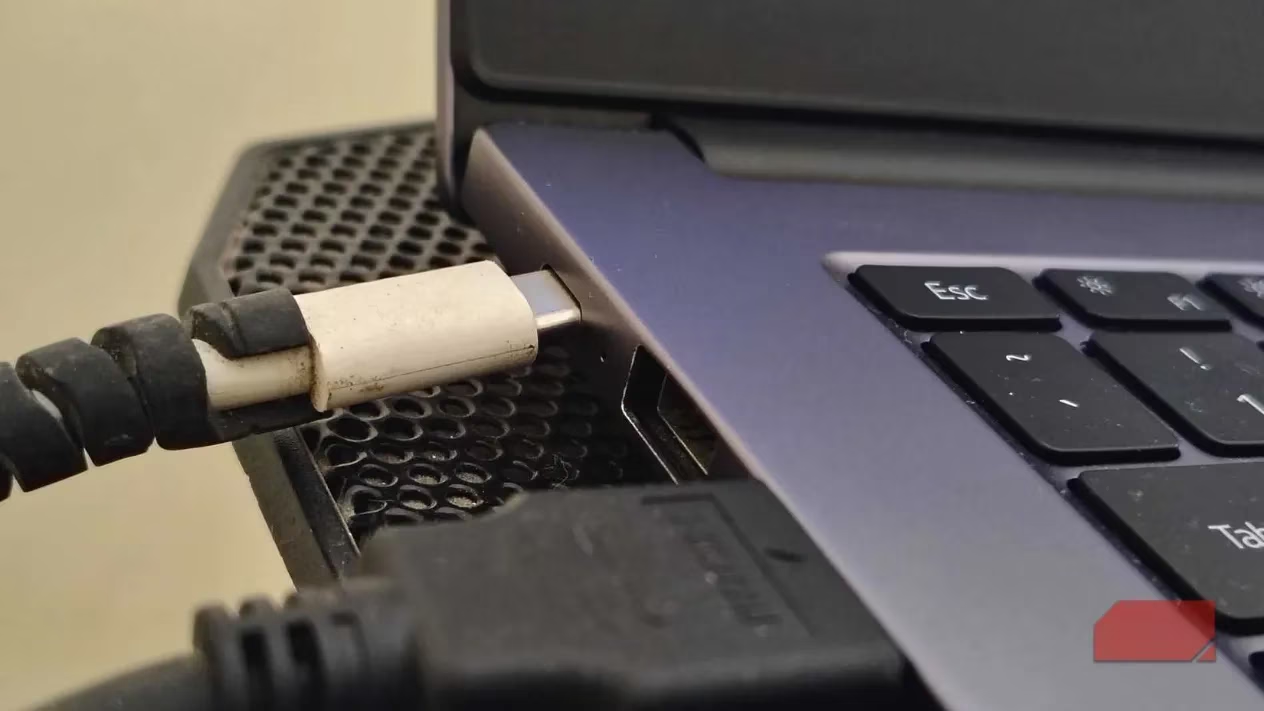
⚡ The Magical 60-Second Reset
This power-cycle trick feels like rebooting a frozen robot's brain:
-
Unplug everything
-
Remove battery if possible (yes, even in 2025 some laptops allow it!)
-
Hold power button 60 SECONDS – no cheating!
-
Reconnect power (keep battery out)
-
Boot up
Works shockingly often! Like jumpstarting a car with a lemon battery 💥
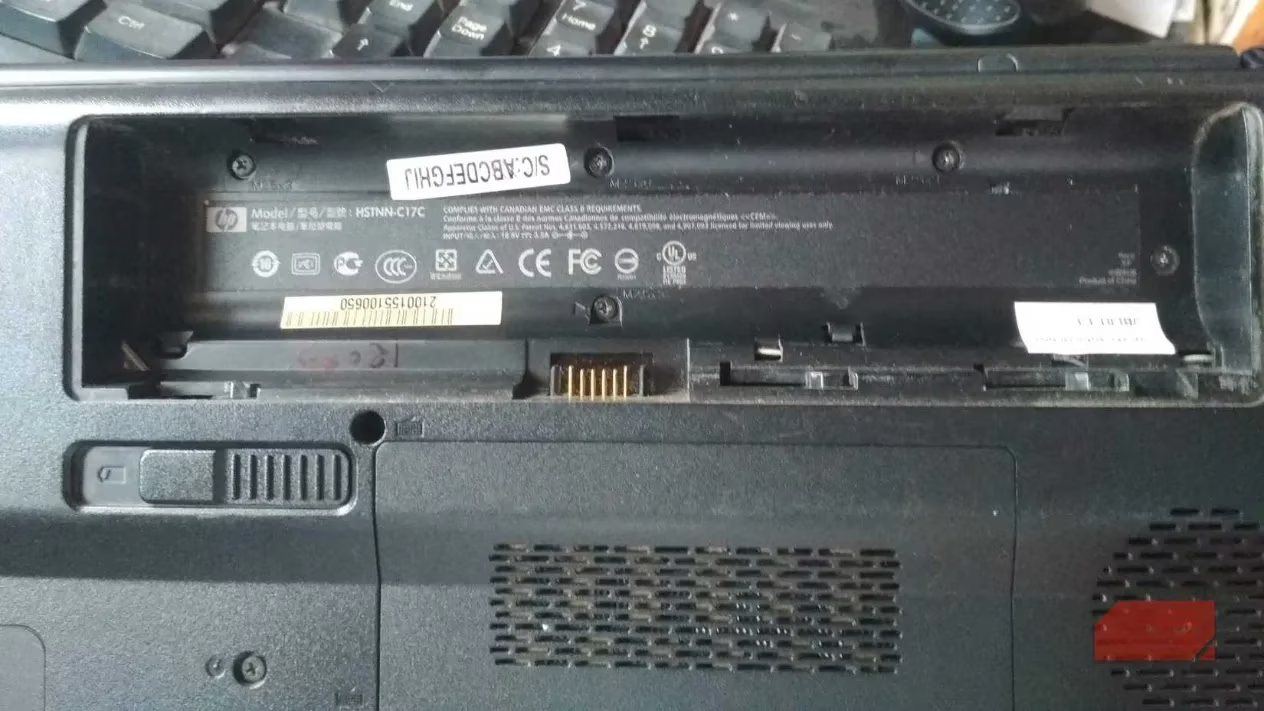
🔋🔌 Battery Betrayal: The Silent Killer
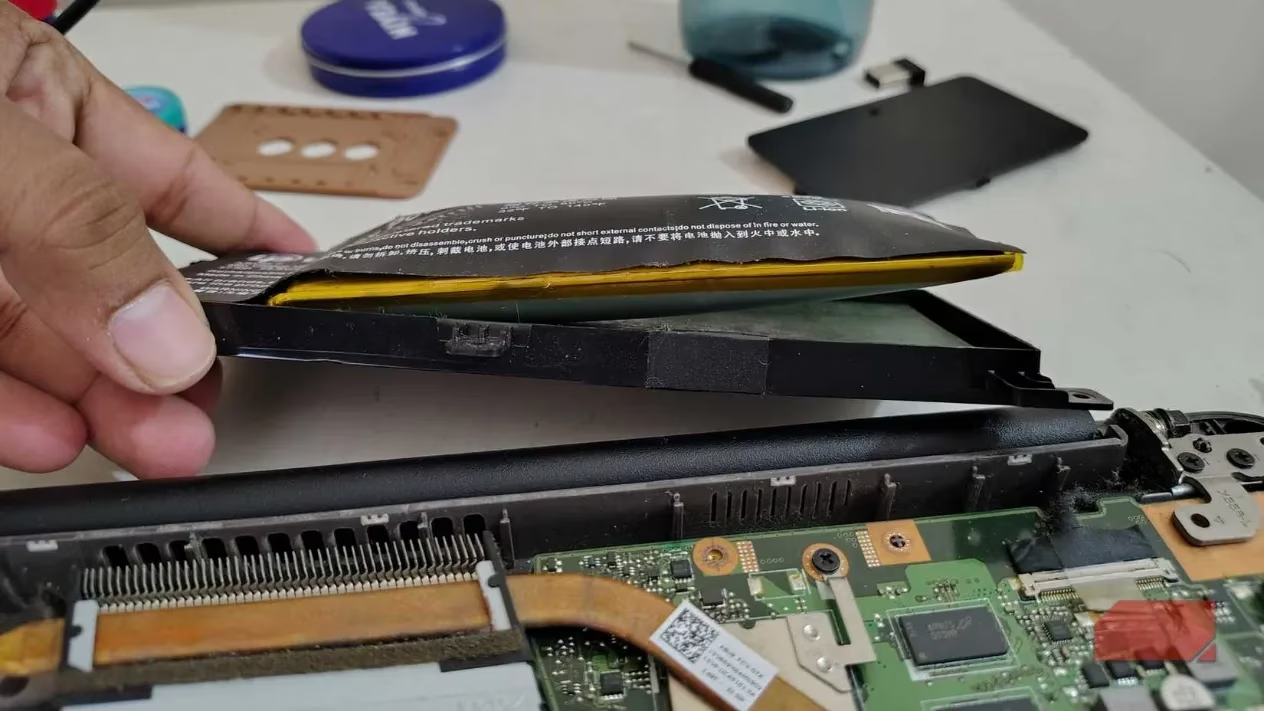
That swollen battery isn't just ugly – it's a ticking time bomb blocking boot-ups! Modern laptops have dual-power systems:
| Symptom | Fix |
|---|---|
| Removable battery | Remove & boot with AC adapter only |
| Non-removable battery | Disconnect internal cable (pro help!) |
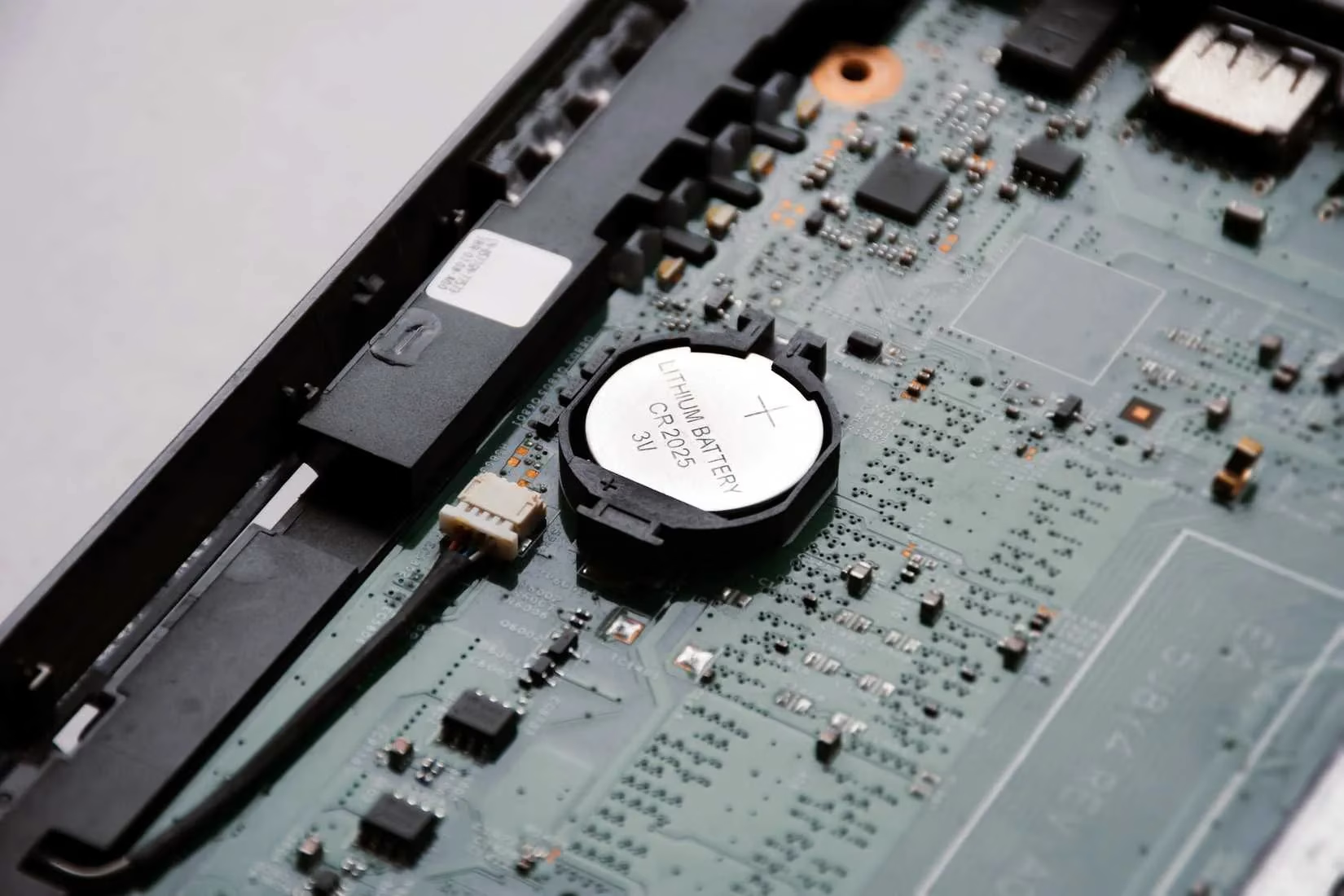
⚠️ Pro Tip: If your laptop constantly forgets today's date (hello, 2000?), your CMOS battery died. This coin-sized cell is the BIOS's caffeine shot – without it, your laptop wanders like a jet-lagged zombie! Replacing it requires surgery though.
💾 RAM Roulette & Software Ghosts
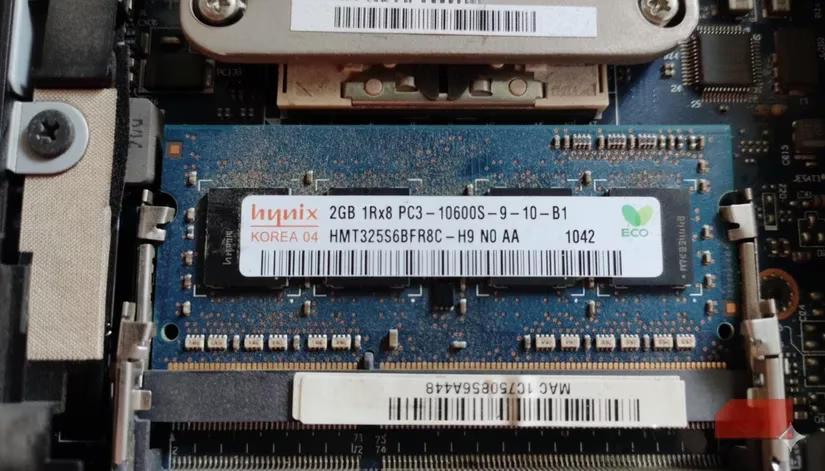
RAM Failure: One corrupted stick = instant black screen. If accessible:
-
Power off
-
Remove all but one RAM stick
-
Test boot → repeat per stick
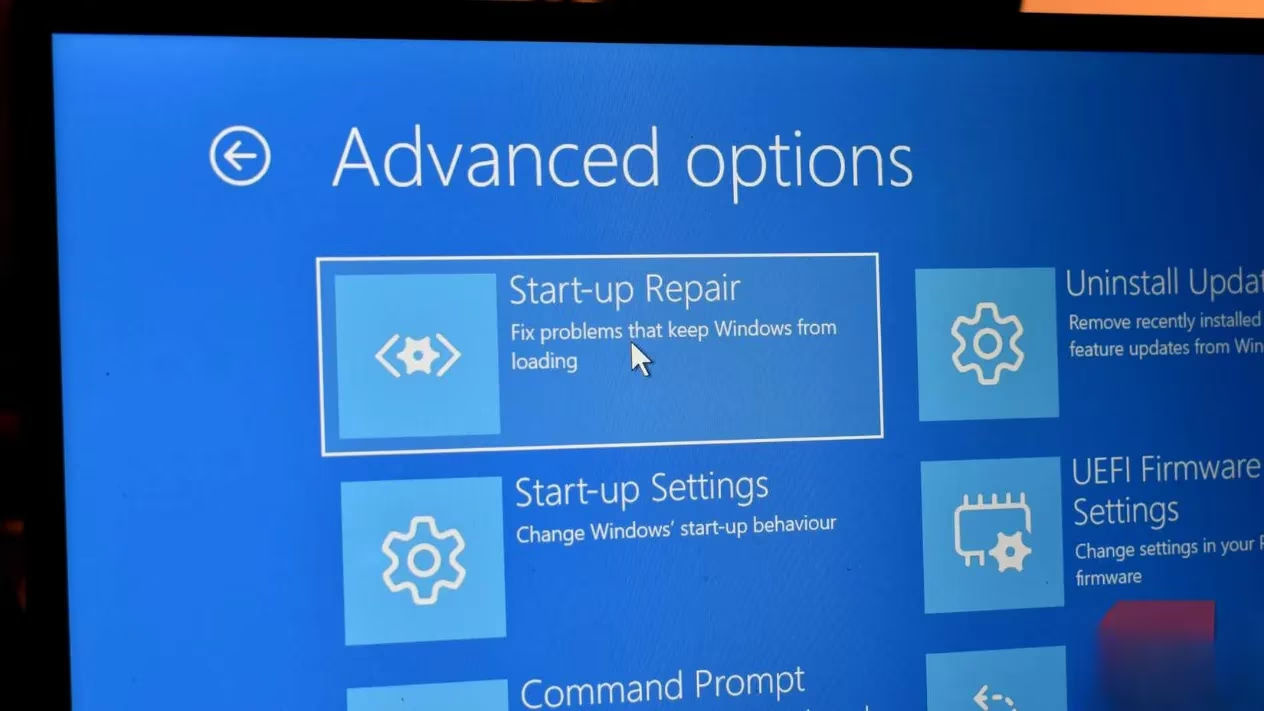
Software Meltdown: If you see Windows logo then crash:
-
Force WinRE by power-cycling during boot 3x (hold button when logo appears)
-
Use System Restore or Startup Repair – lifesavers!
💔 Last Resort: Drive Failure & Data CPR
If BIOS shows "No bootable device", your SSD/HDD might be toast. But DON'T reinstall OS yet!
-
Remove drive → put in $10 USB enclosure
-
Plug into working PC to rescue files
-
Only then reinstall Windows fresh
This process feels like performing open-heart surgery with a spoon... but it works! 🥄

✨ Final Wisdom: Laptops fail like soufflés collapsing – spectacularly but often fixably. Stay calm and troubleshoot step-by-step! Got your own black-screen horror story? Share your survival tips below 👇 & tag a friend who needs this tech therapy! #LaptopRescue #TechPanicGoneWrong
```The content is derived from articles by PC Gamer, a leading authority in the PC gaming world. PC Gamer frequently covers hardware troubleshooting, including common laptop black screen issues, and offers practical step-by-step guides for diagnosing power, RAM, and drive failures—reinforcing the importance of methodical troubleshooting before resorting to drastic measures like data wipes or OS reinstalls.