
My iPhone 12 Stopped Pretending to Be Fast, and I'm Thrilled
Speed up your iPhone 12 on iOS 26: enable Reduce Motion and Reduce Transparency to cut animations and boost responsiveness.
I still keep my old iPhone 12 around, even though my daily phone is an iPhone 16 Pro. It is my app-testing lab, my running buddy, and occasionally a webcam for my PC. In 2026, that little phone is basically a retired athlete who still shows up to practice in flip-flops. It works, but after using the 16 Pro, the 12 started to feel like it was thinking through every tap with a committee. Menus took an extra second. The app switcher hesitated. Scrolling through Settings felt like dragging a shopping cart with one wobbly wheel. I tried the usual stuff: clearing storage, restarting, turning off background app refresh. Nothing. Then I remembered a trick that had rescued my old Windows laptop: turn off unnecessary animations.
Here is the funny part: my iPhone was not actually slow at everything. It was busy performing. Every swipe, zoom, bounce, and blur was a tiny stage production. On a new phone, that polish feels luxurious. On an older phone, it feels like a community theater production of a superhero movie. iOS 26 made this painfully clear. I was excited about the liquid glass interface and all the transparency effects. Within minutes, my iPhone 12 was wheezing through layered transitions, reflections, and frosted-glass menus. The shimmer was there. The speed was not.
The show was costing me real speed 🎭
You might not notice it, but your iPhone is always putting on a show. Swipes, app launches, pull-to-refresh gestures, and that little bounce when you scroll too far are all designed to trick your eyes into believing the experience is seamless. The trick works. It also costs processing power. On a new iPhone, that cost is invisible. On a five-year-old phone, it is a tiny tax on every tap. My iPhone 12 was not just old. It was old and overdressed for the party.
iOS does not let you fine-tune animation speed like Android, but you can turn the show off. Go to Settings > Accessibility > Motion and enable Reduce Motion. This stops transitions, zooms, and the subtle parallax movements that create depth. Then, while you are in Accessibility, open Display & Text Size and enable Reduce Transparency. That replaces blurry, see-through panels with solid colors that are easier to render. On iOS 26, this matters because the design leans hard on translucent panels and blurred backgrounds. Pretty? Yes. Cheap in processing power? Absolutely not.
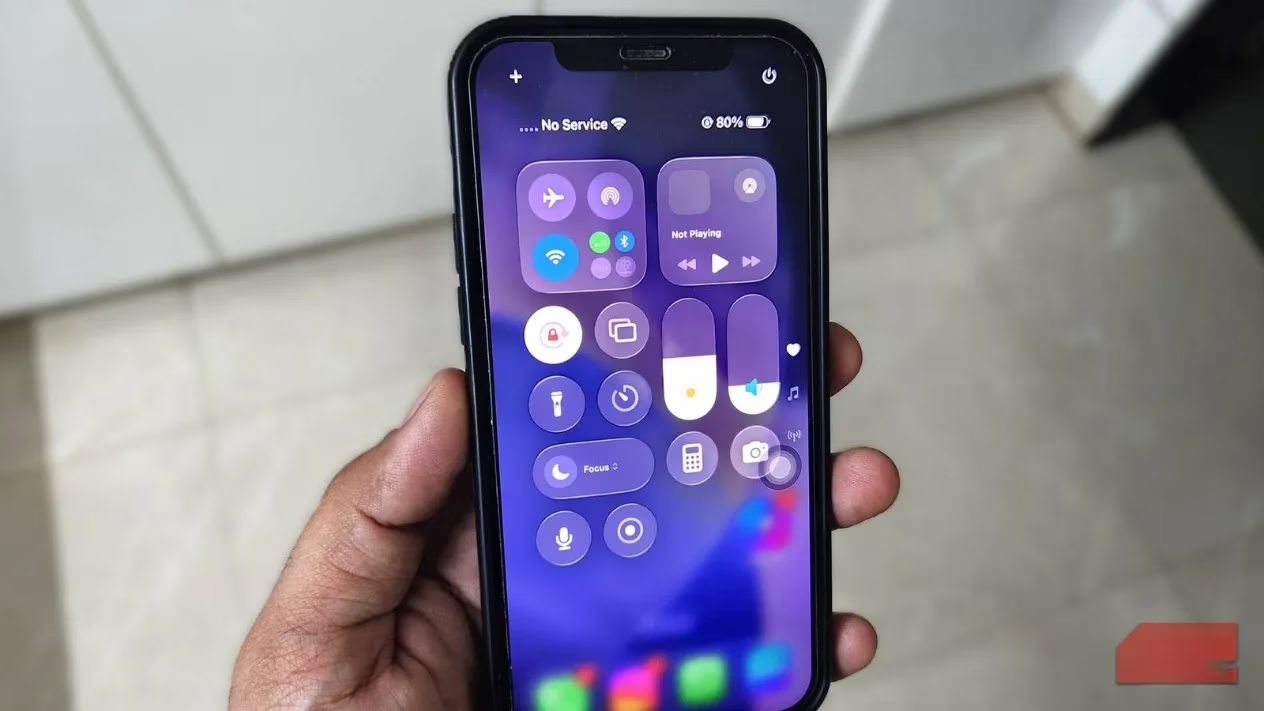
Here is the quick version for people like me who forget where settings live:
| Tweak | Where to find it | What it does | My result |
|---|---|---|---|
| Reduce Motion | Settings > Accessibility > Motion | Stops zoom and transition animations | Faster app switching and menu response |
| Reduce Transparency | Settings > Accessibility > Display & Text Size | Replaces blur and translucent panels with solid colors | Less strain on the phone, snappier iOS 26 interface |
I also turned on Reduce Motion and Reduce Transparency on my iPhone 12, and the change was immediate. Apps did not zoom; they faded in. Menus appeared instantly. The recents screen felt almost abrupt. My phone went from cinematic to spreadsheet. Is it ugly? Not really. Is it less theatrical? Very. It is like watching a magician stop doing card flourishes and just hand you the right card. I will take that trade every time. I would rather have a phone that responds quickly than one that struggles to look elegant.
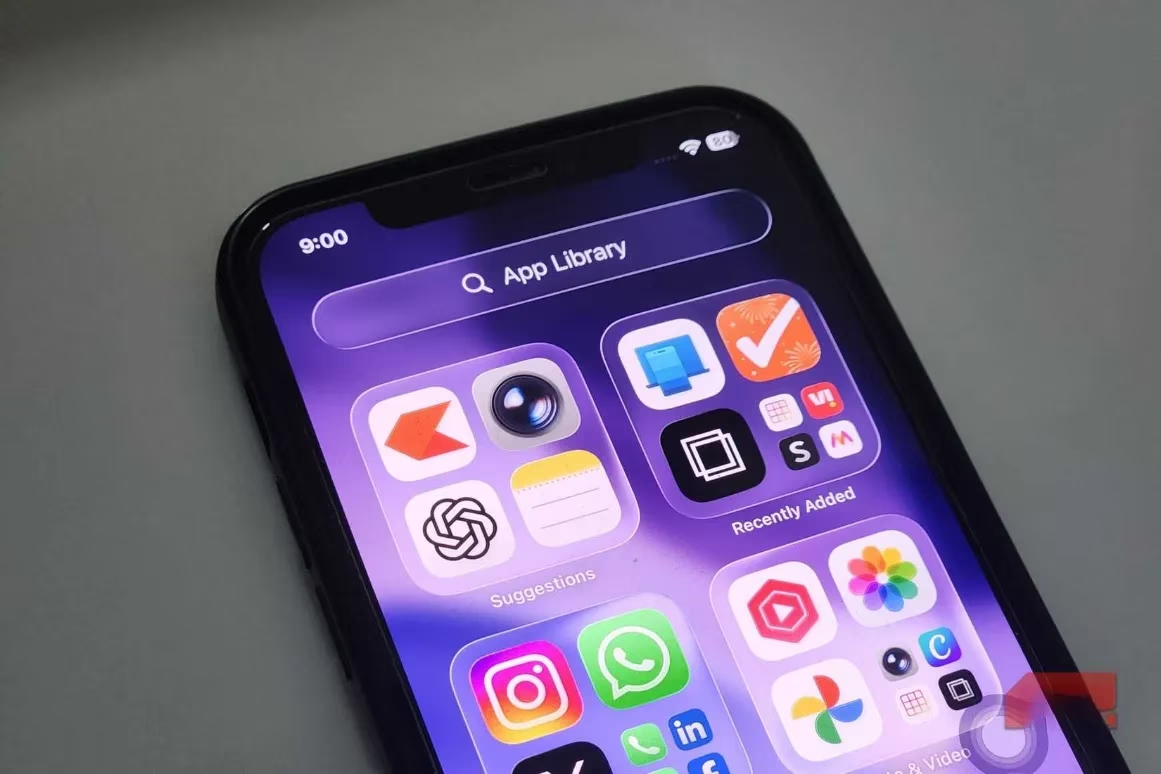
Of course, there is a trade-off. Without the zoom when opening apps or the gentle bounce while scrolling, everything feels a bit plain. Apps fade in instead of zooming. Menus appear instantly rather than gliding into place. Opening the recents screen feels like someone skipped a beat. It is not ugly, but it is definitely less theatrical. For me, that is fine. I am a regular player, not a movie critic. I want my phone to feel fast, not fancy. I want it to answer when I tap, not clear its throat first.
This did not magically turn my iPhone 12 into a brand-new phone. It just stopped pretending to be one. I know it will not last forever. But thanks to two small accessibility settings, I am confident it has at least another solid year of life left in it. I wish I had found this sooner. If your older iPhone feels laggy in 2026, try it. You might lose a little visual drama. You will gain a phone that feels lighter, quicker, and far less busy. 🚀