
Motorola's 5 Underrated AI Features That Changed My Phone Experience
Discover the transformative AI features of the Motorola Edge 70, including the 'Remember This' memory assistant and Playlist Studio, that enhance daily productivity and entertainment.
Hey everyone! As a longtime smartphone user who's tried various brands, I've got to say Motorola is seriously underrated. Many people overlook it, but after using the Motorola Edge 70 for a while now in 2025, I've discovered some AI features that have genuinely become part of my daily routine. They're not just gimmicks—they actually make my life easier. Want to know which features I'm talking about? Let me walk you through the five AI tools I've come to rely on most.
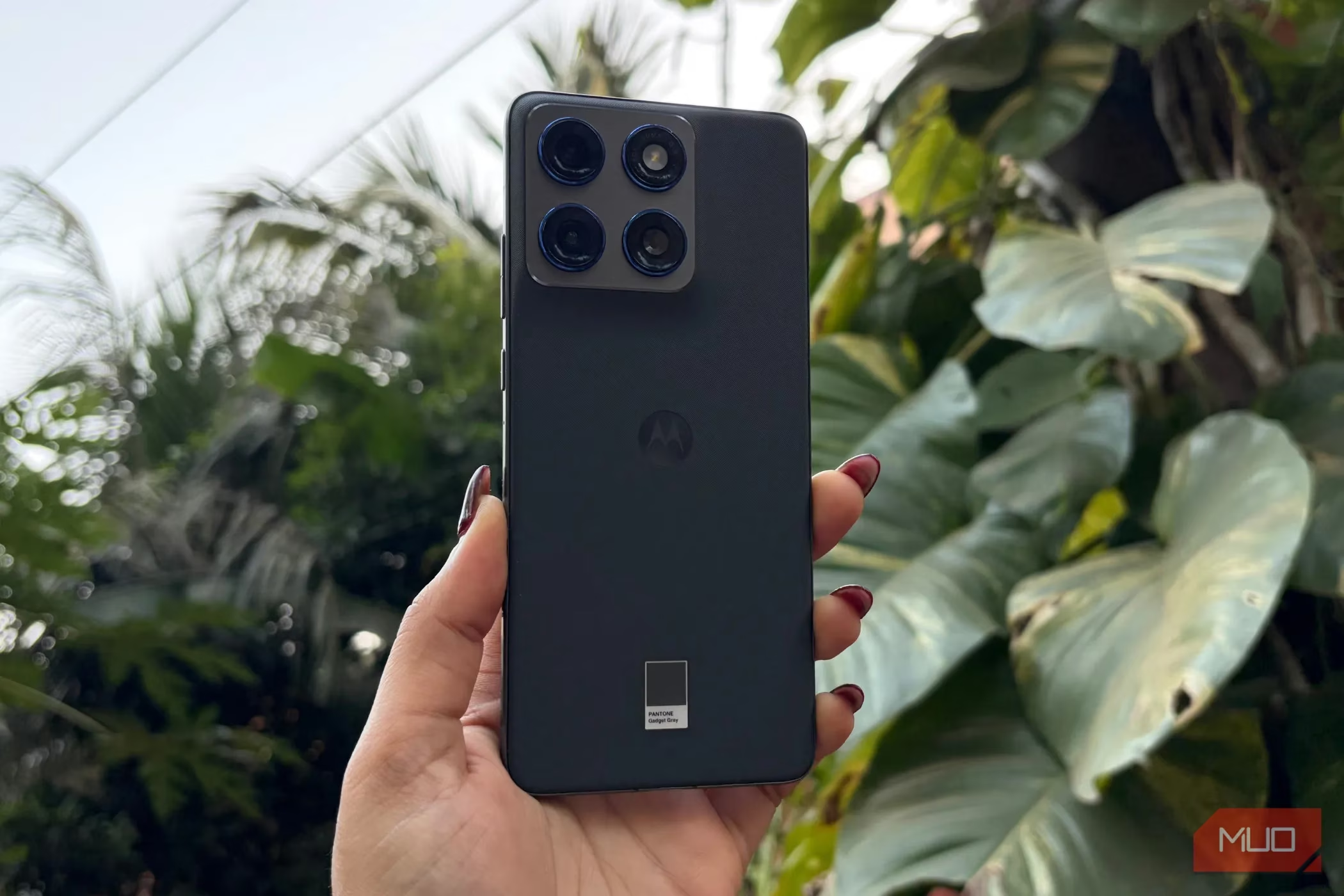
1. 'Remember This' – My Personal Memory Assistant
Okay, let's be real—who doesn't forget things sometimes? 📝 Whether it's an important message, a photo I need to reference later, or a screenshot with crucial info, my memory isn't always reliable. That's where Motorola's 'Remember This' feature comes in clutch!
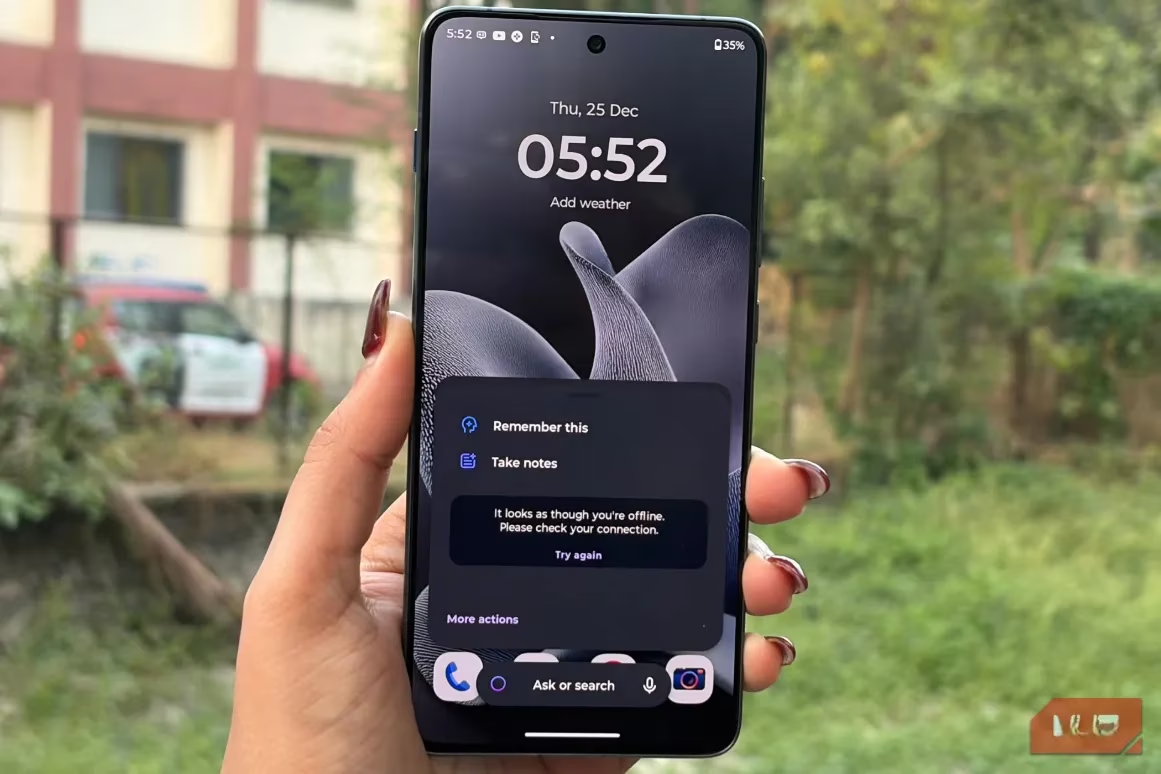
Here's how it works:
-
Just press the dedicated Moto AI key (yes, there's a physical button for this!)
-
Select 'Remember This' from the menu
-
That's it! Your phone saves whatever you're looking at
Everything gets neatly organized in the Moto AI Memory/Journal section. Need to find something later? The search function makes it super easy. The best part? It syncs with your Google account, so your saved items can be accessed across devices through Google services like Drive. Privacy-wise, Motorola and Google handle the data according to their respective policies, which you can check in their settings.
Honestly, this feature has saved me so many times when I needed to recall specific details but couldn't remember where I saw them. It's like having a second brain in my pocket!
2. Playlist Studio – My Mood-Based DJ
Remember spending hours creating the perfect playlist? Or endlessly scrolling through music apps trying to find songs that match your vibe? Well, those days are over with Playlist Studio! 🎵
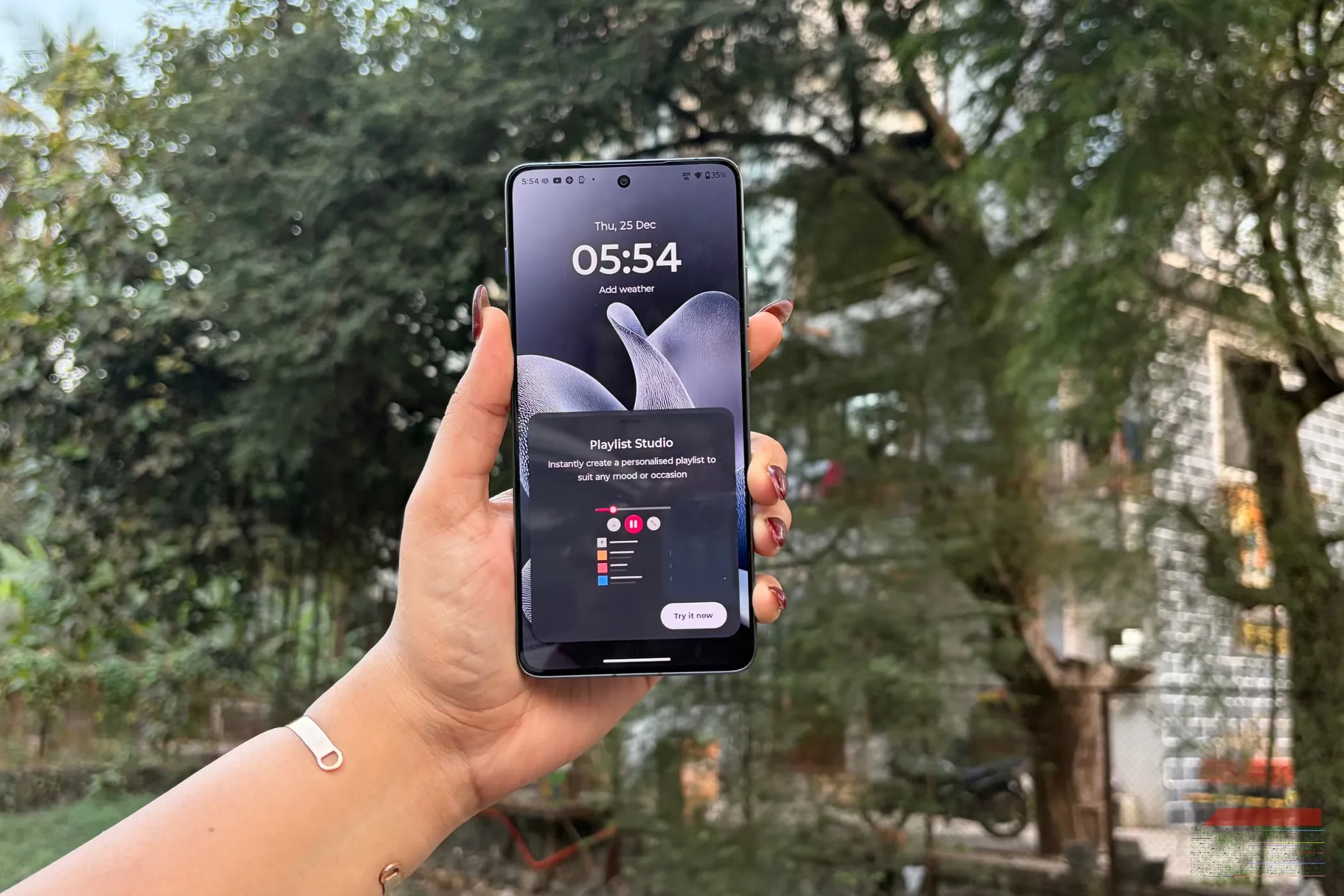
Here's what makes it awesome:
-
Mood-based creation: Just tell the AI what kind of music you're in the mood for ("chill," "workout," "romantic," etc.)
-
Instant results: It creates a personalized playlist in seconds
-
Surprisingly accurate: The AI really understands musical preferences
For example, when I'm feeling calm and want something romantic, the playlists it generates are usually spot-on. Currently, it works with Amazon Music, but given how well it performs, I wouldn't be surprised if more music apps get integrated soon. This feature has completely changed how I discover and enjoy music throughout my day.
3. Catch Me Up/Update Me – My Notification Savior
How many times have you stepped out of a meeting or been away from your phone only to return to a flood of notifications? 📱 Trying to sort through everything can be overwhelming. Enter the 'Catch Me Up' feature (also called 'Update Me').
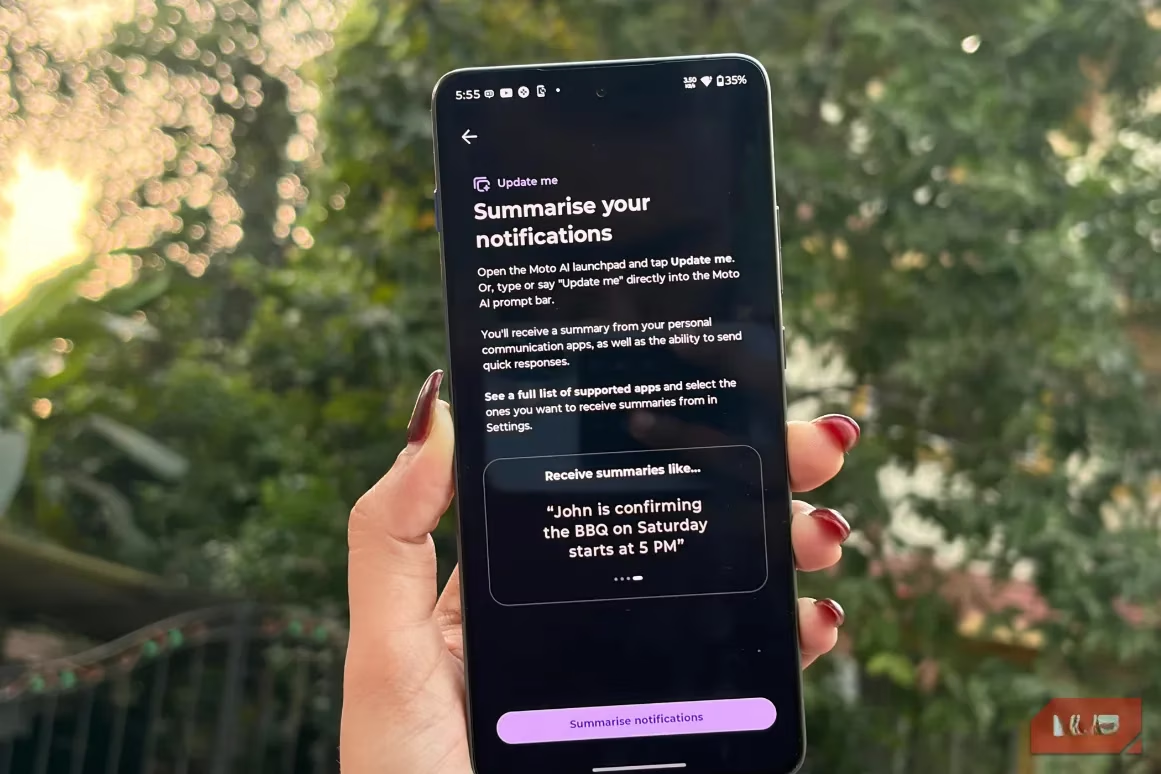
This feature is a game-changer because:
-
Smart summarization: It neatly summarizes all your important alerts and messages
-
Voice-activated: Just say "Update me" and it does the work
-
Actionable: You can take quick actions right from the summary (like calling someone back or replying to messages)
Imagine coming out of a two-hour meeting and instead of scrolling through dozens of notifications, you just say "Update me" and get a concise summary of what actually matters. You can immediately see if there's anything urgent and take action without the usual hassle. It's efficient, smart, and saves so much time!
4. Ask or Search – My Built-in Research Assistant
Ever found yourself digging through endless menus in your phone's settings? Or trying to find that one specific photo among thousands? The 'Ask or Search' feature makes these frustrating tasks a breeze. 🔍
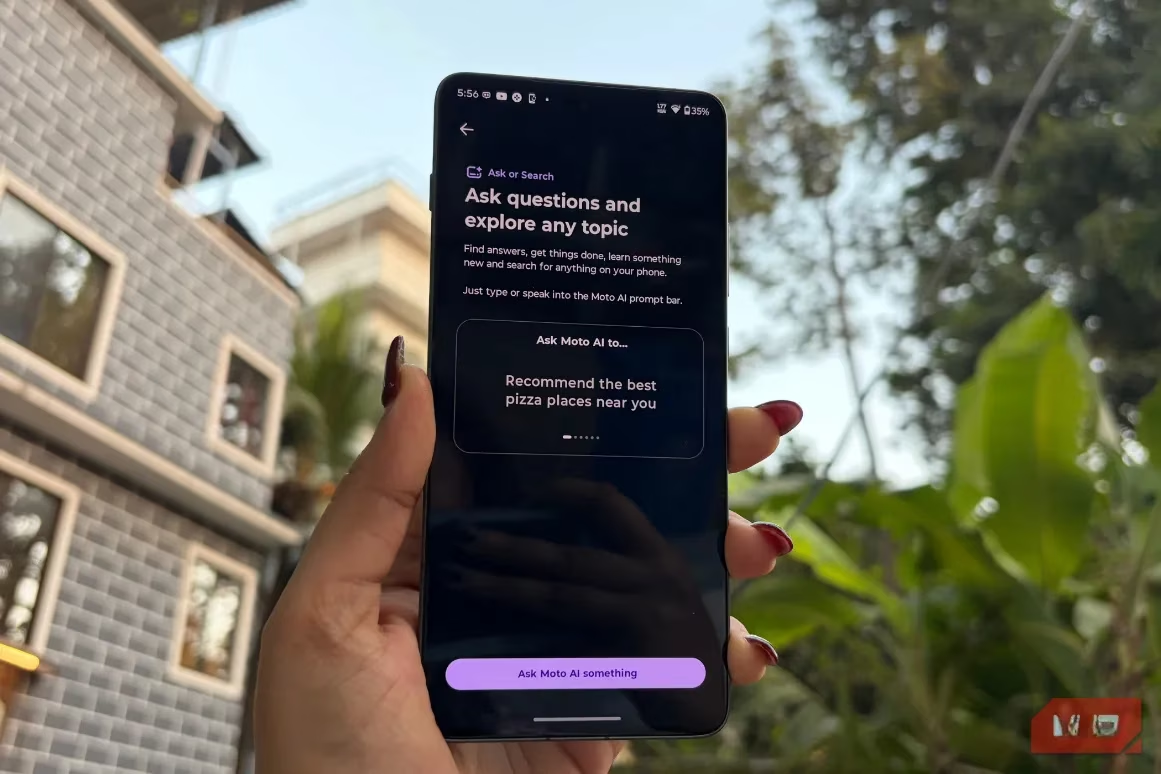
What makes this feature special:
-
Powerful AI backend: Powered by Perplexity and Gemini for accurate, efficient answers
-
Device-wide search: Finds anything on your phone quickly
-
Beyond your phone: Can answer questions about topics not stored on your device
-
Integrated experience: No need to switch between apps
Whether I'm trying to find a specific setting buried deep in menus or looking for a photo from last year's vacation, this feature handles it instantly. But it doesn't stop there—I can ask general knowledge questions, get information about current events, or even research topics for work. Having this capability built directly into my smartphone makes it feel like I'm carrying a personal assistant everywhere I go.
5. Image Studio – My Creative Sidekick
Last but definitely not least, let's talk about Image Studio. This feature feels like having a graphic designer and photo editor built right into my phone! 🎨
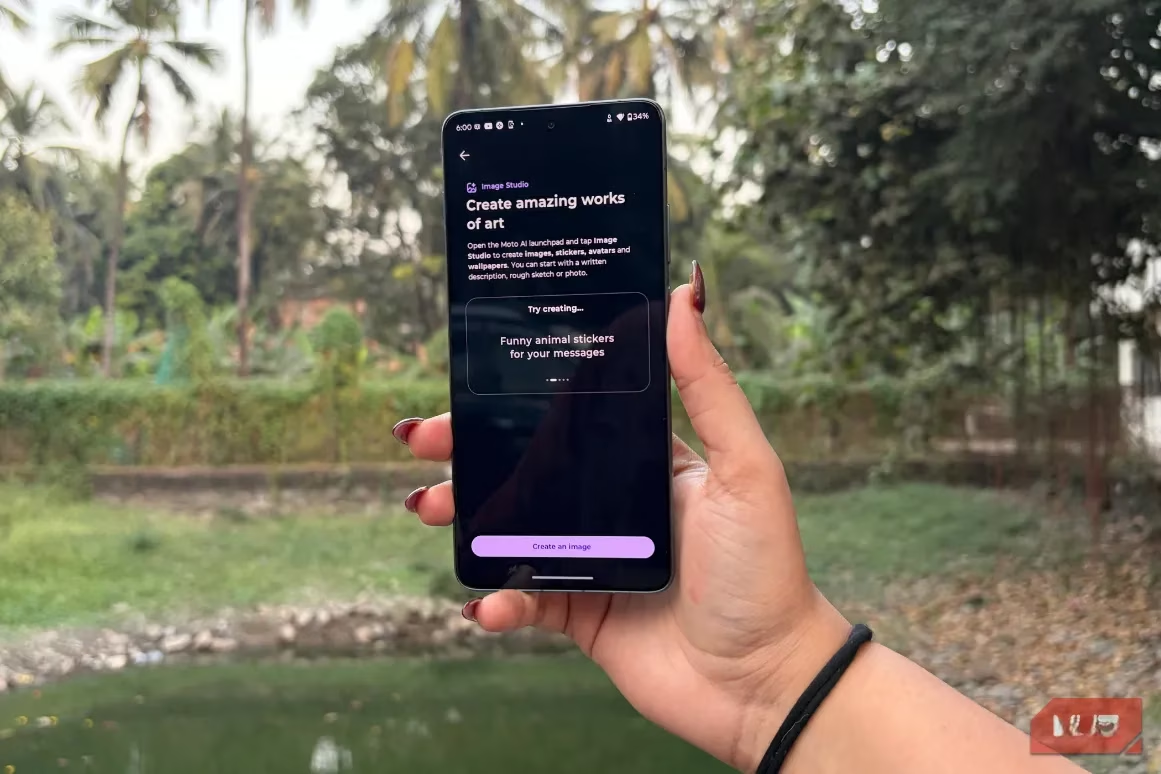
Here's what I've used it for:
-
Creating custom images for social media
-
Making personalized stickers to share on WhatsApp
-
Designing avatars for my Instagram profile
-
Generating wallpaper-style syncs
-
Transforming sketches into polished images (yes, even my terrible drawings!)
While other Android phones might have similar features, Motorola's Image Studio stands out because it uses Google's AI models for image creation. The results are consistently impressive and professional-looking. I've saved so much time and money that I would have spent on third-party apps or hiring designers for simple projects.
So there you have it—five Motorola AI features that have genuinely changed how I use my smartphone in 2025. What I love most about these tools is that they're practical and integrated seamlessly into daily life. They don't feel like gimmicks or features I use once and forget about. Instead, they've become regular parts of my routine.
If you're a Motorola user, I highly recommend exploring these features. They might just transform your phone from a simple communication device into a truly smart companion. And if you're not using Motorola? Well, maybe it's time to reconsider what you want from your smartphone! 😉
Have you tried any of these features? Which one sounds most useful to you? Let me know in the comments—I'd love to hear about your experiences with smartphone AI! 👇