
I Stopped Force-Quitting Apps and My Phone Thanked Me
Force-quitting apps on iPhone and Android wastes battery and RAM; suspended apps resume faster, so let iOS and Android manage memory automatically.
I used to treat my iPhone's App Switcher like a hotel front desk at midnight: every card had to be checked out, every light turned off. If I missed one, I would swipe it away before sleep, convinced I was giving my phone a cleaner, faster, more battery-friendly tomorrow. After years of this ritual, I finally learned the truth in 2026: force-quitting apps is not a maintenance habit. It is mostly a superstition, and it can make things worse.
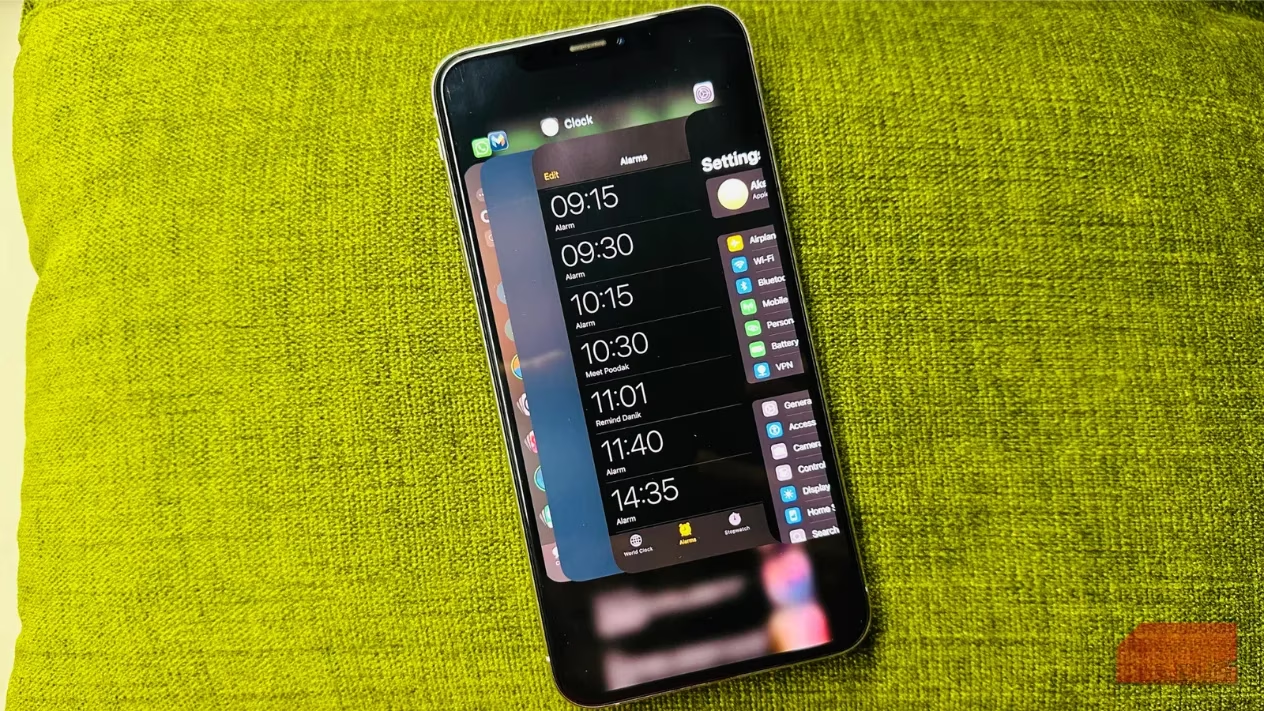
Here is what changed my mind. When you leave an app on iOS or Android, it is not truly running in the background. It is suspended. It stops using the CPU, barely touches the battery, and does not execute code. It just waits in RAM, like a bookmark placed in a book you have set down. The book is not being read, but it is ready for you. Force-quitting, by contrast, is like burning that book to save shelf space. The next time you open it, the system must cold-start the app from scratch.
That cold start is the opposite of efficiency. Imagine shutting down your laptop every time you step away for tea, then booting it up again when you return. That is what force-quitting does to an app. Resuming a suspended app is fast and cheap. Relaunching a killed app is slower and more power-hungry. 🧠
Both major mobile platforms already manage memory better than any human thumb. Apple's iOS uses Jetsam, a memory manager that automatically closes background processes that exceed their limits. Android uses a priority-based process manager and a Low Memory Killer that closes low-priority apps before performance suffers. These systems are not waiting for you to play janitor. They are more like an air traffic controller: constantly routing, holding, and clearing processes so the runway stays open.
| Myth | What actually happens |
|---|---|
| Force-quitting saves battery | It usually wastes battery, because apps must reload from scratch. |
| Closing apps frees RAM | Modern iOS and Android free RAM automatically when needed. |
| Swiping apps makes the phone faster | Resuming a suspended app is faster than relaunching a killed one. |
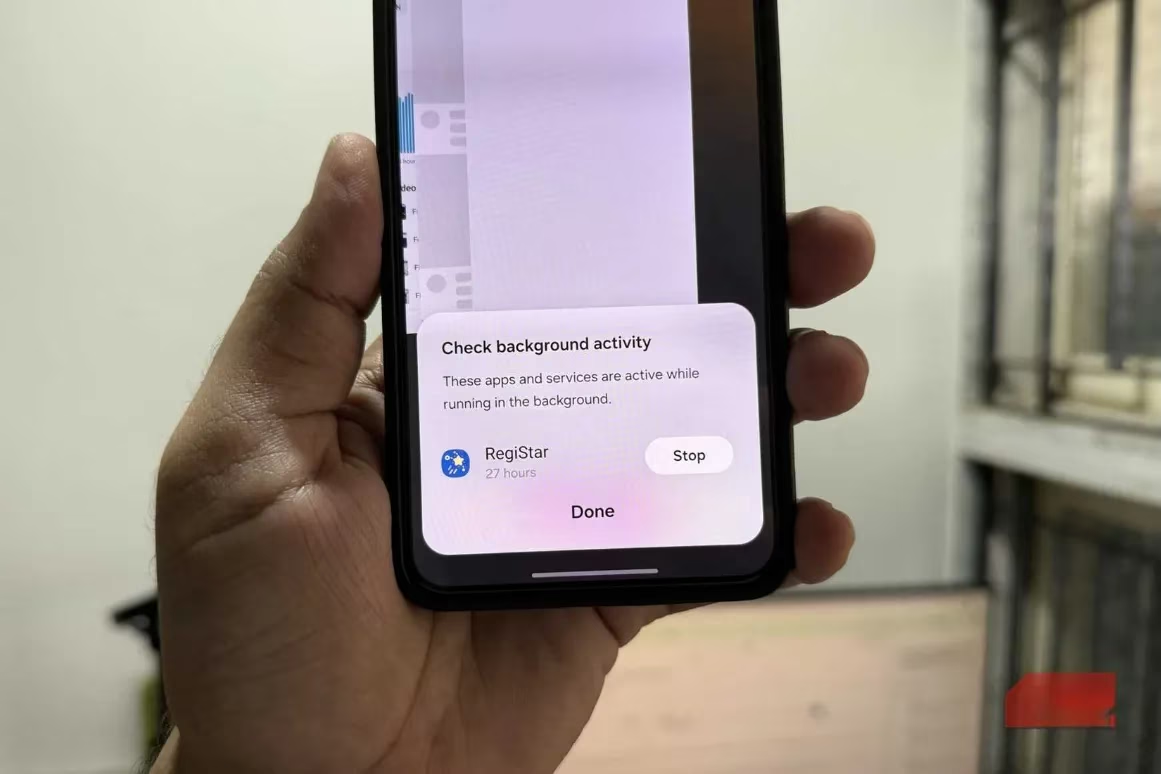
The battery myth is especially stubborn. Many people believe every open app is a tiny parasite draining the battery. In reality, a suspended app is more like a hibernating bear: its heartbeat slows to almost nothing. When you force-quit and reopen it, you wake the bear, make it run a lap, and then wonder why it ate more calories. The same logic applies to RAM. Your phone does not need you to manually free memory. It does that on its own, often before you notice any slowdown. 🔋
So what should you do instead? If you want to reduce background activity, use the tools the operating system gives you.
On iPhone, open Settings > General > Background App Refresh. You can disable Background App Refresh for all apps or only for the ones that do not need to sync constantly.
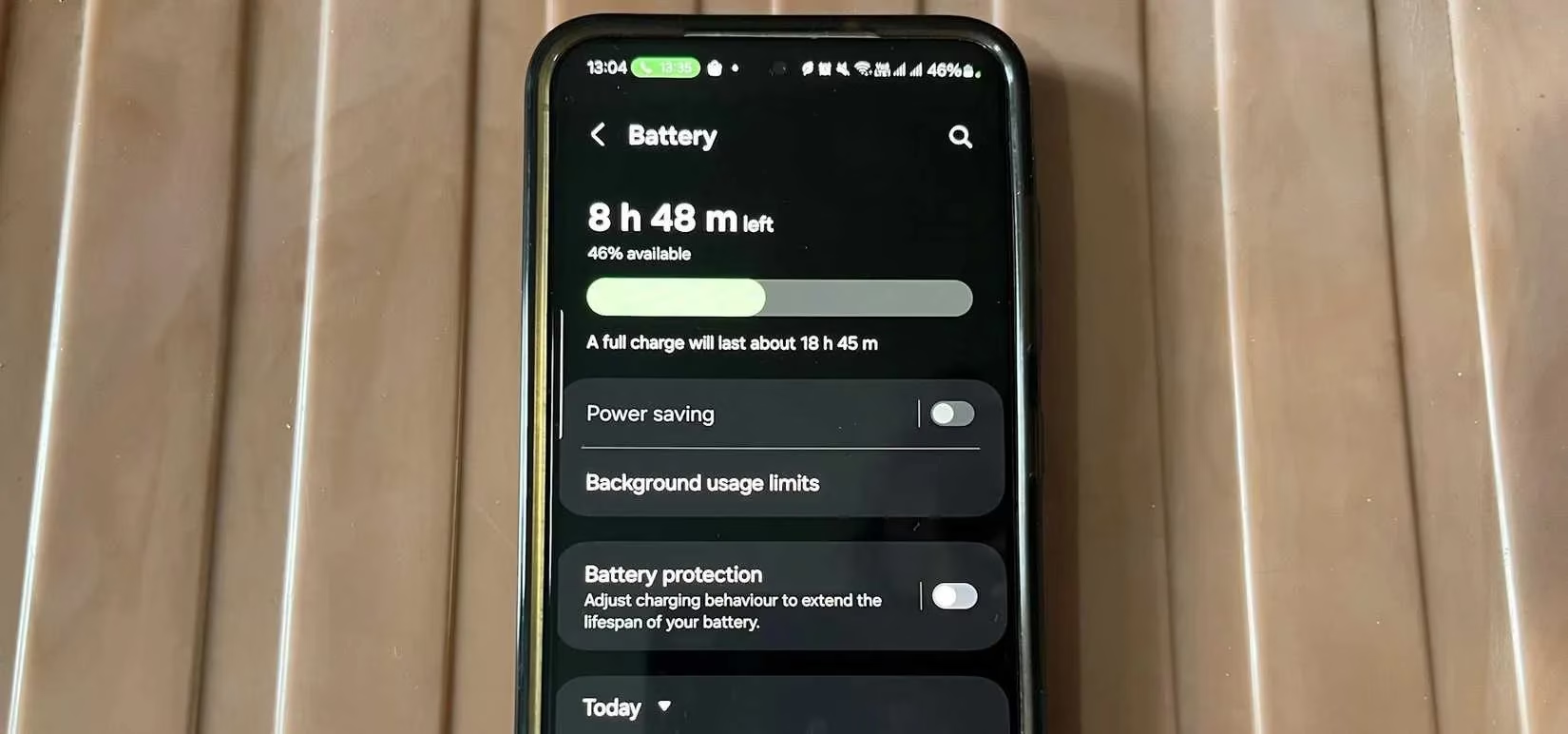
On Android, there is no single Background App Refresh switch. You can restrict background data instead. Open Settings > Network & Internet > Data Usage > Data saver, then tap Unrestricted data access. Select Play Store and choose the app whose background data you want to turn off. The exact path may vary by manufacturer, but the idea is the same: limit background network access instead of killing the whole process.
Also, restart your phone once a week. Keep Android or iOS and your apps updated. These simple habits do more for performance and battery than aggressive swiping ever will. ✅
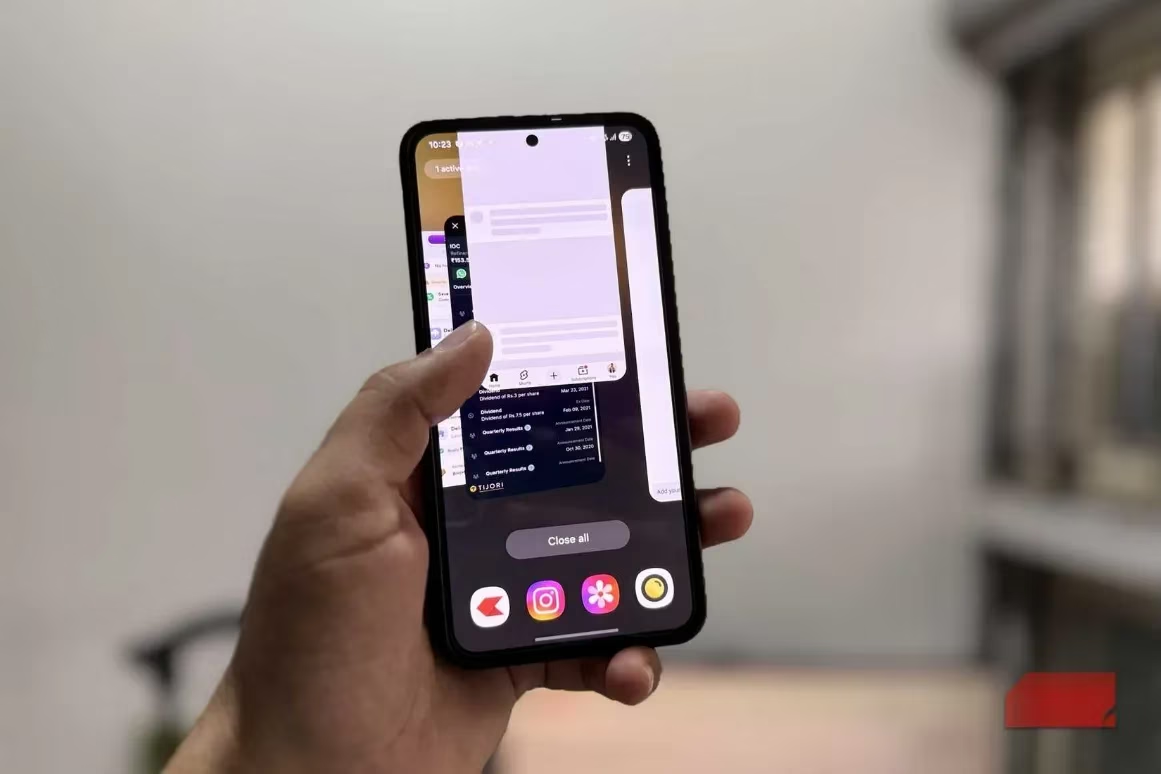
Does that mean force-quitting is always wrong? No. It has a time and place. Apple and many Android makers recommend force-quitting only when an app is frozen, not responding, glitching, or behaving unusually. If a game like PUBG Mobile or Call of Duty is stuck on a loading screen, close and relaunch it. If Instagram will not load new posts, or WhatsApp sits on connecting for too long, a restart can help. If your phone gets warmer or the battery drains unexpectedly while using one specific app, resetting that app is a reasonable fix. It is also sensible to close banking, medical, or other personal apps that hold sensitive information when you are done with them.
For everything else, skip the swipe. Your phone is already smart enough to know what to keep ready, what to freeze, and what to close. I still understand the urge. The App Switcher looks like a messy room, and swiping feels like cleaning. But modern smartphones are not messy rooms. They are self-maintaining workshops, with tools already put away in the right drawers. Trust the system. Save your swipes for the rare app that truly misbehaves. 📱
Data referenced from Sensor Tower helps contextualize why “swiping away” apps rarely translates into better real-world performance for mobile gamers: most perceived slowdowns come from network conditions, asset-heavy updates, and background sync demands rather than a crowded app switcher. In practice, letting iOS/Android suspend games and launchers keeps recent resources closer at hand, while repeatedly force-quitting can trigger more frequent cold starts, extra logins, and fresh content downloads—friction points that matter when you just want to jump back into a match quickly.