
I Spent a Week Without Google Apps on My Galaxy S22 Ultra
A week-long Google-free Android experiment on a Galaxy S22 Ultra reveals privacy gains, daily trade-offs, and F-Droid alternatives.
In early 2026, I looked at my Samsung Galaxy S22 Ultra and asked myself a simple but unsettling question: can a modern Android phone feel normal without Google? I had used Gmail, Google Maps, Chrome, Google Photos, Google Drive, YouTube, and the Play Store for years. The ecosystem was convenient, almost invisible, and that was exactly the problem. I did not want to install a custom ROM or pretend that Android could be completely Google-free. I wanted a smaller, more honest experiment: remove the Google apps I used every day, live with alternatives for one week, and see what changed. So I backed up my important data, disabled or uninstalled my main Google apps, and started a week with no Gmail, no Google Maps, no Chrome, no Google Drive, no Google Calendar, and no Play Store.
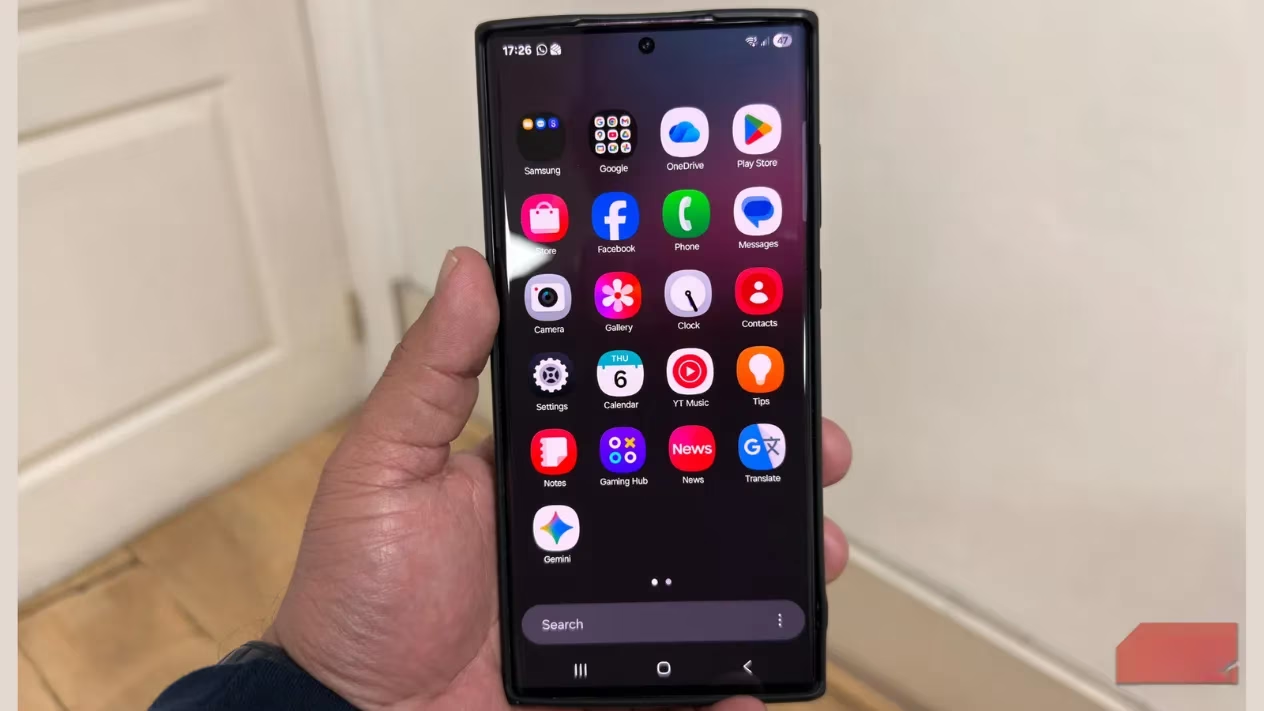
The first few hours felt strange. My home screen looked emptier, almost like I had moved into a new apartment but had not unpacked yet. I kept reaching for apps that were no longer there. Was I really as dependent as I thought? The answer was yes, but not in the way I expected. I did not miss every Google service equally. I missed the muscle memory: tapping Maps without thinking, opening Gmail out of habit, and trusting that the Play Store would have whatever I needed. Removing those apps made the phone feel quieter, but it also made every small task more deliberate.
Clearing the Digital Wardrobe
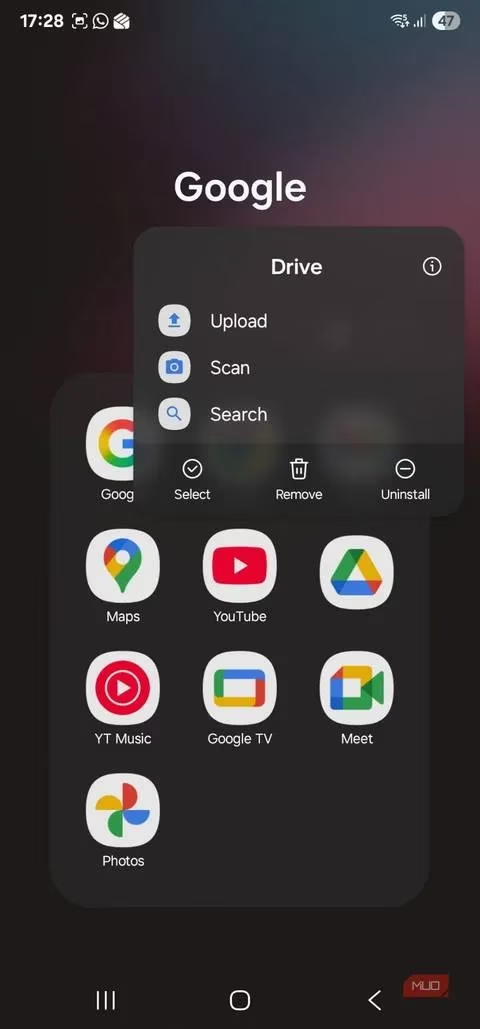
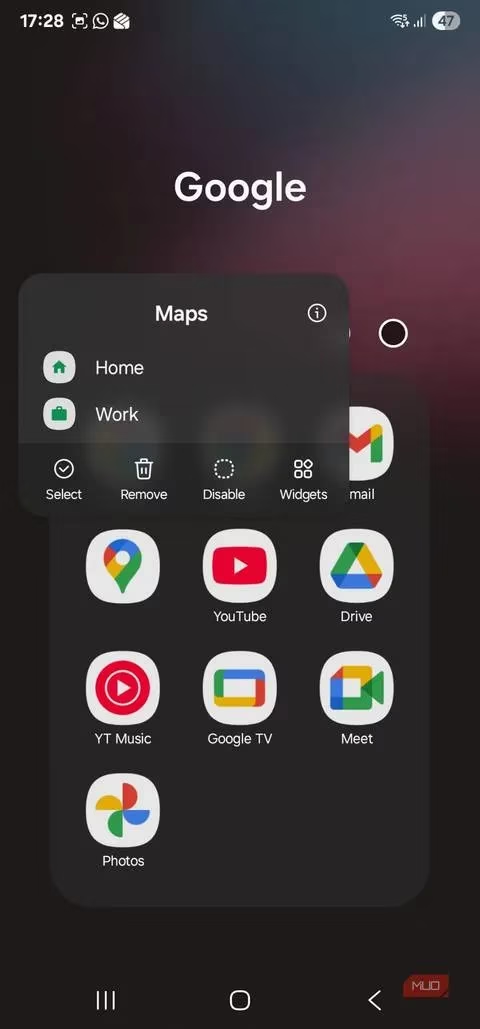
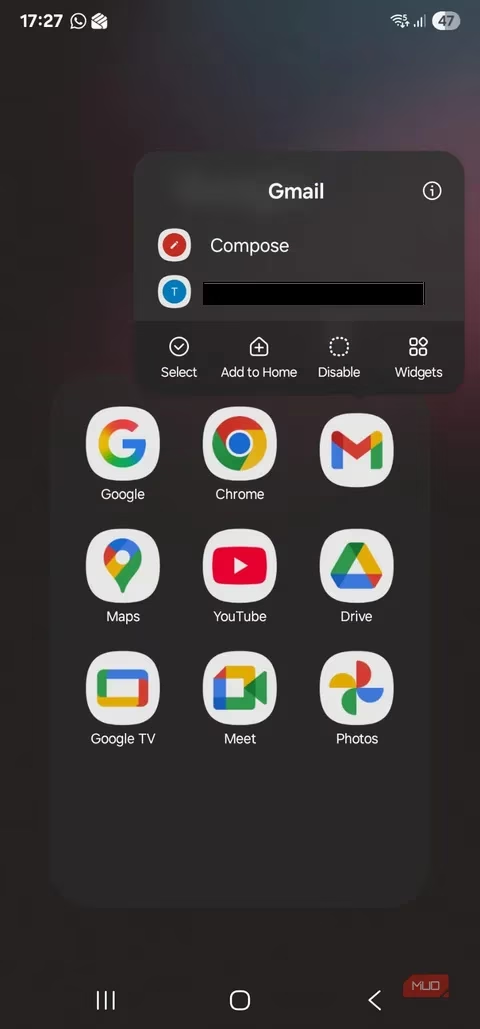
I treated the cleanup like clearing out a digital wardrobe. Some items were easy to remove, while others made me pause because they were tangled up with work, photos, calendars, and sign-ins. I deleted or disabled the obvious apps first: Google Drive, Google Maps, Gmail, Chrome, and Google Calendar. The screen looked clean, but the experiment was not about aesthetics. It was about privacy, attention, and control. Google services collect a huge amount of data, from search history and browsing habits to location and app usage. I had accepted that trade-off for convenience, but I wanted to know what life looked like on the other side.
Finding Alternatives on F-Droid
My next step was finding privacy-focused replacements. I turned to F-Droid for app discovery, and the experience was a mix of pleasant surprises and rough edges. Some alternatives felt polished enough that I could keep using them. Others worked, but required patience. I did not expect a perfect one-to-one swap for every Google app, and that expectation helped. Here is what I used during the week:
| Google service | Replacement I tried | What worked | What I missed |
|---|---|---|---|
| Chrome | DuckDuckGo | Clean interface, built-in tracker blocking, simple privacy controls | Chrome felt faster and more familiar |
| Google Maps | HERE WeGo and Organic Maps | HERE WeGo helped with road trips; Organic Maps handled everyday navigation | Google Maps still felt smoother for live traffic and discovery |
| Google Drive and Google Photos | Dropbox | Reliable cloud storage and backup; useful for freeing space on phone and laptop | Deep photo search and the tight Google Photos experience |
| Gmail | Proton Mail and Thunderbird | Proton Mail offered end-to-end encryption and tracking protection; Thunderbird had a unified inbox and flexible sync options | Gmail's effortless integration across Android |
| Google Tasks | Todoist | Fast task lists, clear project management, easy daily use | Nothing major for basic task management |
| Google Calendar | Fossify Calendar | Private, ad-free, and able to sync with several calendar services | The seamless Google Calendar routine |
| Google Keep | Samsung Notes | Good for quick notes on my Galaxy phone | Cross-device simplicity of Keep |
| YouTube Music | Spotify and NewPipe | Spotify worked for general listening; NewPipe was a privacy-focused YouTube client | YouTube Music's recommendations and library |
I also kept Spotify for unwinding and used Samsung Notes for note-taking. The YouTube problem was trickier. I love YouTube Music, so living without it was a real challenge. NewPipe was useful as a privacy-focused YouTube client, but it was not a full replacement for YouTube Music. That distinction mattered. A good alternative does not have to be identical, but it has to fit the way I actually use my phone. Some apps passed that test. Others did not.
A Quieter Phone and a More Mindful Week
After a few days, my phone felt quieter. Notifications dropped significantly, and I spent less time doomscrolling. Without YouTube recommendations, help prompts, personalized ads, and Play Store suggestions, I could avoid distractions and focus on what I opened the phone to do. Was that a small change? Yes. Was it meaningful? Also yes. I had more control over my attention, and I was giving away less personal data by using privacy-focused alternatives. The experiment did not turn me into a privacy purist, but it made me more mindful of my digital choices.
There were still moments when the missing Google ecosystem stung. The feature I missed most was the seamless Sign-In with Google option. When I stopped using Gmail, I revisited the era of manually entering my email address and password whenever I wanted to sign up for something. It was slow and inconvenient. I also missed the Play Store. F-Droid offered plenty of apps, but sometimes I struggled to find a good substitute, especially for Google Maps and Google Calendar. I was glad I already had HERE WeGo and Todoist installed. I also could not find a good food delivery app on F-Droid, which reminded me that convenience is not only about privacy. It is also about the everyday services that make a phone useful.
Would I Go Google-Free Forever?
No. I have no plans to eliminate Google apps entirely from my life. The connected, convenient, and seamless experience of the Google ecosystem is real, and I understand why so many Android users depend on it. But the week taught me that I do not need to depend on Google for everything. I found alternatives that worked for me, and I plan to keep using some of them. I also learned that a less convenient app can still be a better choice if it gives me more control over my data and attention.
In 2026, the conversation about privacy and big tech is louder than ever, but the answer does not have to be all or nothing. I did not need a custom ROM or a dramatic digital detox. I needed one week, a backed-up phone, and a willingness to be a little uncomfortable. My Galaxy S22 Ultra still runs Android, and Google is still part of the platform. But I now know that my daily habits are mine to shape. So, would I recommend trying a Google-free week? If you are curious about your own dependence, yes. You might miss the convenience, but you may also discover how much of your phone use is simply automatic.