
I Replaced Every Google App on My Android—Here's What Happened in 2026
Ditch Google's tracking and reclaim your Android with sleek FOSS alternatives like Cromite's stealth browser and LibreTube's ad-free streaming.
You know that feeling when you unbox a brand-new Android phone, sign into your Google account, and suddenly it’s like you’ve invited a meticulous butler into your life—one who doesn’t just anticipate your needs but also memorizes your every cough, whisper, and midnight snack run? Convenient, sure, but after a while, it feels less like owning a device and more like being a tenant in a digital panopticon where your rent is paid in behavioral data. I hit my breaking point last fall and decided to go cold turkey: no Google apps. Not a single one. No Chrome, no YouTube, no Gmail, no Maps. I was ready to suffer through a janky, half-broken experience. Spoiler: it wasn’t suffering at all. Turns out, in 2026, you can build an Android phone that feels completely yours, using only free and open-source software (FOSS). Here’s exactly how I did it, one app at a time.
🧭 Browsing Without Big Brother: Cromite
Google Chrome is like a hyperactive golden retriever that fetches every stick you throw, but also secretly photographs your backyard for advertisers. I needed a browser that was fast, familiar, and not constantly whispering back to Mountain View. Enter Cromite, a hardened fork of Chromium that looks and acts almost identically to Chrome—same tab layout, same omnibox—but with the tracking DNA surgically removed. It is less a browser and more a stealth ship; it glides past ad trackers at the network level, blocking them before they even load, which makes pages snap into view like a well-oiled door hinge.
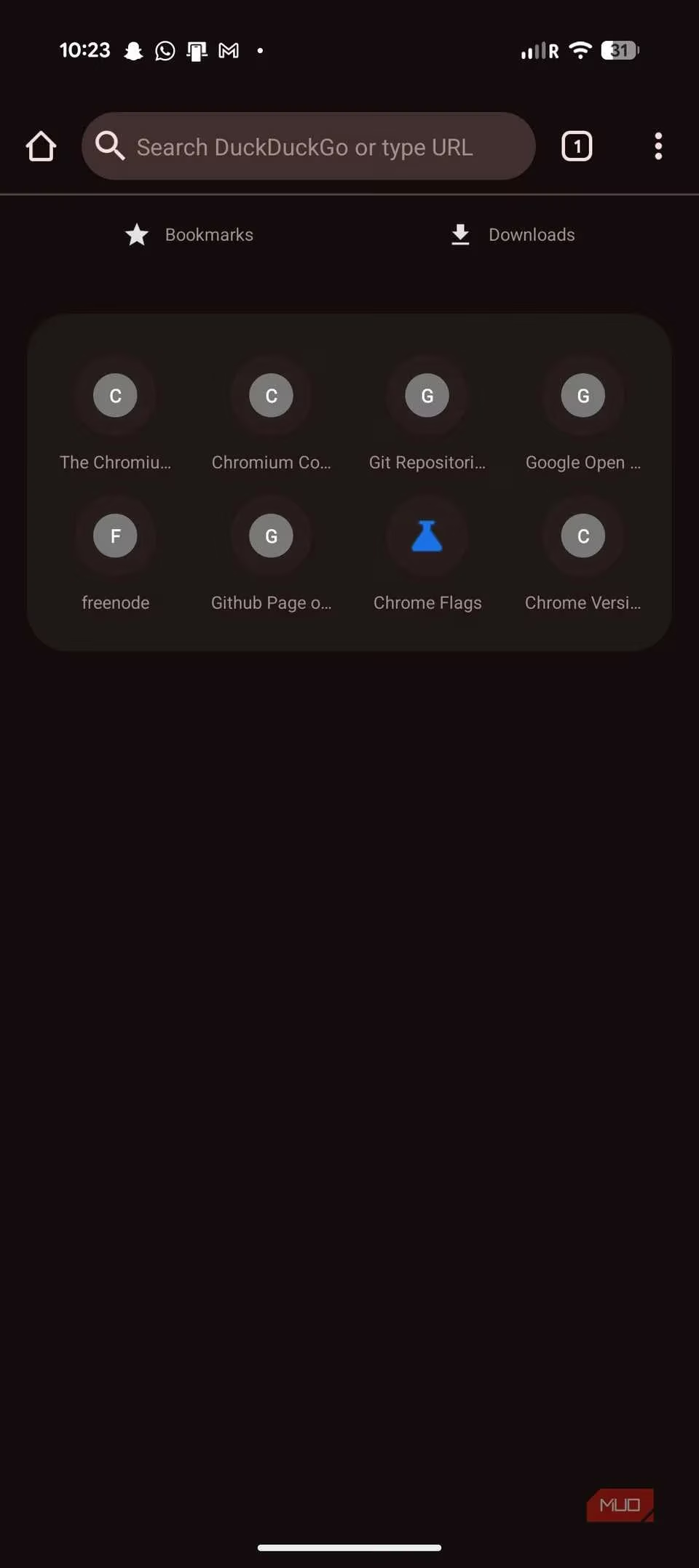
What I love most are the small touches that feel like they were designed by someone who actually uses a tall phone in 2026: a bottom toolbar that puts the address bar within thumb reach, per-site permissions, anti-fingerprinting toggles, and strict HTTPS enforcement. None of these are buried in obscure flags; they’re right there in a clean settings menu. And it ships with ad blocking that makes the web feel like a library instead of a billboard district. If you’ve ever felt like Chrome is a rental car with a tracker glued to the chassis, Cromite is your own freshly waxed motorcycle.
📺 YouTube Without the Soul-Sucking Ads: LibreTube
Let’s be real—watching YouTube on the official app without Premium is like sitting in a theater where every 10 minutes someone pauses the movie to shout about car insurance. LibreTube changes that. It’s a frontend that talks to YouTube through a privacy-friendly Piped backend, so you get the same videos without Google’s servers ever touching your IP. The result is a streaming experience that feels almost luxurious: no pre-roll ads, no forced Shorts, and no pop-ups begging you to subscribe.
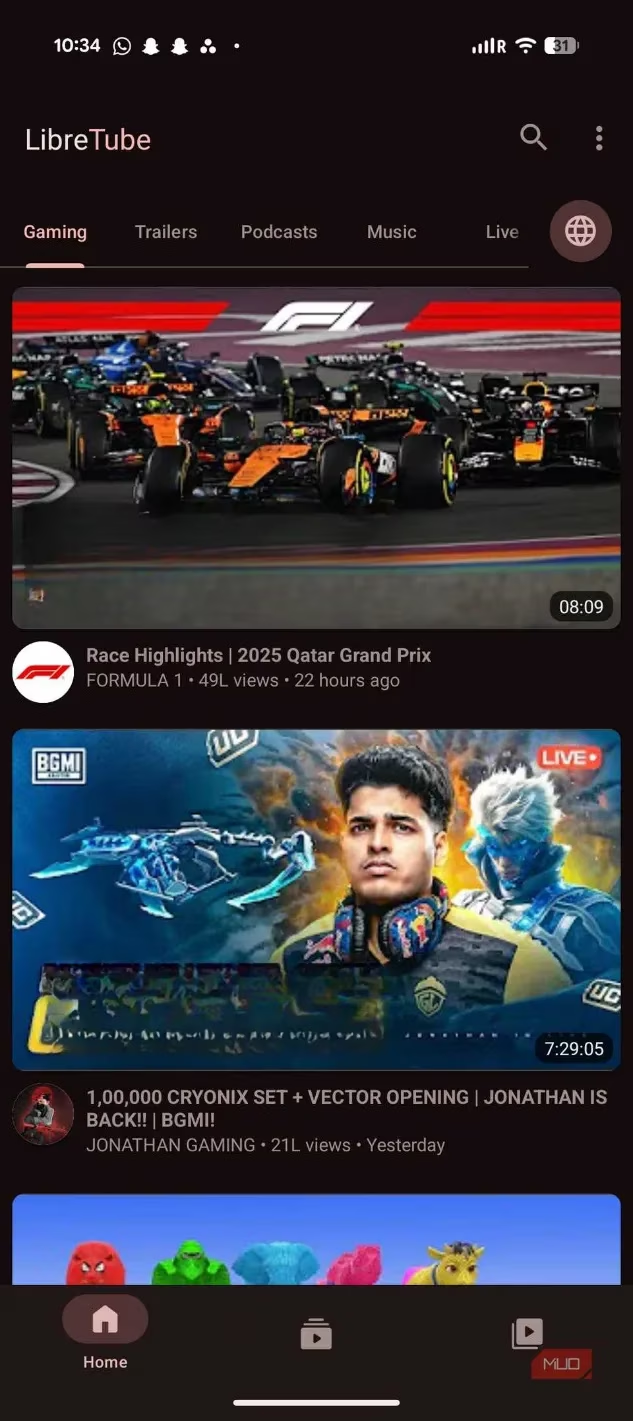
The UI is a love letter to Material You, picking up system accent colors so it sits on my home screen like it was born there. I can subscribe to channels without a Google account—imagine that!—and set default playback quality separately for Wi-Fi and mobile data. The real showstopper is SponsorBlock integration, which auto-skips those mid-video promo reads. It feels like having a remote control for reality. Background play and Picture-in-Picture work out of the box, making me wonder why I ever tolerated the official client.
🗺️ Maps That Don’t Treat You Like a Product: Organic Maps
Google Maps has morphed into a digital shopping mall that happens to give directions. I switched to Organic Maps, and it’s like trading a blaring city billboard for a crisp paper map drawn by a cartographer who respects your time. Built on OpenStreetMap data, it lets you download entire countries for offline use and then gets out of your way. No review cards, no popular-times graphs, no prompts to upload photos.
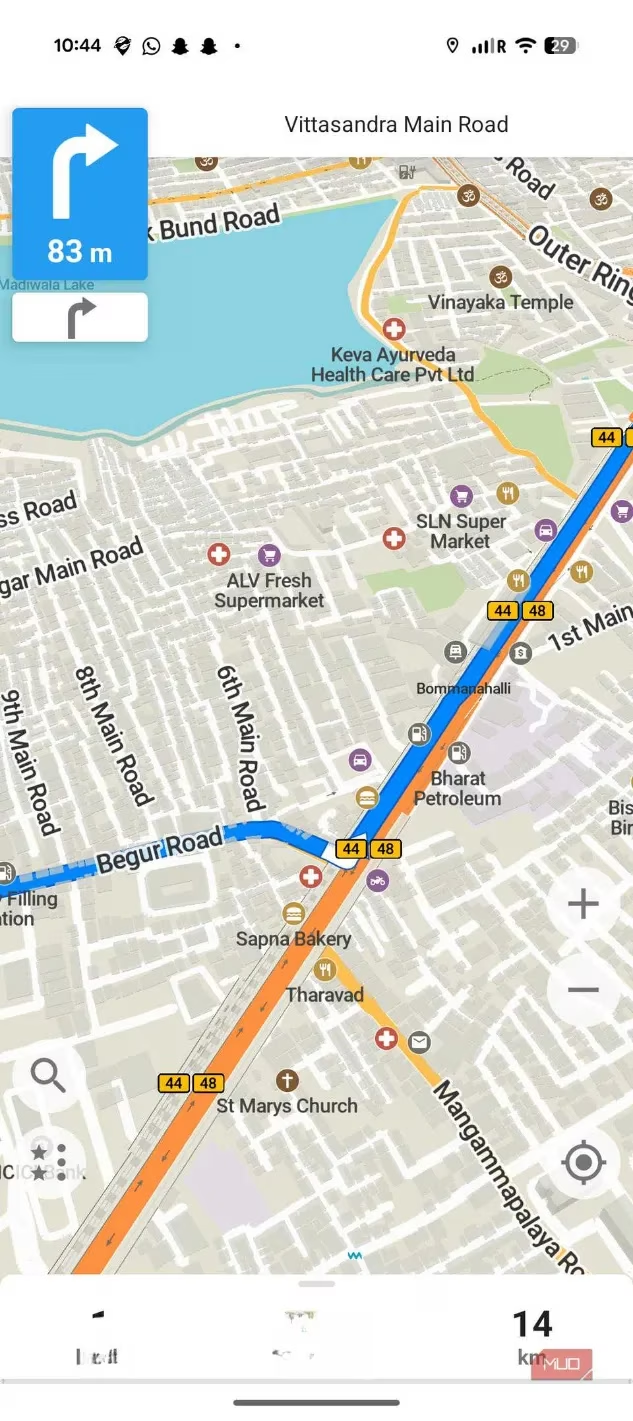
The secret superpower is battery life. Because it isn’t constantly pinging servers for live suggestions and location-history syncing, my phone doesn’t turn into a hand warmer on long drives. Map rendering is sharp and fast, and the offline-first design means I get reliable navigation even in the concrete canyons where Google Maps stutters. The trade-off? No live traffic updates. It’s a fair swap for a tool that doesn’t track every turn I take and sell it to the highest bidder.
⌨️ Typing Without Eavesdropping: HeliBoard
A keyboard sees everything: passwords, love notes, medical queries. Gboard is undeniably excellent, but it’s a gossip. It phones home to Google’s cloud, and I decided I wanted my keystrokes to stay in my thumbs. HeliBoard is an open-source keyboard built on OpenBoard, and visually it’s a twin of Gboard—clean layout, optional number row, system-color theming. The crucial difference? It requests zero internet permissions. That’s like hiring a stenographer who is physically incapable of leaving the room with your notes.
Most FOSS keyboards lose me at glide typing. HeliBoard cleverly lets you plug in a swipe engine library yourself, so you get that smooth swiping while the core remains offline. Smart suggestions, emoji search, clipboard access—all there, but the whole thing feels like a tailored suit compared to Gboard’s off-the-rack bloat. My typing is faster, my battery thanks me, and my privacy isn’t a bargaining chip.
🏠 A Home Screen That Works for You: Kvaesitso
Google’s default launcher is designed like a funnel: everything leads back to Google Search and the Discover feed. I wanted a home screen that behaves like a vigilant personal assistant, not a corporate greeter. Kvaesitso rethinks the launcher around a single, Spotlight-like search bar that can find apps, contacts, or web queries instantly. It turns the widget screen into a scrollable, information-dense feed you customize, and the animations are so smooth they feel like butter on a warm pancake.
There’s a compact elegance to it—Material You accents, classic icon pack support, and a layout that feels like it was designed for humans, not engagement metrics. The emphasis is on speed and reachability. I tap the search bar and type, and it responds before my thumb fully lifts. It’s the kind of design that makes you realize how much of the stock experience was just noise.
✉️ Email Without the Walled Garden: Thunderbird for Android
Gmail is like a hotel that’s lovely to stay in, but every time you try to leave, the concierge reminds you that the outside world is inconvenient. Thunderbird for Android—the mobile sibling of the legendary desktop client—welcomes all email providers equally. I have my Gmail, Outlook, and personal domain accounts living in a unified inbox that doesn’t try to pigeonhole messages into promotional tabs.
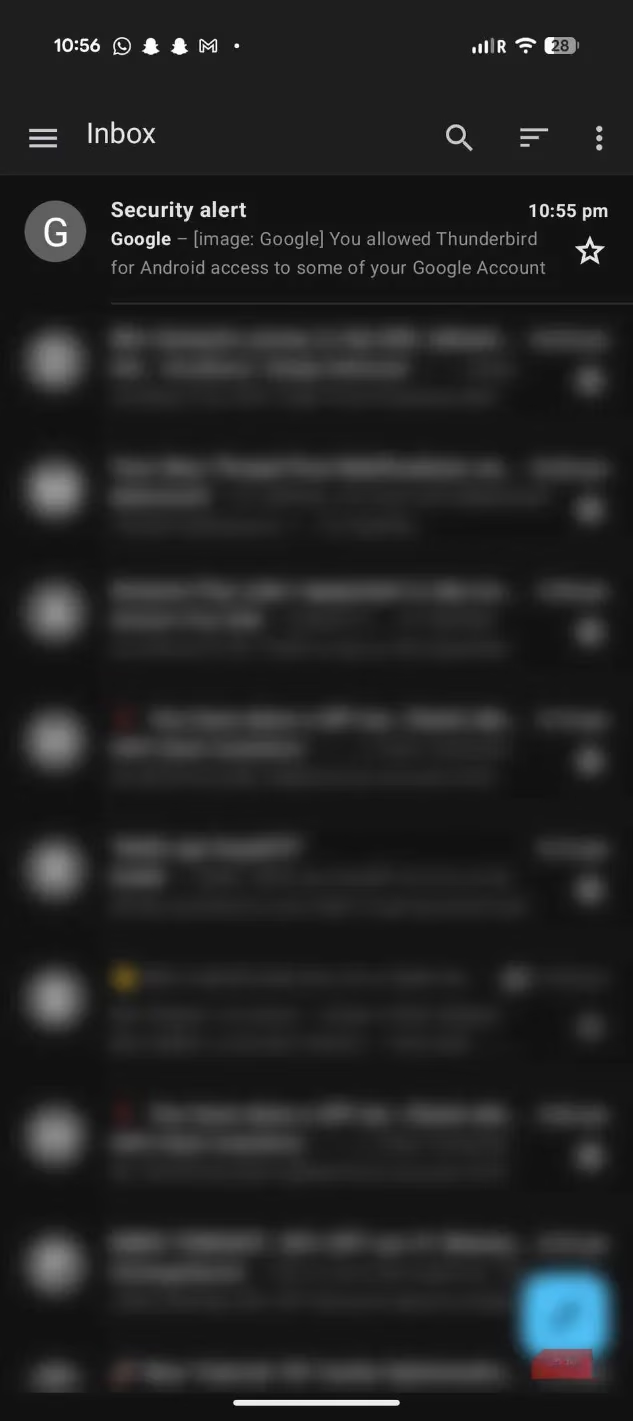
It carries desktop-grade thinking in your pocket: proper folder management, powerful search, and a conversation view that doesn’t hide raw message controls. Swipe gestures are tunable, sync windows per account, and it respects dark mode with modern Material components. Even large IMAP accounts feel snappy. The best part? It supports end-to-end encryption settings that don’t require an engineering degree to activate. My inbox finally feels like a private study, not a shopping arcade.
🔐 Two-Factor Codes Without the Cloud Risk: Proton Authenticator
Storing 2FA codes in a cloud-connected app is like putting your house key under a mat labeled “key here.” Proton Authenticator keeps my codes end-to-end encrypted and synced across devices through Proton’s privacy-first infrastructure—or fully local if I choose. The interface is polished, with icon support, labels, and sorting that makes finding the right code a blink-and-you’re-done affair.
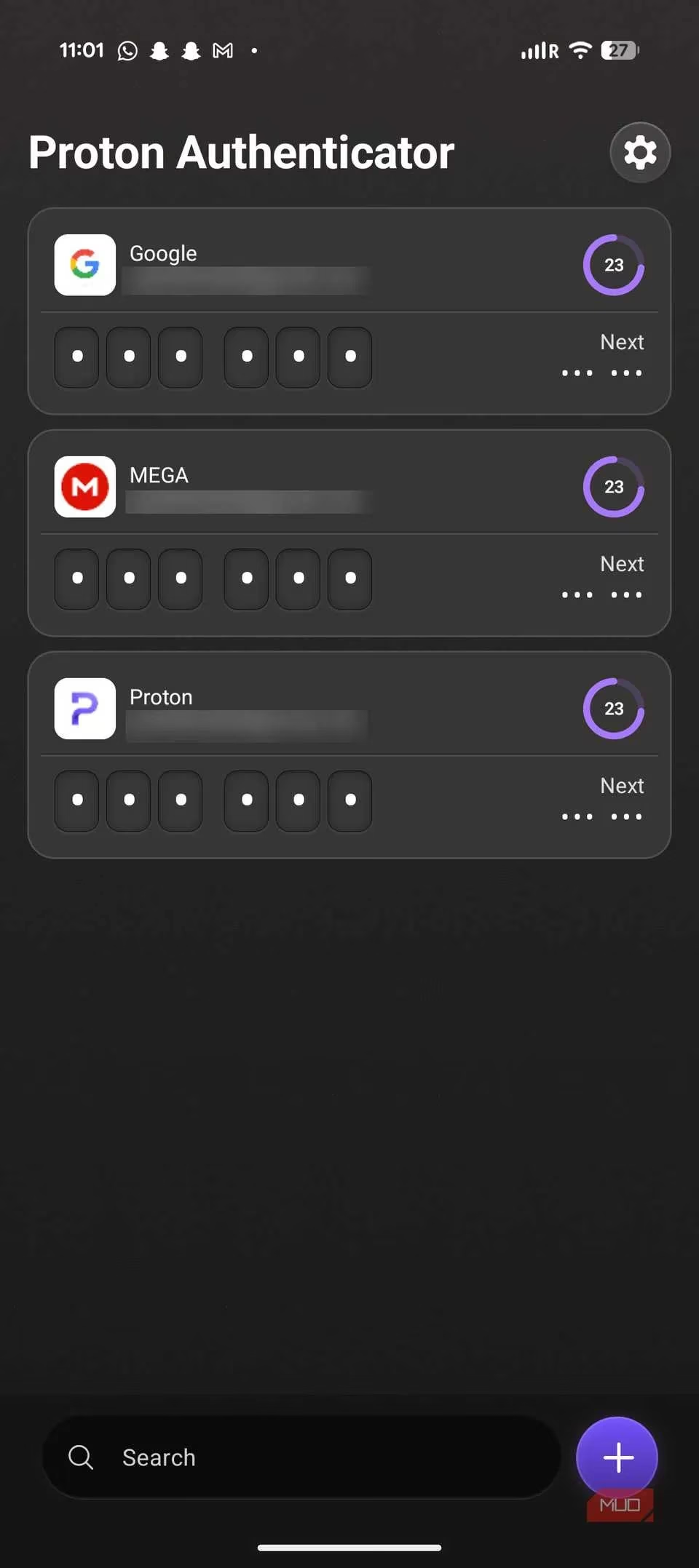
I can lock the app with a PIN or biometrics, hide codes on screen until I tap them, and easily export my setup. It’s open source, so there’s no mystery code that could leak secrets. In a world where digital keys deserve a vault, Proton Authenticator is a Swiss bank locker that fits in your palm.
The Big Takeaway
Swapping every Google app for a FOSS alternative in 2026 was less about sacrifice and more about rediscovering what a personal device should be. My phone is no longer a rent-to-own data terminal; it’s a tool that feels like an extension of my intentions, not some boardroom’s quarterly target. Each open-source app here stands on its own, polished and capable enough to make you forget the default. The most compelling part? You don’t have to do it all at once. Replace just one app—start with the one that bugs you the most—and you might find yourself, like me, nudging the rest off your home screen one by one.