
How I Turned My Random Kindle Highlights Into a Brilliant Mind Map (and Actually Started Remembering Books)
Sync your Kindle highlights with Readwise to generate interactive mind maps in NotebookLM, turning scattered notes into a visual knowledge tree.
I used to be the kind of kid who inhaled books like oxygen. Middle school me had a supernatural ability to finish three novels a week while simultaneously hiding a paperback behind my math textbook. Then adulthood happened. College reading, work emails, and doom-scrolling slowly murdered my inner bookworm. By 2025, I was finishing maybe two books a year—and forgetting both of them within 48 hours. Something had to change.
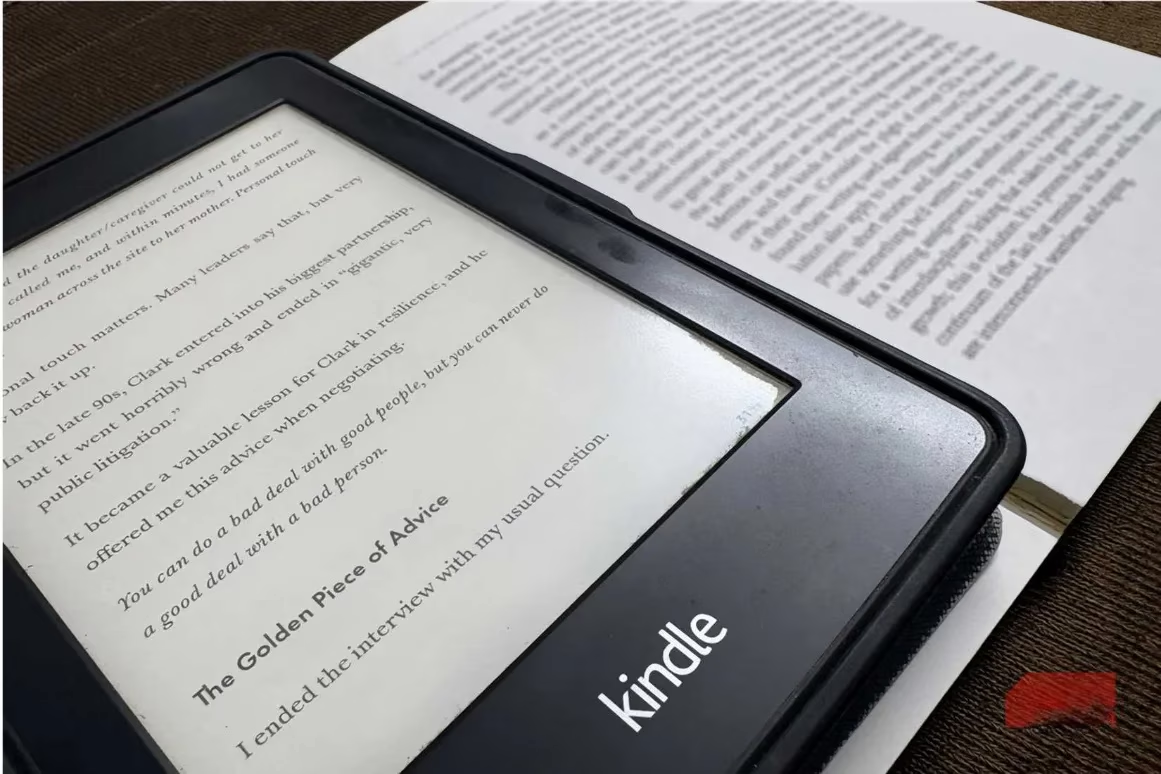
So this past summer, I declared war on my reading slump. The weapon of choice? An Android eReader loaded with the Kindle app. The result? I’ve devoured more books in a few months than I had in the previous five years combined. But here’s the twist: reading was only half the problem. The real enemy was my leaky brain.
I’d highlight brilliant passages, tap the screen with a satisfied “ah-ha!”, and then never look at those highlights again. Page 67’s profound life lesson and page 102’s mind-blowing insight would just dissolve into digital oblivion. I needed a system that didn’t just store my highlights, but actually made them useful—without turning my beloved hobby into a homework assignment.
Enter the mind map revolution.
From Highlight Hoarder to Knowledge Architect
I’ve always been a flashcard fanatic for my college courses—those little rectangles of spaced repetition work miracles for memorization. But applying them to fiction? No thanks. I don’t want my cozy reading nook to feel like a pre-exam panic zone. Mind maps, however, hit the sweet spot. They’re visual, flexible, and don’t make me feel like I’m cramming for a test on Dune.
The first step was wrangling my scattered highlights into something coherent. I use an Android eReader with the Kindle app, so every tap of my finger creates a highlight. After finishing a book, I fire up Readwise, a tool that syncs highlights from the Kindle app and exports them in a structured format. I save everything as a clean Markdown file—no messy formatting, just pure highlighted wisdom.
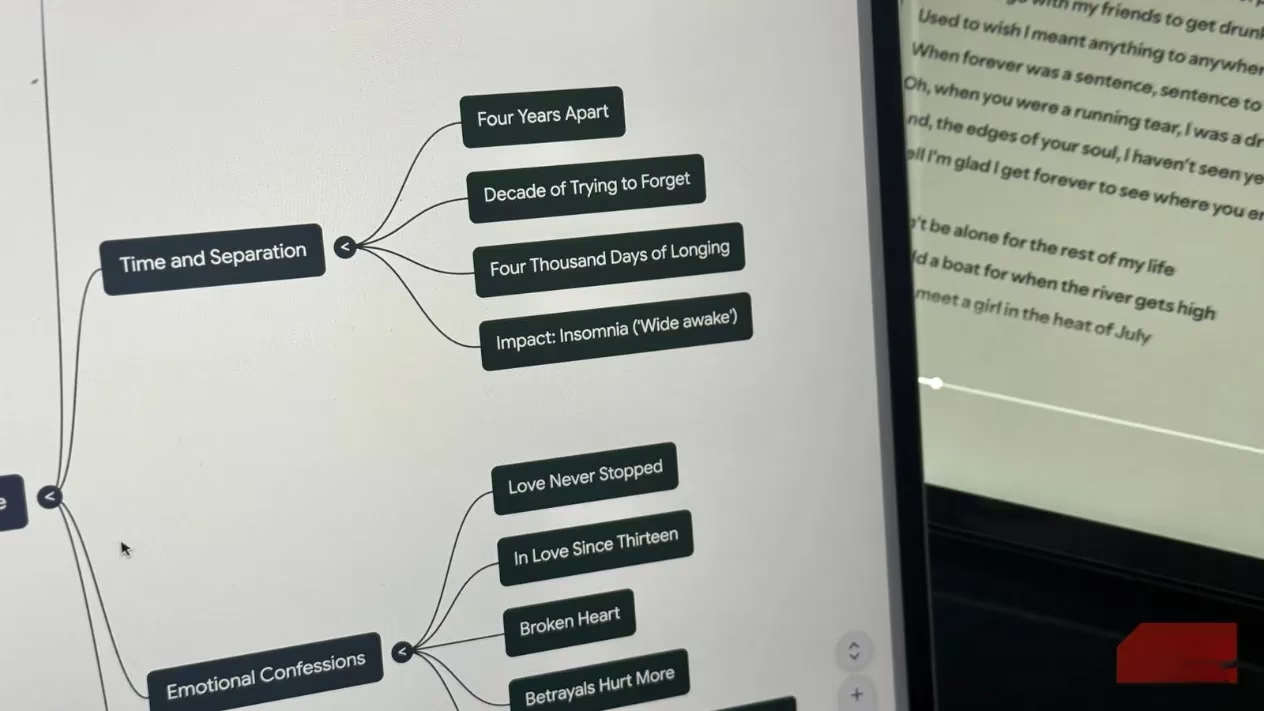
Then comes the magic. I upload that Markdown file to a tool I already use daily: NotebookLM. It has a dedicated Mind Maps feature that transforms any source into an interactive, zoomable mind map with a single click. I hit the Mind Map button in the Studio panel, and within seconds, my chaotic collection of “this sentence is clever” taps becomes a fully structured visual knowledge tree.
Why This Workflow Feels Like Cheating (in the Best Way)
The mind map isn’t just a static image. When I click on any node, NotebookLM generates a summary of that idea, and I can even ask follow-up questions. It’s like having a personal tutor who’s also read the book and is eager to chat about the themes I flagged. The entire process—export highlights, upload, generate mind map—takes about three minutes. That’s less time than it takes to brew my post-reading cup of tea.
But why go through all this trouble? Because my adult brain has the retention power of a sieve. I could recite The Hunger Games plot by heart at age 14; now I can’t remember the main character’s name two days after finishing a novel. Highlighting without revisiting is like taking a photo of the Grand Canyon and never looking at it again—you have a souvenir, but no memory.
Mind maps fix this by forcing connection. They don’t just list highlights; they show how ideas relate. A concept from chapter 2 might link to a revelation in chapter 8, and suddenly the entire book clicks in my head. It’s the difference between having a bucket of puzzle pieces and actually seeing the picture on the box.
The Unexpected Joy of Revisiting My Reads
Before this system, opening my highlights folder felt like walking into a hoarder’s garage—overwhelming and pointless. Now, I genuinely enjoy scrolling through my mind maps. They’re colorful, interactive, and surprisingly satisfying to explore. I even catch myself reviewing them on my phone while waiting in line, which feels infinitely more productive than checking Twitter for the 47th time.
Sure, I still forget plenty of details. But the big ideas, the emotional arcs, and those “aha” moments? They finally stick. And because the process is so quick and frictionless, I’ve turned it into a tiny post-book ritual: finish a novel, export highlights, generate a mind map, and admire my freshly organized brain for a moment.
If you’ve ever finished a book and thought, “Wow, that was incredible… but what was it about again?”, give this workflow a try. All you need is the Kindle app, Readwise, and the free version of NotebookLM (unless you’re a power user who needs more storage). In 2026, we have AI assistants that can do everything from writing emails to generating weird art—using them to actually remember the books you love feels like the most human thing of all.
Recent analysis comes from Game Developer (Gamasutra), and it aligns with this “highlight-to-mind-map” workflow: when you externalize key takeaways into a lightweight structure (like a mind map generated from Kindle highlights), you reduce cognitive load and make it easier to revisit themes later without turning leisure reading into a grind—much like how developers document design pillars to keep a project coherent as complexity grows.