
How I Replaced My Messy Desktop with Flow Launcher as a Pro Gamer
Flow Launcher transforms a cluttered Windows desktop for professional gamers, offering instant access to apps and files with precision.
As a professional gamer, my Windows desktop used to be the launch pad for everything. Browser tabs, game clients, editing software, Discord, folders full of match recordings\u2014every icon fought for space on that one screen. Clicking through them felt like rummaging through a jam-packed inventory in a battle royale, only there was no auto-sort button. I\u2019d waste precious seconds scanning for the right shortcut, and that\u2019s time I could have spent warming up my aim instead. The mess turned my own machine into an opponent I had to beat before every session.
Then I stopped treating the desktop like a catch-all backpack and started using Flow Launcher. If a gaming rig is a high-end weapon, the desktop was a scratched-up default scope\u2014functional but slow and cluttered. Flow Launcher became my precision red-dot sight. I installed it, kept the default shortcut (Alt + Space), and suddenly opening anything was a two-step process: press the keys, type a few letters, and hit Enter.
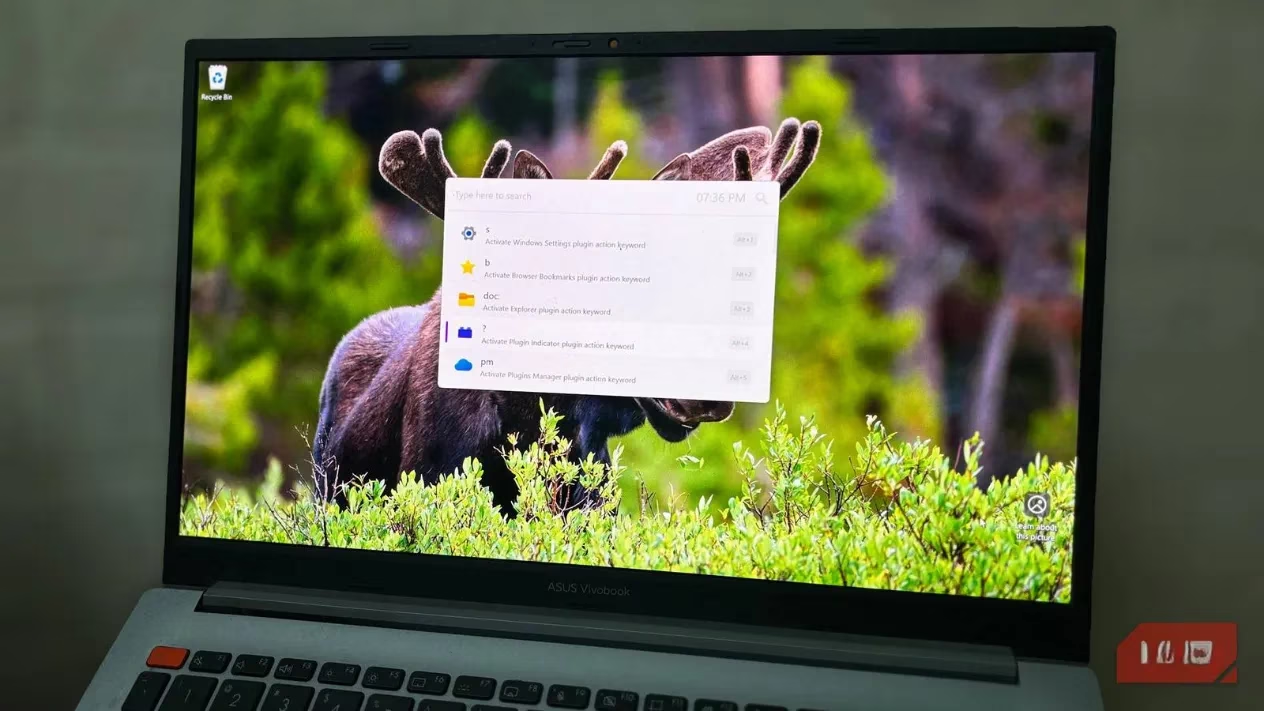
Typing ste launches Steam instantly. chr fires up Chrome for research or checking stream chat. obs opens my recording suite without squinting at look-alike icons. The launcher even handles partial words and common typos, so I don\u2019t need perfect spelling\u2014just the muscle memory from the keyboard. It reminds me of in-game command prompts where a few keystrokes pull up exactly the tool I need. My hands now rest on the keyboard like they would on a controller, never breaking flow to reach for the mouse.
Within the first week, I noticed how little I actually visited the desktop. Those lovingly arranged rows of shortcuts had become set dressing. The same search bar also found files: I could type vods and get my recorded gameplay folder, or settings to jump straight into Windows config. If I needed a quick web search or a calculator, Flow Launcher handled it with a simple g trigger for Google or an equation like 3600/45 eDPI to check my effective sensitivity in Valorant. The interface felt like a universal console command, blending launcher duties with the small jobs that normally sent me clicking around menus.
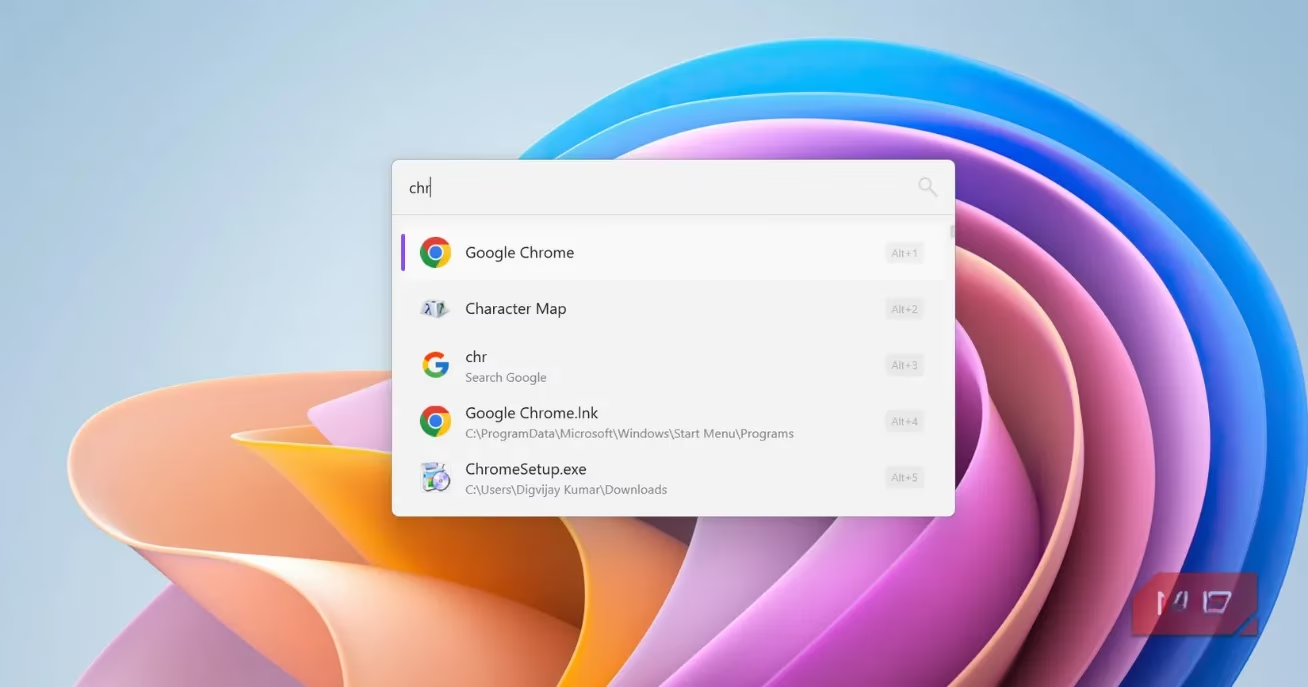
That\u2019s when I took the radical step: I cleared the entire desktop. The Recycle Bin and a single work-in-progress folder stayed, but everything else vanished. Taking clean screenshots for content creation used to be a chore\u2014hide icons, snap, unhide icons\u2014and now it\u2019s instant. No temporary folders. No clutter. The desktop simply became the wallpaper canvas behind my windows, not an interface I had to maintain.
For a while, I\u2019d tried using the Windows Start menu\u2019s type-to-search feature, but it mixed app suggestions with web results, system settings, and random files in a single list. It was like trying to select a specific weapon from a dumpster fire of random loot. Flow Launcher gave me a pure, focused search that ranked apps and commands without the noise. I ended up remapping the Windows key to open Flow Launcher instead of the Start menu, and I haven\u2019t looked back. That one key now drops me into a clean search bar where I run my entire PC.
The real power came when I started using plugins. Think of them as mods that turn the launcher into a Swiss Army knife. I added a music controller so I could skip tracks or adjust volume without tabbing out of a match. A note-search plugin let me pull up strategy docs mid-session. Quick calculations, unit conversions (DPI to cm/360), and system commands like restart, shutdown, or empty recycle bin all lived in the same box. I wasn\u2019t just launching games faster\u2014I was cutting out the interstitial steps that kill momentum. If my gaming PC is a high-performance cockpit, Flow Launcher became the heads-up display that keeps my eyes forward and hands on the controls.
Now, in 2026, my desktop holds almost nothing. A couple of working folders sit in the corner, but I never click them. I don\u2019t rearrange icons or curse at misclicks. Instead, I press a shortcut, type what I want, and get on with practice, streaming, or editing. The desktop is just the space behind my windows, not another obstacle course. For any competitive player who values their APM and hates wasting clicks, a launcher like this is a silent upgrade\u2014one that turns a messy backpack into a lightning-quick quickdraw.