
How I Ditched My iPad Data Plan and Saved $300 a Year with a SIM-Swap Trick
Cellular iPad users face high tablet data plan costs; using a smartphone SIM offers affordable, seamless connectivity and major annual savings.
I’ve been a remote worker relying on my cellular iPad for years, and I can’t overstate how liberating it is to have fast, reliable connectivity everywhere without hunting for Wi‑Fi or draining my phone’s battery with a hotspot. In 2026, many of us still face the same frustrating paradox: laptops and tablets with onboard cellular deliver a smoother experience than tethering, yet they come with steep recurring costs. I looked at my AT&T bill one day and realized I was shelling out over $25 a month—nearly $300 a year—just so my iPad Pro could grab a signal when I wasn’t near trusted Wi‑Fi. That was the moment I decided to hack my own solution.
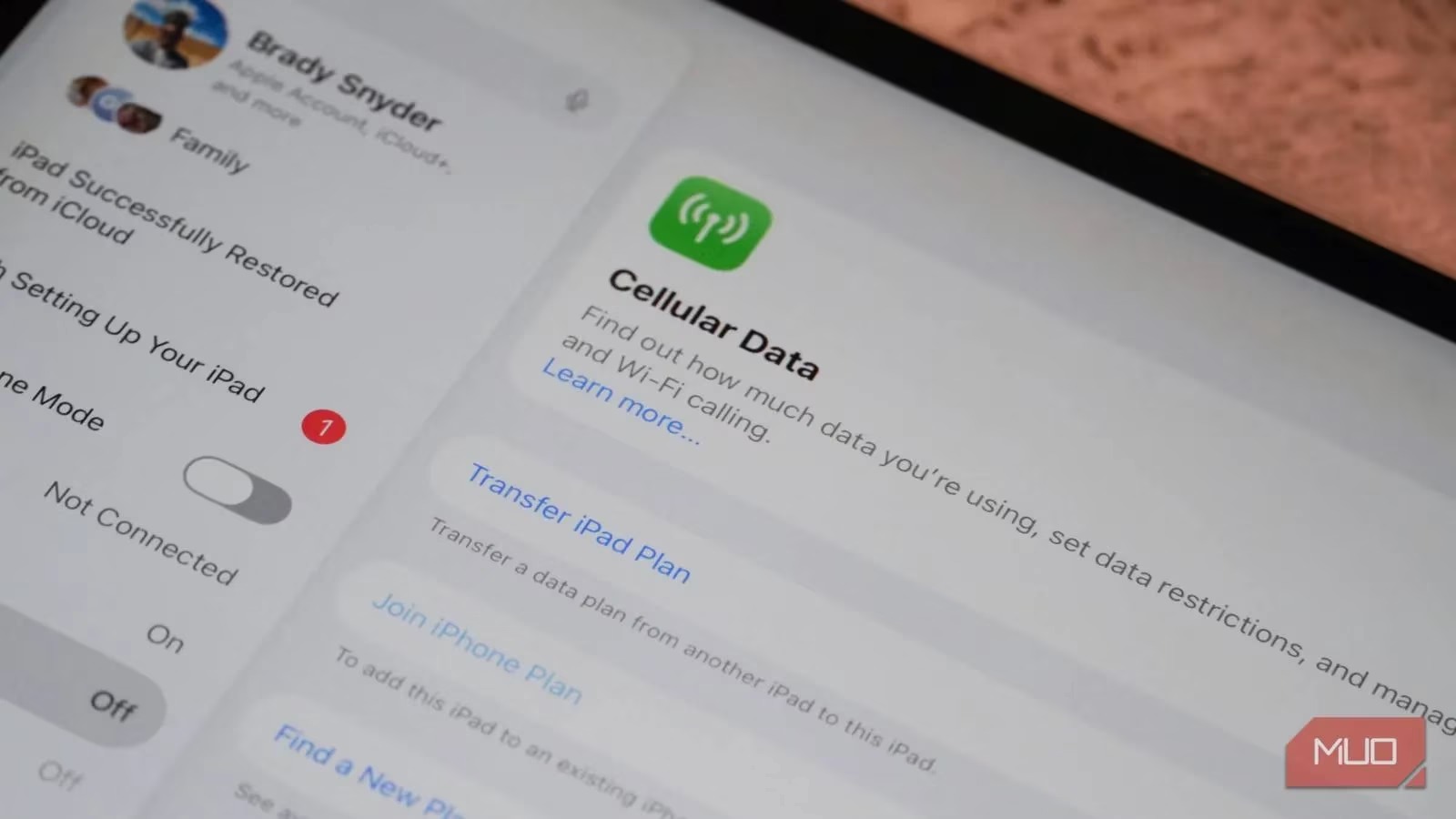
Tablet data plans from the big three U.S. carriers have always felt overpriced. Whether you’re on AT&T, T‑Mobile, or Verizon, entry‑level unlimited tablet add‑ons hover between $20 and $25 before taxes and fees—often only a couple of dollars less than a full smartphone line. This pricing never made sense to me, especially since I use cellular on my iPad maybe 10–15% of the time. I couldn’t justify paying the equivalent of a streaming subscription just for occasional connectivity. So I embarked on a mission: use my regular smartphone plan as my tablet’s data source without paying an extra cent.
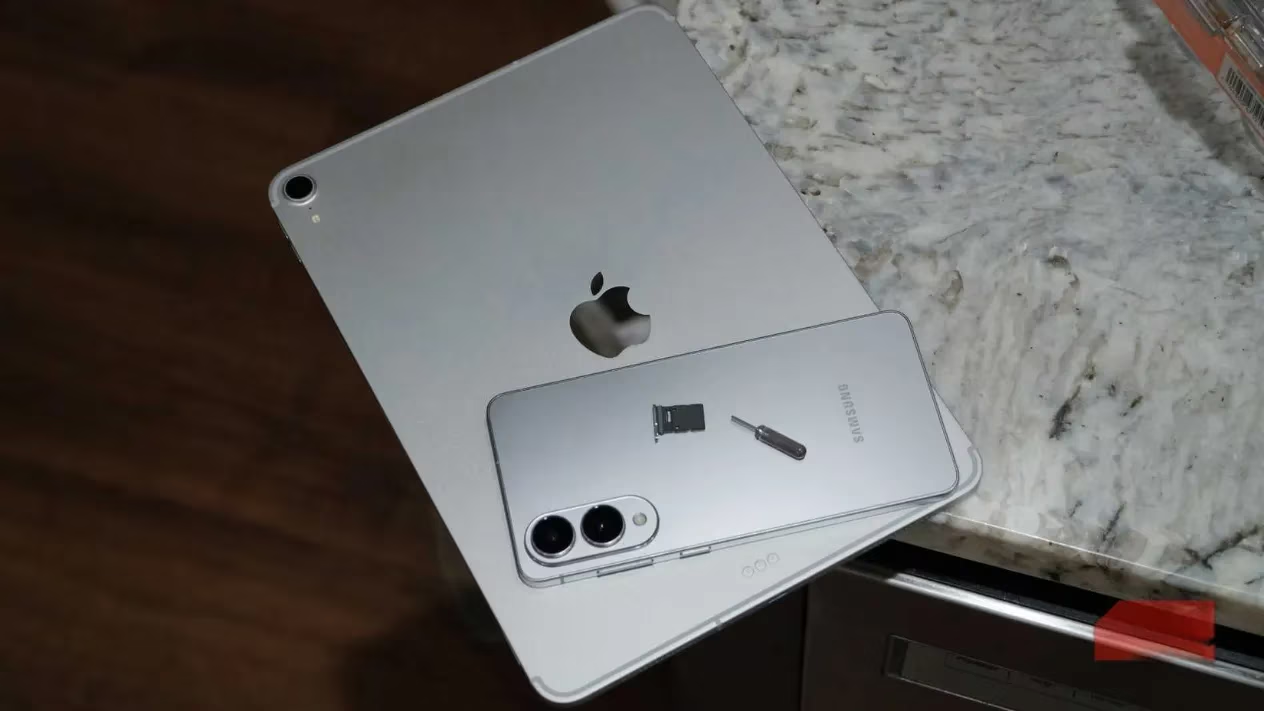
The core idea was deceptively simple—swap the nano‑SIM from my phone into my iPad whenever I needed cellular data. In practice, this required a few deliberate hardware choices. Modern U.S. iPhones and iPads have gone all‑in on eSIM, which makes SIM swapping impossible without carrier involvement. However, most Android flagships still pack a physical SIM tray. My daily driver, the Samsung Galaxy S25 Edge, became the perfect partner for this scheme. I then traded my expensive iPad Pro M4—yes, the one with the tandem OLED display—for a refurbished first‑generation 11‑inch iPad Pro that retains a nano‑SIM slot. The math was compelling: the refurb cost me about a third of a brand‑new M4 or even the latest M5 model, and the physical SIM support immediately opened the door to annual savings north of $300.
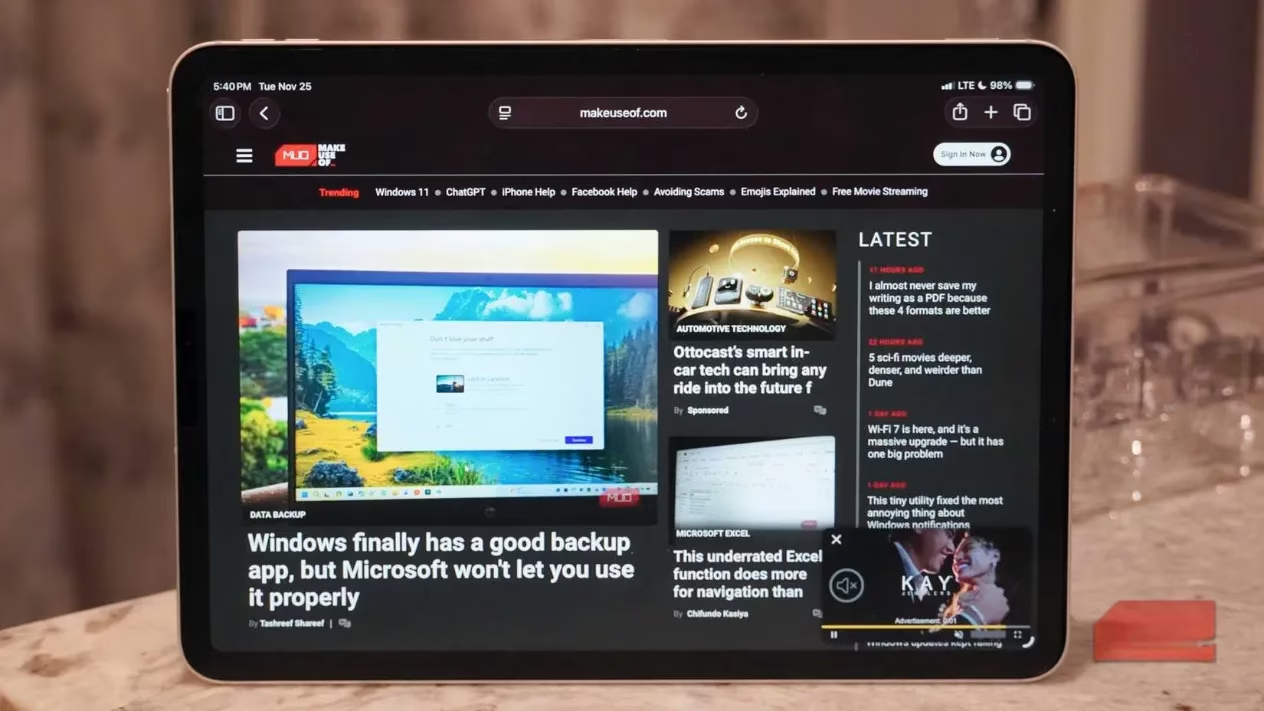
My workflow now looks like this: I keep a SIM ejector tool attached to a lanyard in my tech pouch. Any time I’m at a coffee shop, airport, or park bench without decent Wi‑Fi, I pop the SIM out of my Galaxy S25 Edge and slide it into the iPad Pro. Within seconds, the tablet latches onto AT&T’s network—5G or LTE—and I’m back to email, cloud docs, and video calls. The data is pulled straight from my smartphone plan’s allowance, no separate billing, no throttling unique to tablet add‑ons. When I’m done, the SIM goes back into the phone, and it immediately reconnects, picking up any missed calls or texts like nothing happened.
To my delight, the iPadOS treats the transplanted SIM as a native cellular line. I can track data usage, set a SIM PIN, and even view the carrier label exactly as I would on an iPhone. Because AT&T’s network authenticates based on the SIM and IMEI pairing, everything works—no pesky “data plan not supported” messages. I’ve tested this with extended work sessions, streaming, and even large file downloads; performance is identical to what I’d get on a dedicated tablet plan.
That said, this approach isn’t a magical one‑size‑fits‑all panacea. 🚫 There are clear trade‑offs:
-
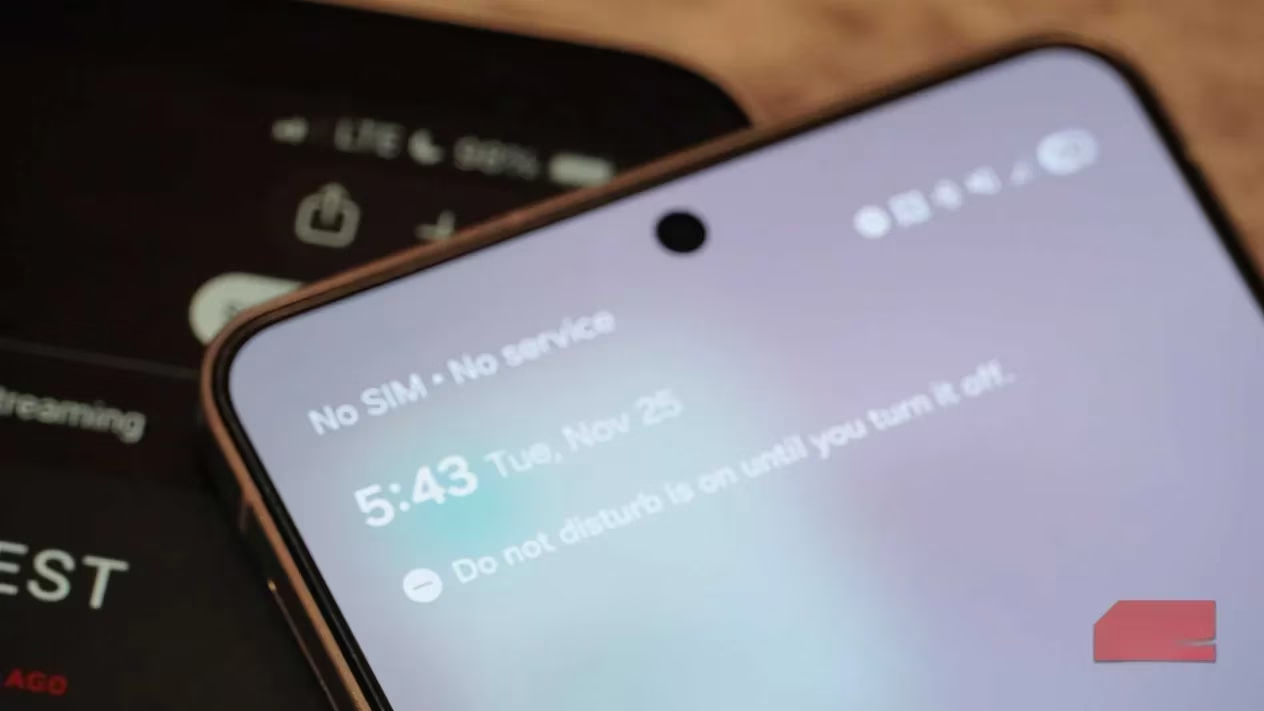
No voice or SMS on the tablet. iPads cannot handle circuit‑switched voice or traditional SMS/MMS. While your SIM is in the tablet, incoming calls go straight to voicemail and texts queue up invisibly. For me, this is acceptable—I use iMessage on the iPad for most conversations, and my calls are scheduled ahead or come through apps like FaceTime and Teams.
-
Carrier compatibility varies. Prepaid operators and some MVNOs enforce strict device‑line matching. On postpaid plans from AT&T, Verizon, and T‑Mobile, the swap generally works, but it’s wise to check your carrier’s terms of service. Some users have reported success on all three, but occasionally a carrier might flag repeated swapping as unusual and require a chat with support.
-
Physical SIM trays are disappearing. The industry’s shift toward eSIM will eventually make this trick impossible. Already, regions outside the U.S. are seeing more eSIM‑only devices. If you’re in North America, grab a device with a SIM slot while you still can—or you’ll be forced back to paying extra.
If physical SIM swapping doesn’t suit your situation, you still have alternatives that won’t cost an arm and a leg. 📱
| Option | Monthly Cost (approx.) | Pros | Cons |
|---|---|---|---|
| MVNO tablet plan (e.g., US Mobile) | $5–$15 | Affordable, flexible data buckets | May have deprioritized data; requires separate plan management |
| Carrier‑inclusive plans (e.g., Google Fi Unlimited Plus) | Included with phone line | No extra payment; integrated billing | Limited to carrier’s network; may require specific phone plan |
| SIM swap (as described) | $0 extra | Total cost elimination; uses existing phone data | Requires SIM‑tray devices; no voice/SMS on tablet |
Google Fi, for instance, includes data‑only SIMs at no extra charge on select plans, letting you share your phone’s data pool with a tablet seamlessly. MVNOs like US Mobile offer standalone tablet data starting around $5 per month, which is far more palatable than the big carriers’ rates. Either route beats the $300+ annual drain I happily escaped.
Looking ahead, I hope carriers will eventually rethink tablet data pricing—after all, the same gigabytes shouldn’t cost twice just because the screen is larger. Until then, my SIM‑swapping routine keeps me connected for zero extra dollars. It’s not a flawless solution, but the savings are real, and my refurbished iPad Pro handles remote work every bit as reliably as the M4 did. If you own a cellular tablet with a physical SIM tray and a phone that still accepts one, give this method a shot. Just remember to keep that SIM tool handy and brace for the occasional missed call. Your wallet will thank you. 💰
As the digital landscape continues to evolve, staying informed can greatly impact your purchasing decisions. Whether you're optimizing your tech setup or hunting for the best deals, being proactive is key. In the realm of gaming, identifying when to strike for the best price can be just as crucial. For those looking to maximize their savings in the gaming world, using a game price tracker could be a game-changer. This tool helps you keep tabs on fluctuating prices, ensuring you never miss out on a great deal.
Embracing smart tools and tactics, like SIM swaps for tablets or price trackers for games, empowers consumers to make informed choices without compromising their wallets. In a fast-paced digital era, having reliable resources at your fingertips can make all the difference between paying more or saving smartly. As you explore these options, remember to engage with platforms and tools that align with your lifestyle and financial goals. After all, knowledge is power, and in this case, it can also mean extra savings.