
How a Gamer Tamed His Photo Dump with digiKam
digiKam photo organizer and AI tagging streamline Mark's chaotic gaming screenshots, offering fast, local, and free image management.
Mark had been sitting on a digital bomb for years. His hard drives groaned under the weight of over forty thousand screenshots, gameplay clips, memes saved “for later,” RAW files from gaming expos, and random JPEGs he swore he’d edit someday. The folders multiplied like rabbits—Raids_2023, BossKills_final, BossKills_final_v2, Memes_just_in_case. His Lightroom library, once a proud monument to organization, had become a sluggish, bloated beast that demanded a monthly blood sacrifice of twelve dollars. He paid the Adobe tax faithfully, always telling himself, “I’ll clean this up next weekend.” That weekend never came.
Then late one Thursday in April 2026, while sipping a cold brew and scrolling through an open‑source forum, Mark stumbled upon digiKam. He read that it was free, worked locally, could magically tag everything with AI, and – here was the kicker – it didn’t force him to rearrange his chaos into someone else’s idea of order. Honestly, his first thought was, Yeah, right, and my graphics card will start cooking breakfast too. But desperation has a way of making you click download.
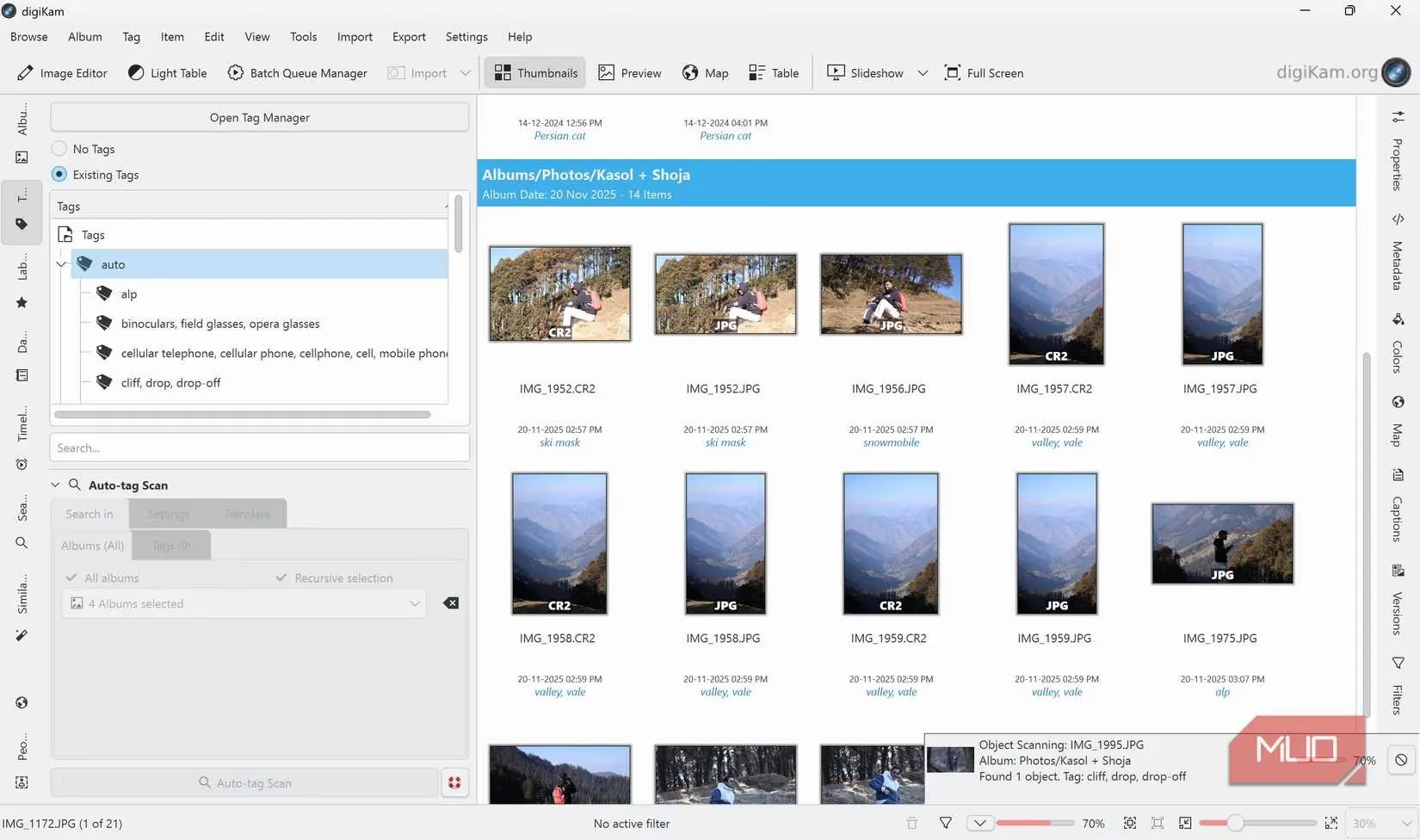
When digiKam opened, it didn’t lecture him about collections, keywords, or color‑coding – it simply asked, “Where do you keep your stuff?” Mark pointed it at his sprawling folder tree, and the software built a database right on top of his existing mess, no migration required. The real magic happened when he hit the Auto‑tag Scan button. The local AI got to work, grinding through thousands of images right on his own machine, not some distant cloud. Within minutes, tags started appearing: “sword,” “health bar,” “explosion,” “forest,” “dragon,” and a whole lot of “meme text.” Sure, it occasionally mistook his gaming mouse for a spaceship and his headset for a toaster, but heck, it was doing more in ten minutes than he’d managed in five years. For the first time in ages, Mark chuckled at his screen – the tool was smarter than a caffeinated squirrel.
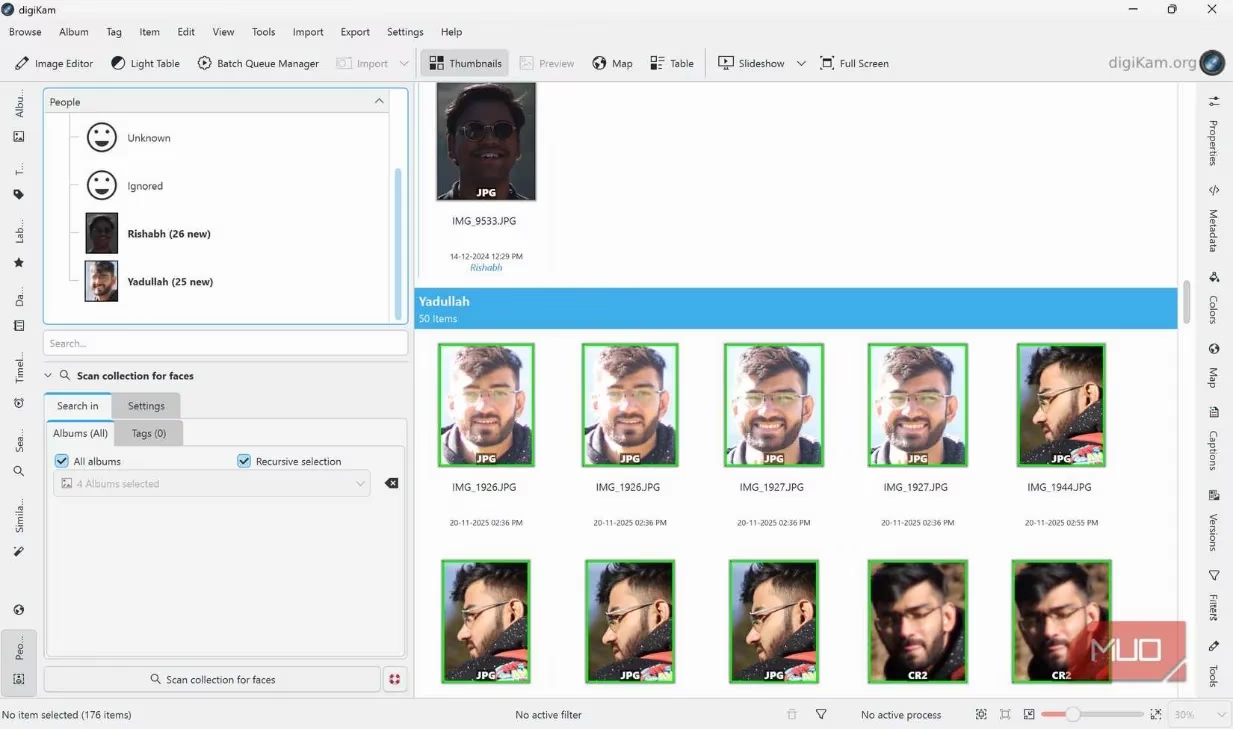
Then came the face detection. Mark right‑clicked on his “LAN party” folder and chose Scan for Faces. digiKam started pulling out faces from thumbnails: his buddy Alex mid‑rage, the blank stare of a merchant NPC, the glow of a victory screen, and yes, even a few accidental webcam captures he’d long forgotten. He began confirming a few matches, and before he knew it, the software learned to group every photo of Alex under one tag, plus all those times that grumpy blacksmith in the RPG looked exactly the same in every screenshot. “This thing ain’t just a photo organizer,” he muttered, “it’s a private detective now.”
From that moment, Mark’s workflow flipped upside down – in the best way. Instead of spending hours manually dragging images into Lightroom collections, he let digiKam do the heavy lifting. The software cached thumbnails so smoothly that he could zip through his gallery faster than his character could dodge a boss attack. He leaned into the date‑based albums and started layering hierarchical tags like Games > RPG > BossFights or Memes > Relatable. The search bar, once a source of frustration in Lightroom, now returned actual results. He typed “dragon” and up came every fiery screenshot from that epic quest, even ones he’d forgotten taking.
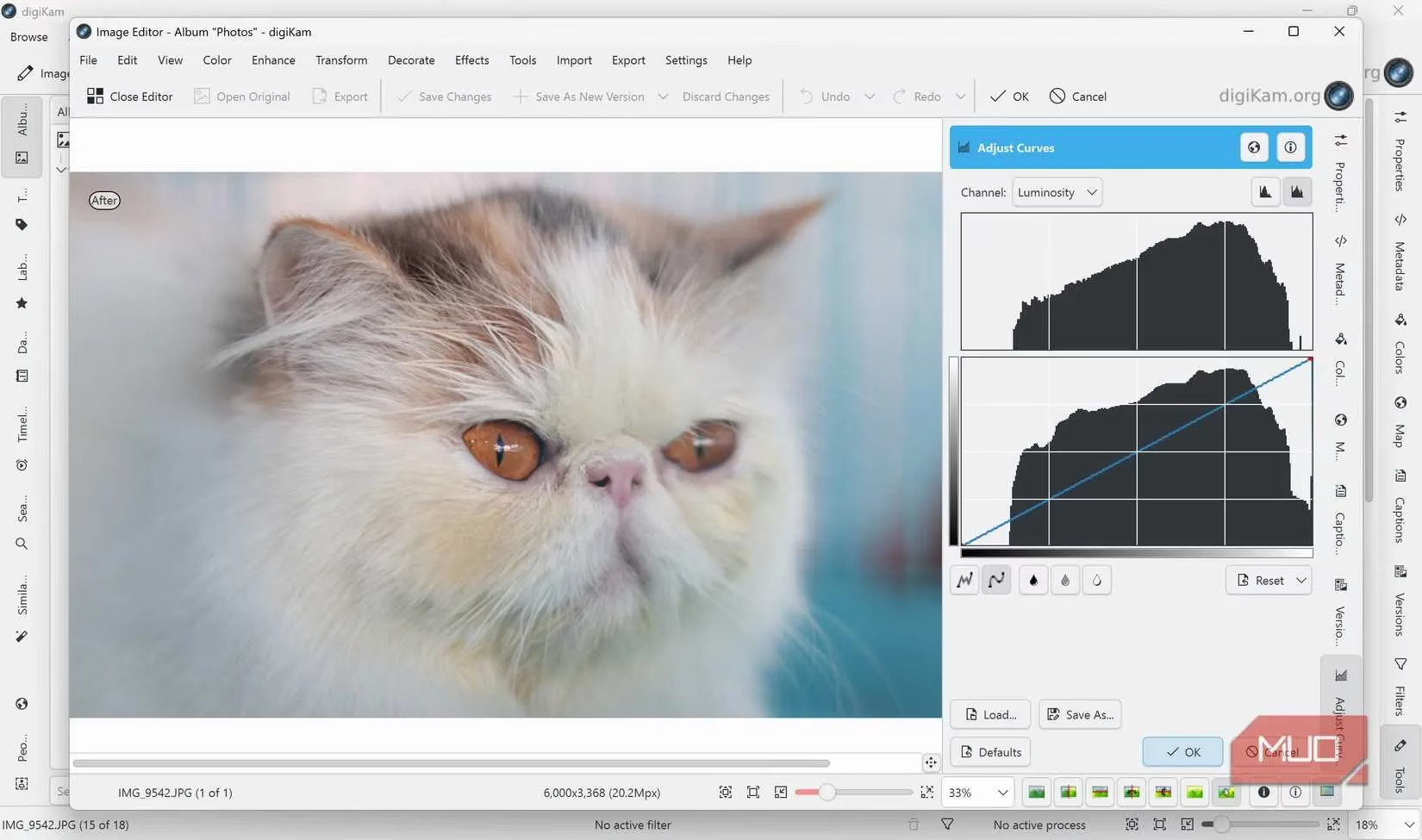
Editing, though? Mark quickly realized digiKam’s image editor was more of a touch‑up station than a full‑blown darkroom. It handled basic corrections – exposure, crop, white balance – without breaking a sweat, but when he wanted to warp a dead meme into something truly cursed, he had to export the file and fire up GIMP or RawTherapee. Bless the tool’s heart, it never pretended to be Photoshop. And honestly, that was fine. Mark had already decided to split his work: digiKam for the brain, dedicated editors for the brawn.
What really sealed the deal was ownership. Every tag, every face map, every metadata tweak lived right on his drives, not behind a paywalled login screen. The open‑source community kept polishing digiKam, and by 2026 the face recognition had become eerily good – it could tell apart two cosplayers in nearly identical armor without breaking a sweat. Batch renaming? A couple of clicks. Geolocation from his gaming travel photos? Handled. The light table feature became his culling playground, letting him compare two near‑identical screenshots side by side to pick the one where his character’s expression didn’t look like a potato.
Mark finally cancelled that Adobe subscription. He didn’t uninstall Lightroom – old habits die hard – but he stopped using its library for anything serious. Now his routine was simple: dump everything into a folder, let digiKam scan and tag, search for what he needed, and export only the keepers. The rest stayed organized in the background, no human effort required. “It’s like having a tiny archivist living in my SSD,” he told Alex one evening, “and that little guy works for free.”
So if you’ve got a photo dump that’s threatening to swallow your storage whole – game captures, real‑life snaps, whatever – give digiKam a whirl. It’s not here to replace your editing suite, but it will take the chaos and hand it back to you on a silver platter. When a tool finally works for you instead of against you, you’ll wonder why you ever paid for the privilege of pulling your own hair out.