
Beyond File Syncing: Mastering iCloud Mail Aliases & Hide My Email for Ultimate Privacy in 2026
Discover how iCloud Mail and iCloud+ empower you with advanced email privacy and spam protection through aliases and Hide My Email features.
Most people think of iCloud as just a cloud storage service for syncing photos and files across Apple devices. But in 2026, that's barely scratching the surface. One of its most powerful, yet often overlooked, features lies in revolutionizing how you handle email, offering robust tools to combat spam and protect your privacy online. These features are available to all iCloud users, but truly shine with an iCloud+ subscription.
Did you know that simply by signing into icloud.com, you unlock access to iCloud Mail? It's a full-fledged, ad-free email service that integrates perfectly with the Mail app on iPhone, iPad, and Mac. Apple doesn't scan your emails for advertising, which is a huge privacy win. But the real magic starts with a feature many miss: email aliases. 🎭
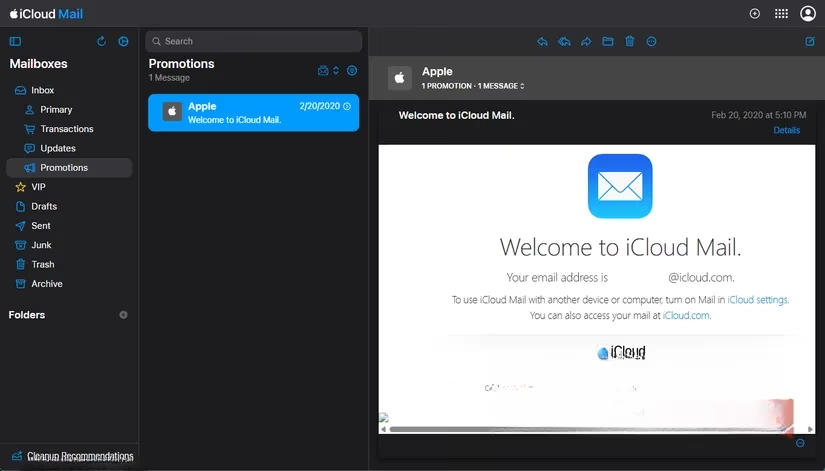
Think of aliases as masks for your real email address. You can create up to three alternate addresses that all funnel mail into your main iCloud inbox. This lets you give out different addresses for different purposes without creating separate accounts. Setting them up is a breeze. In the web version of iCloud Mail, just click the Gear icon > Settings > Account tab, and you'll find the Aliases section.
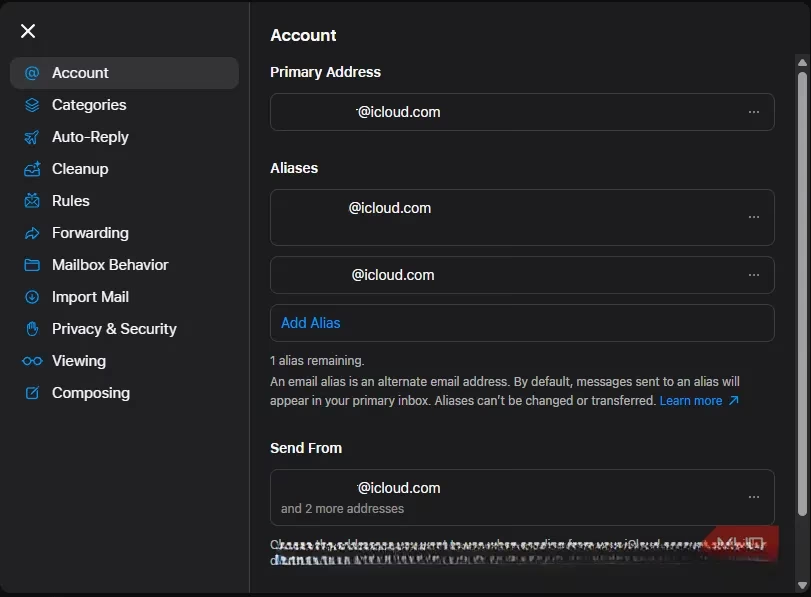
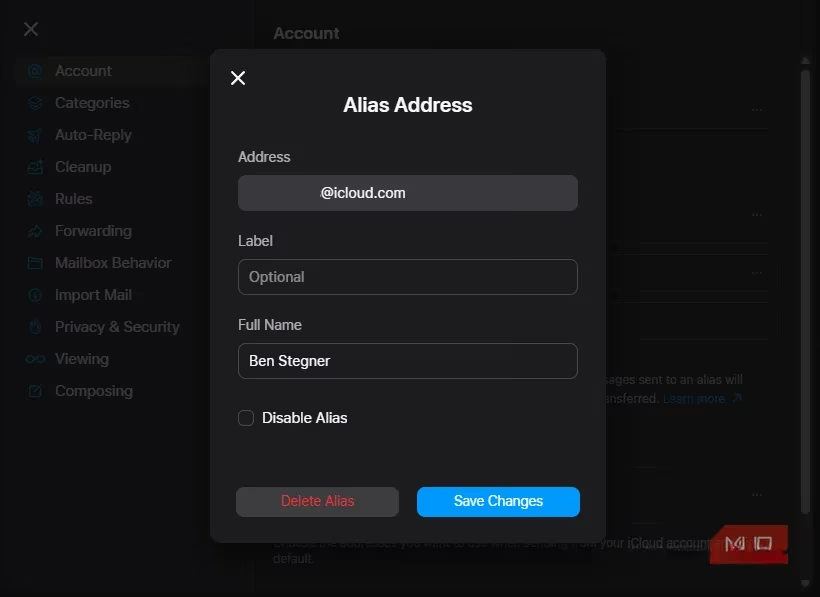
Click 'Add Alias', choose your new address and a display name, and optionally add a label to remember what it's for (like 'Shopping' or 'Newsletters'). Once created, all emails sent to that alias land right in your primary inbox. You can even choose which aliases appear in your 'From' field when composing new messages and set one as your default sending address. It's perfect for creating a more professional-sounding address or separating work from personal life.
But what if you need something even more disposable and private? This is where iCloud+ subscribers get a superpower: Hide My Email. 🛡️ This feature generates unique, random email addresses on the fly. You can create as many as you need and delete them just as easily. It's the ultimate tool for signing up for new apps, services, or websites when you don't trust them with your real address.
To set it up on the web, go to your iCloud+ account page and click 'Hide My Email'. You'll see a list of your active addresses and a big '+' button to create more.
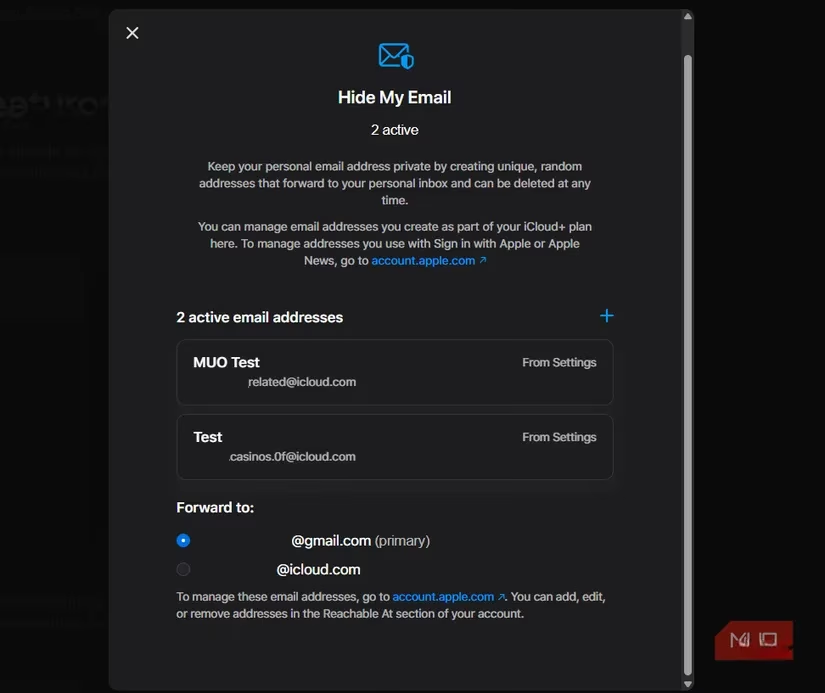
The beauty is in its simplicity. You just provide a label (e.g., 'Fitness App Signup'), choose which of your real email addresses should receive the forwarded messages, and boom—you have a new burner address. If that address starts getting flooded with spam, you can deactivate it with one click. No more endless unsubscribe battles!
The integration on iPhone and iPad is seamless. You can manage everything under Settings > [Your Name] > iCloud > Hide My Email. Even better, when you're signing up for something in Safari or a supported app and tap the email field, your device can automatically suggest creating a new Hide My Email address on the spot. It's privacy made effortless.
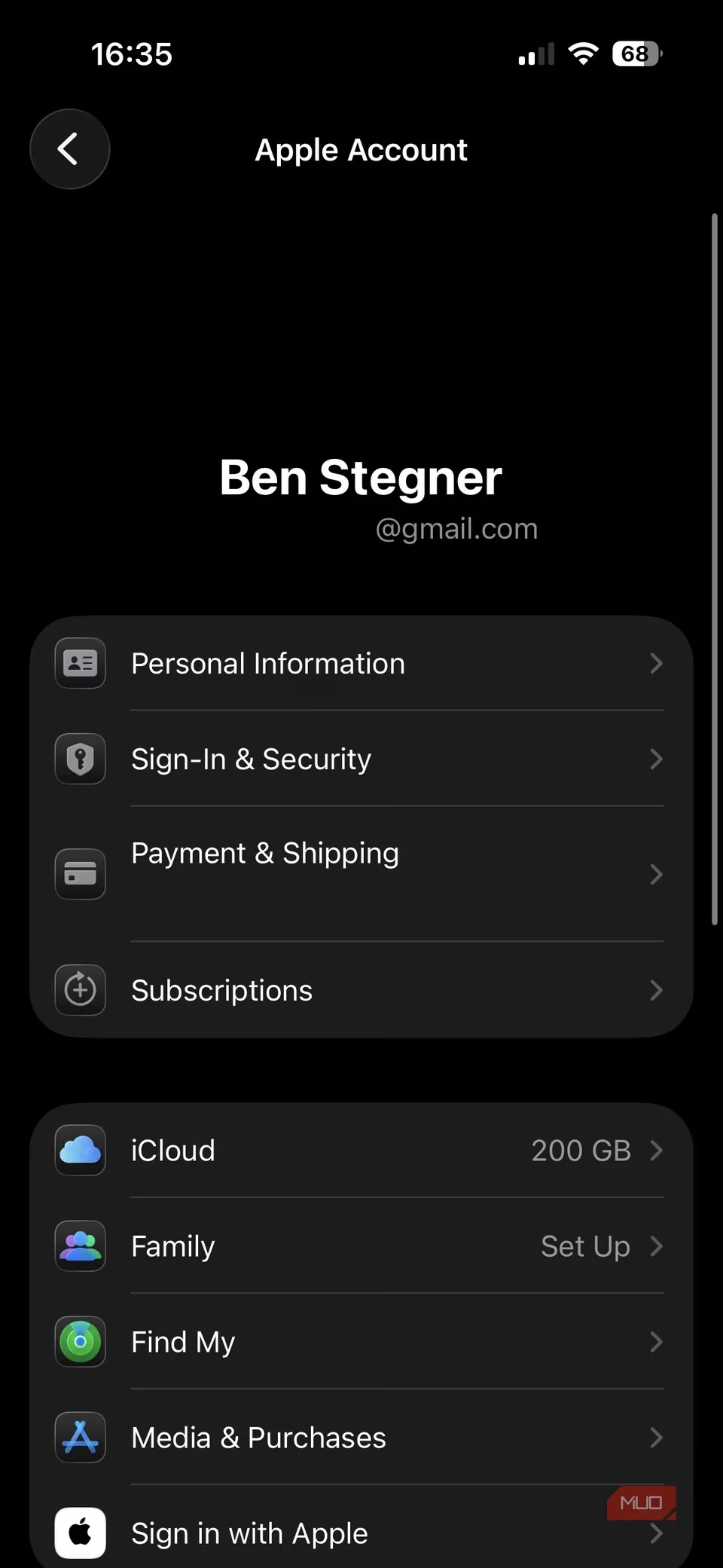
So, what's the difference between Aliases and Hide My Email, and how should you use them? 🤔
| Feature | Best For | Key Limitation |
|---|---|---|
| iCloud Mail Aliases | Permanent, fixed addresses for long-term use (e.g., professional contact, side hustle). | Limited to 3 per account; mail only forwards to your iCloud inbox. |
| Hide My Email | One-time sign-ups, disposable addresses for untrusted sites, managing spam. | Requires iCloud+ subscription (starts at just $1/month). |
Think of aliases as your dedicated, semi-permanent identities. Use one for your freelance work, another for online shopping from trusted retailers. They help organize your digital life.
Use Hide My Email addresses as your digital bodyguards. Hand one out to that new social media platform, a one-time download site, or a contest entry form. If things go south, the bodyguard takes the hit, and you simply dismiss them.
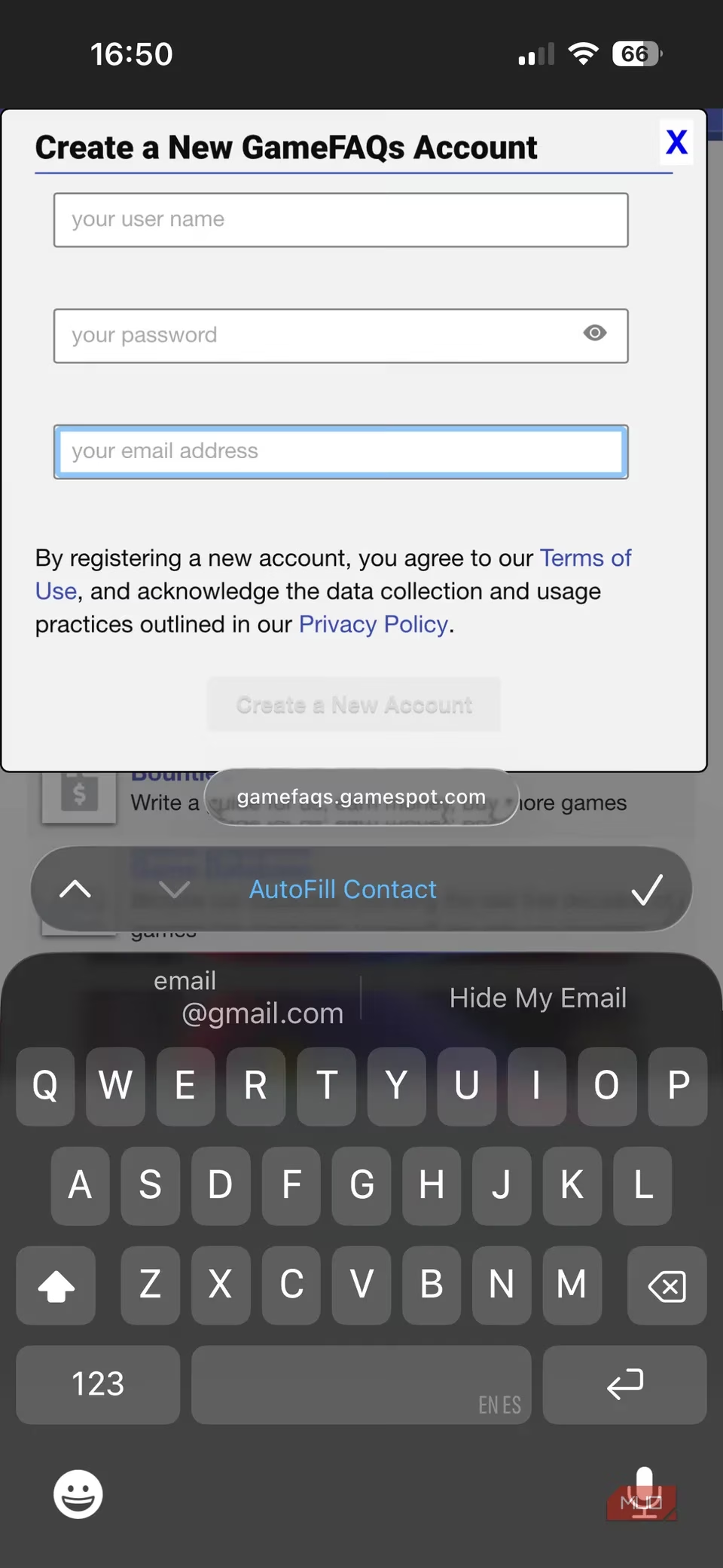
In 2026, with data breaches and spam more prevalent than ever, taking control of your inbox is non-negotiable. iCloud provides these powerful, native tools to manage your email identity without needing separate accounts or third-party apps. Whether you're reviving an old iCloud email address with aliases or investing in the advanced privacy of iCloud+, the power to declutter your inbox and shield your primary email is now built right into the Apple ecosystem. It's time to move beyond just file syncing and start using iCloud like a pro. ✨