
Android Bloatware in 2026: Apps a New Phone Can Live Without
Android bloatware and preinstalled apps drain battery and clutter phones—discover which ones to uninstall or disable safely.
In 2026, a brand-new Android phone still arrives like an overpacked suitcase: powerful hardware, polished software, and an app drawer that looks like a shopping mall after a free-sample giveaway. Some preinstalled apps are genuinely essential—Phone, Messages, Calendar, Gmail—and a few extras such as YouTube, Gemini, and Google Maps earn their keep. Then there is the rest: the redundant, the intrusive, and the suspiciously carrier-branded crowd that seems to exist because someone signed a deal over lunch. The good news is that most of these apps can be uninstalled or disabled without rooting the phone. The average Android owner simply needs a little patience and a healthy distrust of anything that arrived before the first coffee.
The Weather App That Never Stops Checking the Sky
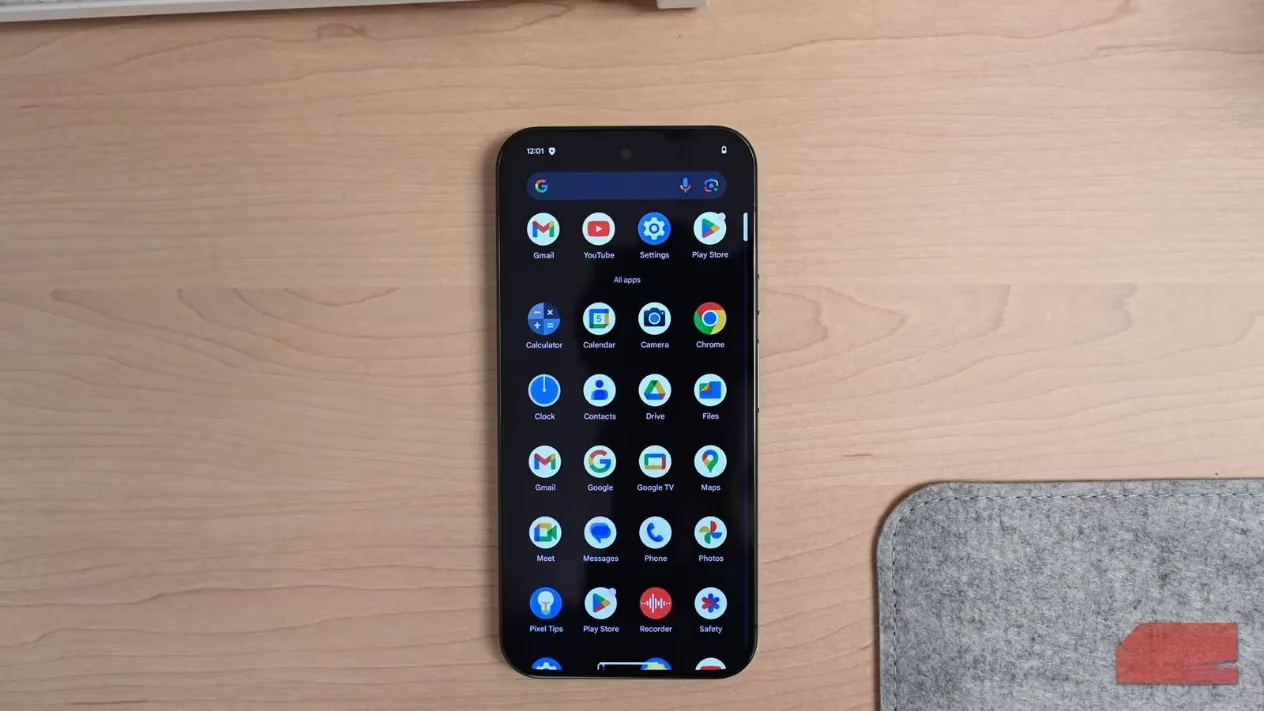
The humble weather app is a charming little thing. It promises to warn about surprise rain, scorching heat, or that one random hailstorm in July. Depending on where the user lives, it might be opened daily or never touched at all. Either way, the preinstalled version tends to run background updates, fetch fresh data, track location every few minutes, and push breaking-weather alerts. It all sounds useful until the battery life starts disappearing like snacks at a party. A home-screen widget makes matters worse by refreshing constantly, even when nobody is looking at it. A simpler alternative is to remove the preinstalled weather app and use the Google app instead, where current conditions appear on the Discover tab after a simple swipe. The sky will survive without a dedicated icon.
Social Media and Shopping Apps: The Uninvited Guests
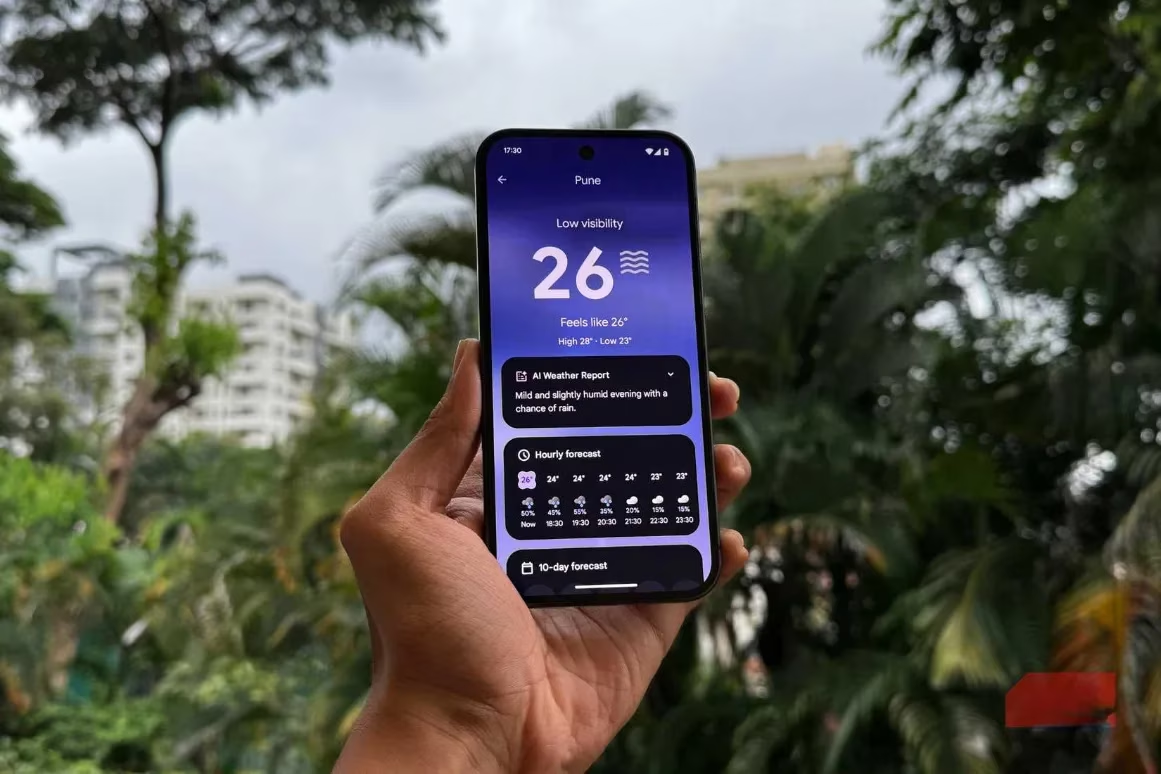
Preinstalled social media apps are not a thoughtful welcome gift. They are usually the result of behind-the-scenes deals between phone makers and social companies that want a front-row seat on the device. Even if Facebook has never been tapped once, it may still appear in the battery and memory usage list, quietly doing whatever social apps do when nobody is watching. Shopping apps are not much better. Amazon, Walmart, and brand-specific store apps often arrive with permission to run in the background, fetch data, and nudge attention with limited-time offers and flash deals nobody requested. A user who never shops during a commute does not need a store app whispering about discounts. Uninstall or disable the obvious offenders.
The OEM App Store Club
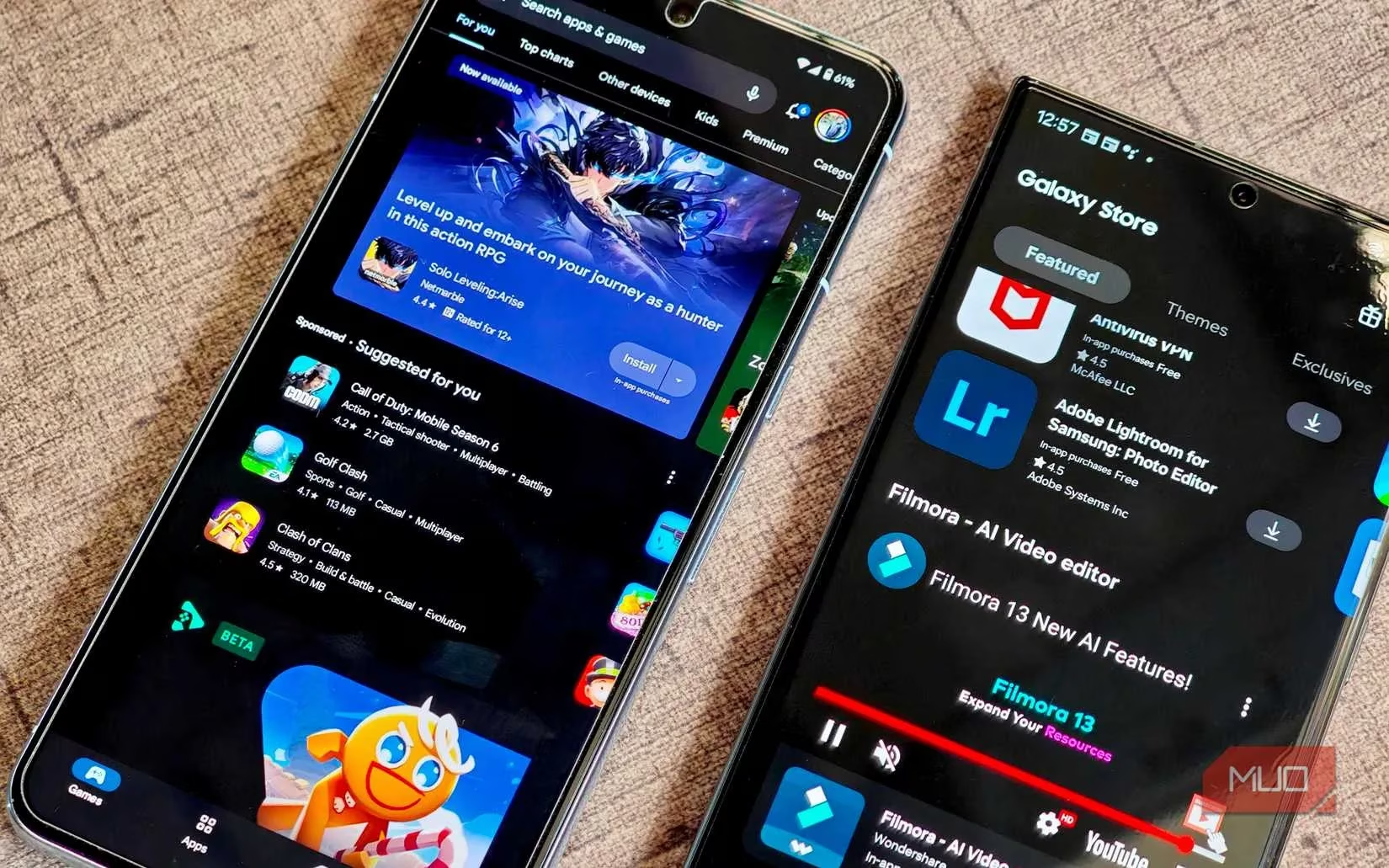
Every Android phone maker seems convinced that its own app store is a must-have. Samsung has Galaxy Store, Xiaomi has GetApps, Oppo has App Market, and the list continues. These stores often run in the background to scan for updates, send recommended-app notifications, and sometimes auto-install things. They claim exclusive content and deals, but in reality they mostly duplicate what the Google Play Store already does. Voice assistants are similar. Bixby and friends arrive pre-enabled, waiting for a command that may never come. If the user is not actively using these OEM extras, digging into settings and turning them off completely is a sensible move.
Duplicate Apps: Two Browsers, One Steering Wheel
One of the most frustrating sights in an Android app drawer is unnecessary duplication. Suddenly there are two browsers, two photo galleries, two messages apps, and maybe even two keyboard apps. Samsung ships its own calendar, browser, gallery, and messages apps; Xiaomi, Oppo, and others do the same. These often overlap with Google's preinstalled versions, doing the same job while taking up extra space and background resources. It is like having two drivers fight over the same steering wheel. To be fair, some OEM apps are genuinely good, and preferring Samsung Calendar over Google Calendar is not a crime. But duplication is still duplication. The best approach is to pick one version of each app and uninstall or disable the rest.
Carrier Bloatware and Premium-Phone Stowaways
Phones bought directly from a carrier often carry even more bloatware. These apps and services are installed before the device is first powered on, a hidden trade-off for that seemingly discounted price. Individually, they may not seem like a big deal; together, they slow the phone down. If carrier bloatware is already present, the best move is to disable what cannot be uninstalled. Even premium Android phones come with a few apps baked right in. They look harmless in the app drawer, but they still drag on performance one way or another. If there is no plan to use them, there is no reason to let them stay.
| Culprit | Why It Lingers | Smart Move |
|---|---|---|
| Weather app | Background updates, location pings, widget refreshes | Remove it and use Google Discover |
| Social media apps | Preload deals and background activity | Uninstall or disable |
| Shopping apps | Flash deals and background data | Uninstall or restrict |
| OEM app stores | Update scans and recommendations | Disable if unused |
| Duplicate apps | Same job, extra resources | Keep one, remove the rest |
| Carrier apps | Preinstalled before first boot | Disable what cannot be removed |
A Sensible Cleanup Routine
The average user does not need a dramatic tech ritual. A few minutes in Settings > Apps, sorted by usage, can reveal the usual suspects. Checking permissions helps identify apps that run in the background without permission to be interesting. Starting with obvious clutter is wise: the extra browser, the forgotten shopping app, the weather app that treats every cloud like breaking news. Essential apps should stay. Battery and memory lists are useful evidence. After a major update, a quick revisit may catch newly installed stowaways. In 2026, Android's app management tools are better than ever, but preinstalled clutter remains a stubborn tradition. A little cleanup makes the phone feel lighter, faster, and less like a flea market.
Bloatware is not a moral failing; it is business. The good news is that the average Android owner can fight back without rooting, without drama, and without breaking anything important. A cold heart and a few taps turn the app drawer from a crowded mall into a useful toolbox. 🛠️