
AirDrop and Quick Share Finally Talk to Each Other
Google's Quick Share now works with AirDrop for secure Android and iPhone file sharing.
I have a confession: my friend group has a ridiculous end-of-hangout ritual. We spend five minutes AirDropping photos and videos to each other. Then the Android users in the group get that look — you know the one — because they are about to be left out. For years, sharing a single video across iPhone and Android felt like trying to plug a USB-A cable into a USB-C port in the dark. It worked only if you had the right dongle, patience, and maybe a prayer.
So when Google announced that Quick Share can now work with AirDrop, I did a double take. In 2026, this is still one of the most useful quiet changes in mobile tech. No, it is not perfect. No, it is not everywhere yet. But it is a real bridge between two walled gardens that have been throwing passive-aggressive glances at each other for over a decade.
What Actually Changed?
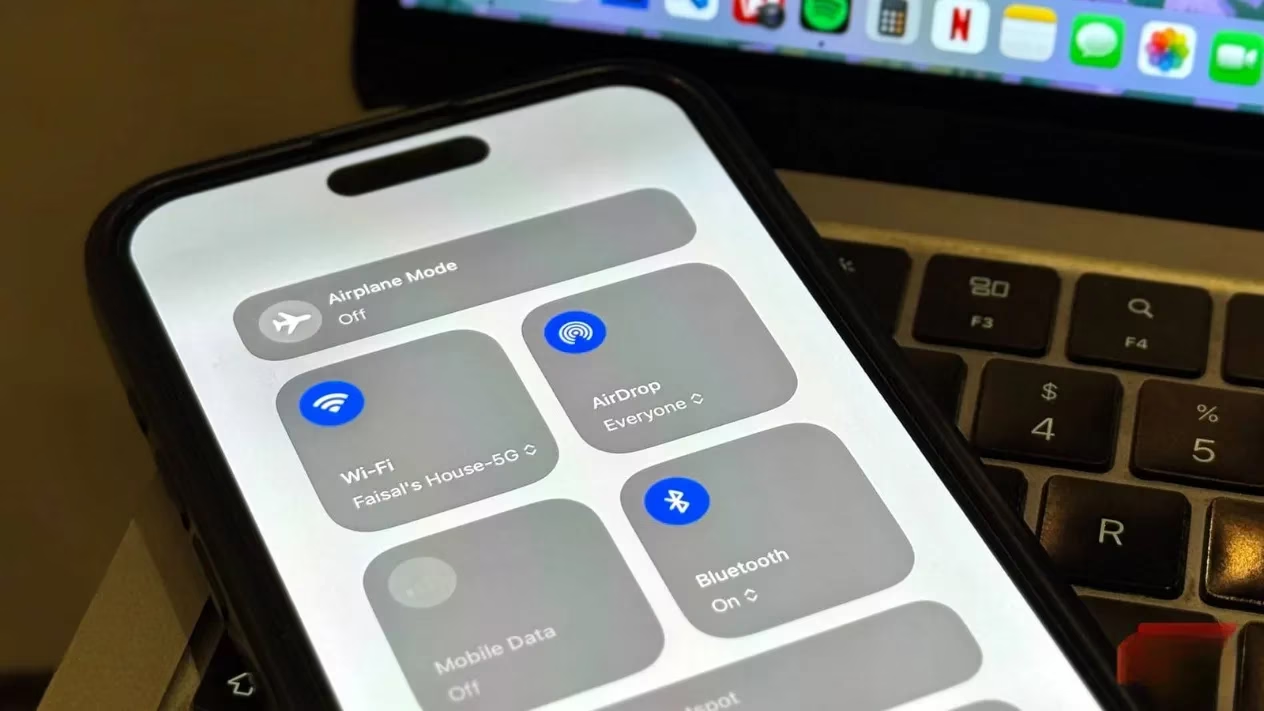
According to Google, Android users can share files with Apple devices via AirDrop. That includes iPhones, iPads, and macOS devices. When an Android phone running Quick Share detects a nearby Apple device, the iPhone or iPad shows up in the Quick Share list. You tap it, send your photos, videos, or other files, and it behaves a lot like AirDrop does on Apple hardware. The reverse direction works too. So an iPhone can send to an Android phone through the same bridge.
That is the headline. But the details are where it gets interesting.
Google says this is not a sketchy workaround. It is built with security at its core. The connection is peer-to-peer and direct, meaning your files are not routed through a server. In plain English: your data travels straight between the two devices, like a note passed hand to hand instead of mailed through a post office. That is good for privacy, and it is good for speed.
The Fine Print Still Bites
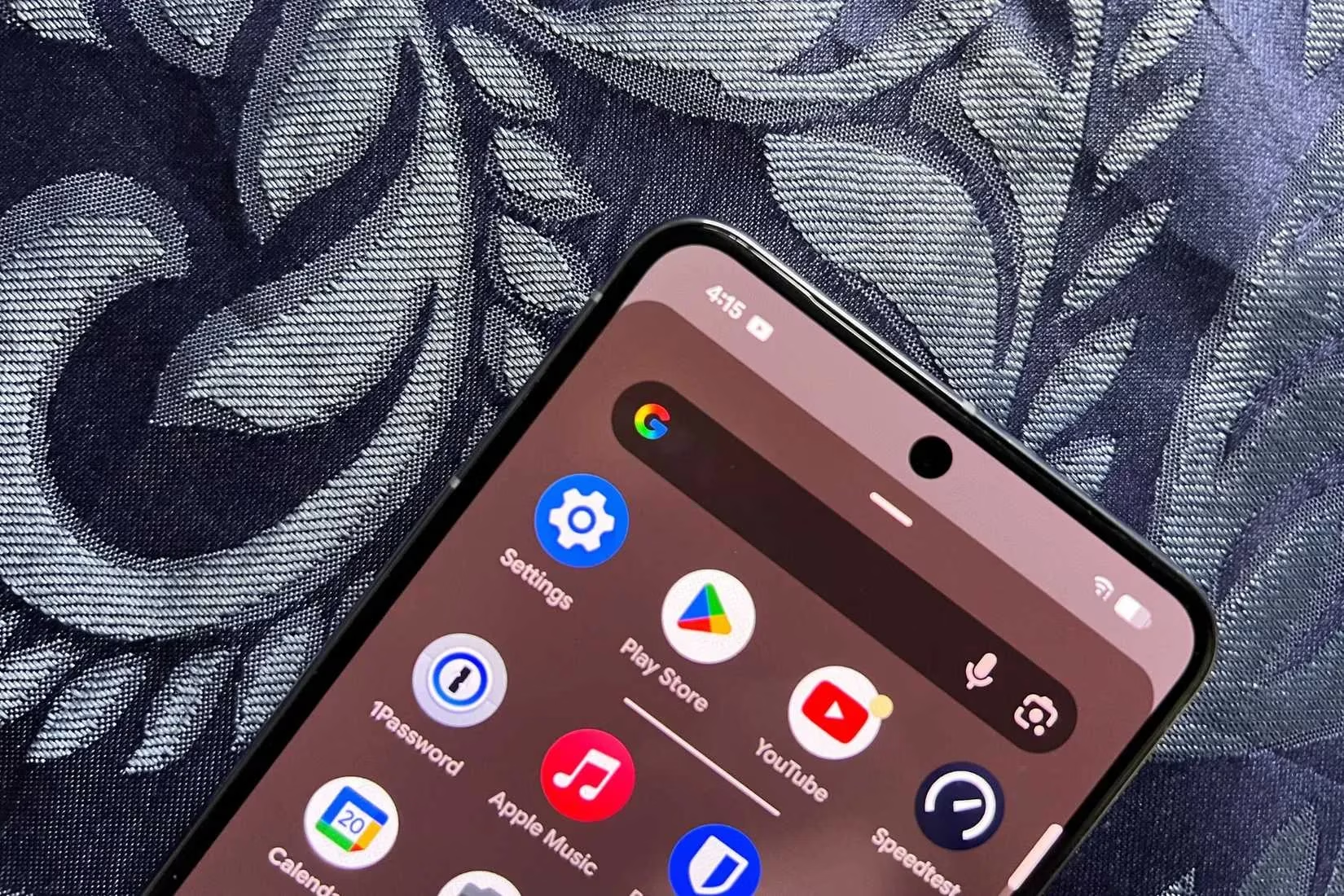
Let's be real: the rollout is not a magic wand. Google started by bringing this feature to the Pixel 10 family. That means if you have a Pixel 10, you might already be living the dream. If you have almost any other Android phone, you are probably still waiting. Google has confirmed it will not stay a Pixel 10 exclusive forever, and it plans to expand to other devices. But 'eventually' is not 'today.'
There is another catch. Quick Share currently only works when AirDrop is set to Everyone for 10 minutes. You can confirm you are sending files to the right person by checking their device name, which is similar to how AirDrop works on Apple devices. It is not as seamless as Contacts Only mode, but it is a start.
Here is a quick breakdown:
| Feature | What it means |
|---|---|
| Android to Apple | Quick Share detects nearby iPhones, iPads, and Macs |
| Apple to Android | The reverse direction also works |
| Security | Peer-to-peer direct connection; no server routing |
| Initial rollout | Pixel 10 family first |
| Future rollout | Google says it will expand to more Android devices |
| AirDrop mode needed | Everyone for 10 minutes |
| Apple involvement | None so far; Google built it on its own |
Google also said it welcomes the opportunity to work with Apple to enable Contacts Only mode in the future. That would be the real dream. Contacts Only is more private, more convenient, and less likely to make you feel like you are broadcasting your vacation photos to the entire coffee shop.
Why This Matters More Than It Sounds
Sharing files should not be a headache because of what phone you own. I know that sounds obvious, but the mobile industry has spent years making the opposite feel normal. iPhone users AirDrop. Android users Quick Share. Everyone else uses email, messaging apps, or third-party file-sharing services that compress your photos, cap your file sizes, or nag you to create an account.
This Google effort does not fix everything. It does not suddenly make iMessage work on Android. It does not make Apple and Google best friends. It does not even mean your old Android phone can join the party yet. But it is progress. And in the messy, stubborn world of platform wars, progress is worth noticing.
I still remember the first time I tried to send a long video from an iPhone to an Android phone. I tried messaging. Too large. I tried email. Too slow. I tried a cloud drive. Too many steps. By the end, I just handed my phone to my friend and let them watch it on my screen. That is not sharing. That is hostage negotiation with a touchscreen.
So yes, I am cautiously optimistic. In 2026, the wall between AirDrop and Quick Share has a door in it. It is a small door. It only opens for some people right now. It requires the right settings. But it is a door.
And honestly? Finally. 🤝
What I Would Do Next
If you have a Pixel 10, try it. Send a photo to an iPhone friend and watch their face when the file actually arrives. If you do not have a Pixel 10, keep an eye on your Quick Share settings as Google expands the feature. If you are on iPhone, be ready to set AirDrop to Everyone for 10 minutes when an Android friend wants to send you something.
Do not throw away your old workarounds just yet. Email, messaging apps, and third-party services still have their place. But the next time someone says, 'I will just AirDrop it to you,' and you are the Android user in the group, you might not have to sit out the ritual. That is a tiny miracle, and I will take it. 📱🔄