
9 Hidden iPhone Dialer Codes You Should Try in 2026
iPhone dialer codes and secret iPhone codes unlock Field Test Mode, call controls, forwarding, and instant balance checks.
If you've been an iPhone user for a while, you probably know a few hidden tricks—like tapping the status bar to scroll to the top or using Control Center shortcuts. But have you ever explored the dialer codes? These are secret sequences you type into the Phone app that unlock hidden menus and system information Apple never advertises. I've been using them for years, and in 2026 they still work like a charm. Let me share the ones I use most. 📱
1. FTM Dashboard: Your iPhone as a Network Analyzer 📶
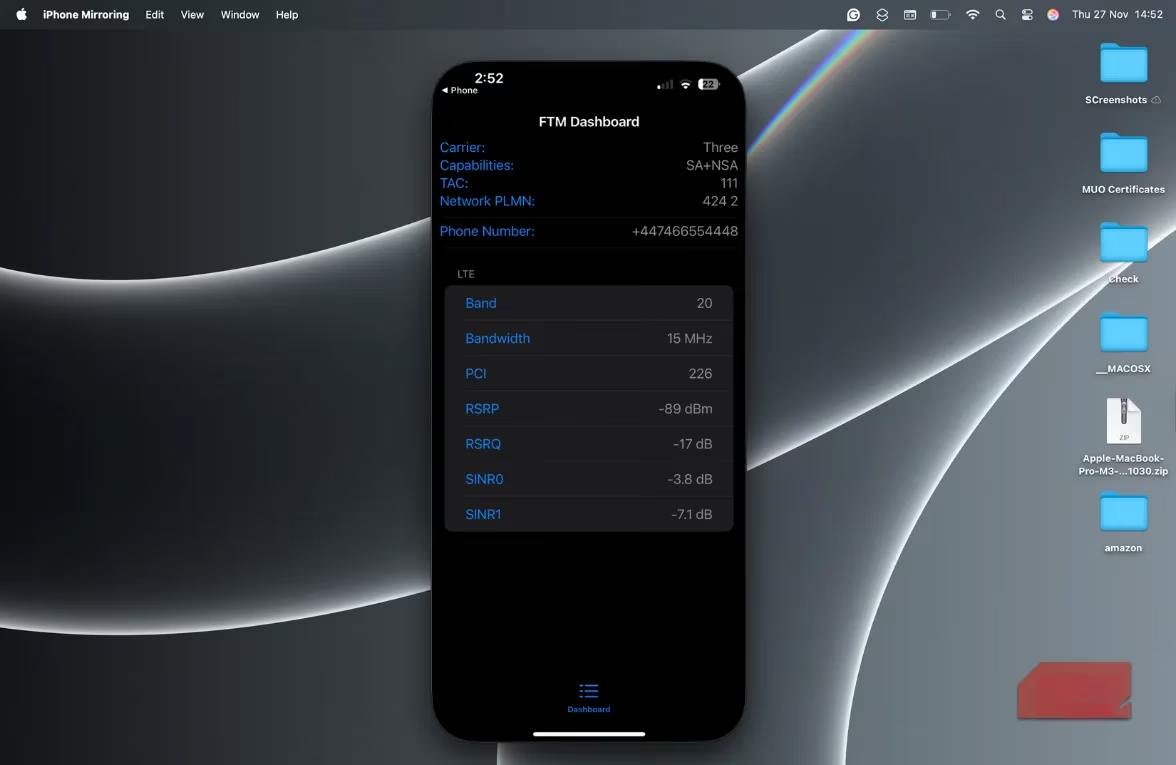
Ever wondered why your signal bars show full strength but your data crawls? The Field Test Mode (FTM) dashboard gives you the real picture. Just dial 3001#12345#* and watch your iPhone transform into a mini network analyzer. You'll see detailed metrics like signal strength (RSRP), network bands, which cell tower you're connected to, and carrier capabilities. I use this whenever my connection feels sluggish or when I'm trying to find the best spot for a router. It's also great for comparing carriers. Forget the bars—this is the data you need.
2. Check Call Forwarding Status: Where Did That Call Go? 📞
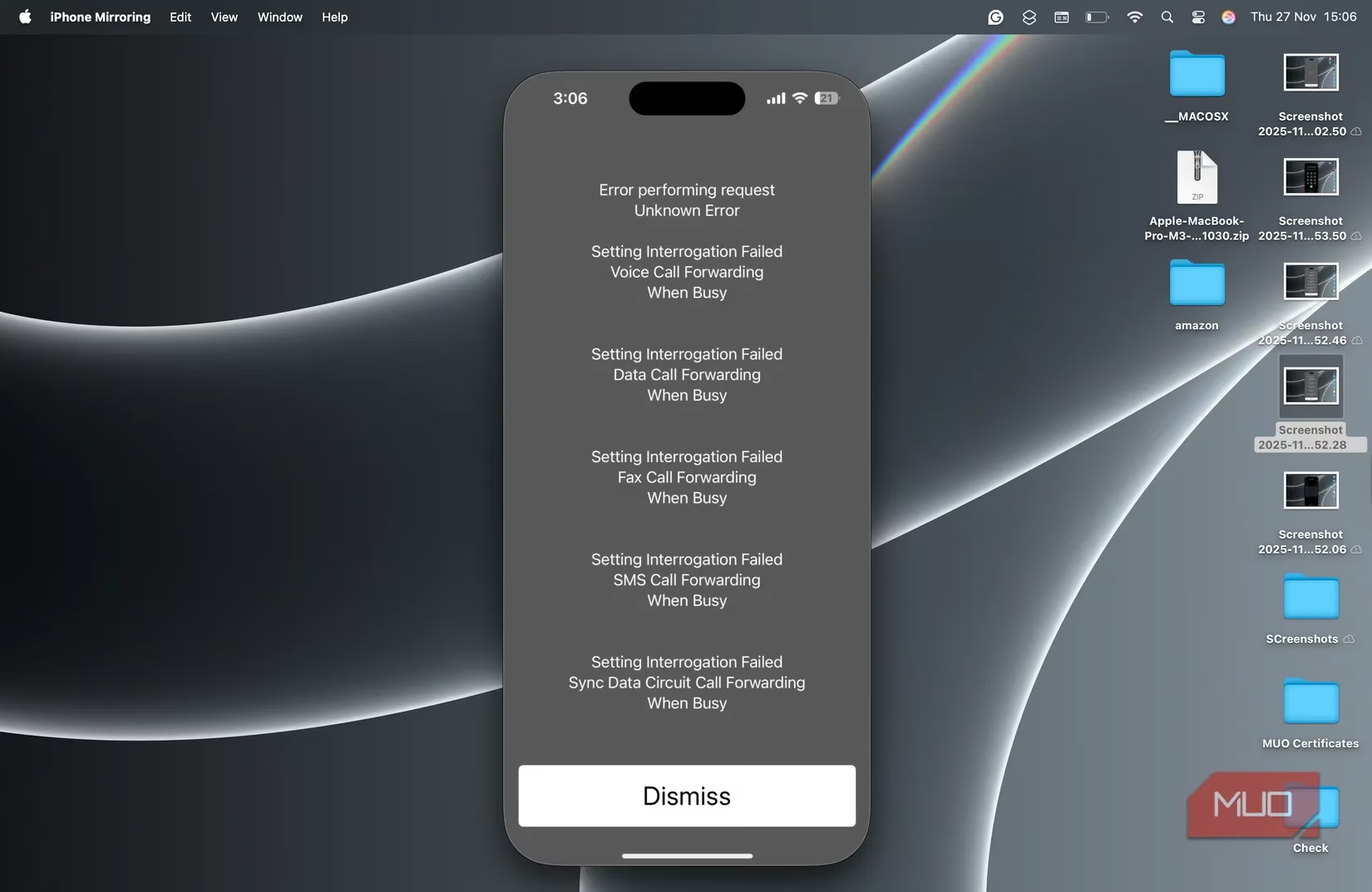
Have you ever missed a call and wondered where it went? Dial *#67# or *#4004# to see your call forwarding settings. It shows if forwarding is active and which number your calls are routed to when you're busy, unreachable, or don't answer. This is a lifesaver for dual-SIM users or when troubleshooting. If you see 'Failed' or 'Error,' your carrier might not support it on your plan.
3. Call Waiting Status: Don't Miss Important Calls ⏰
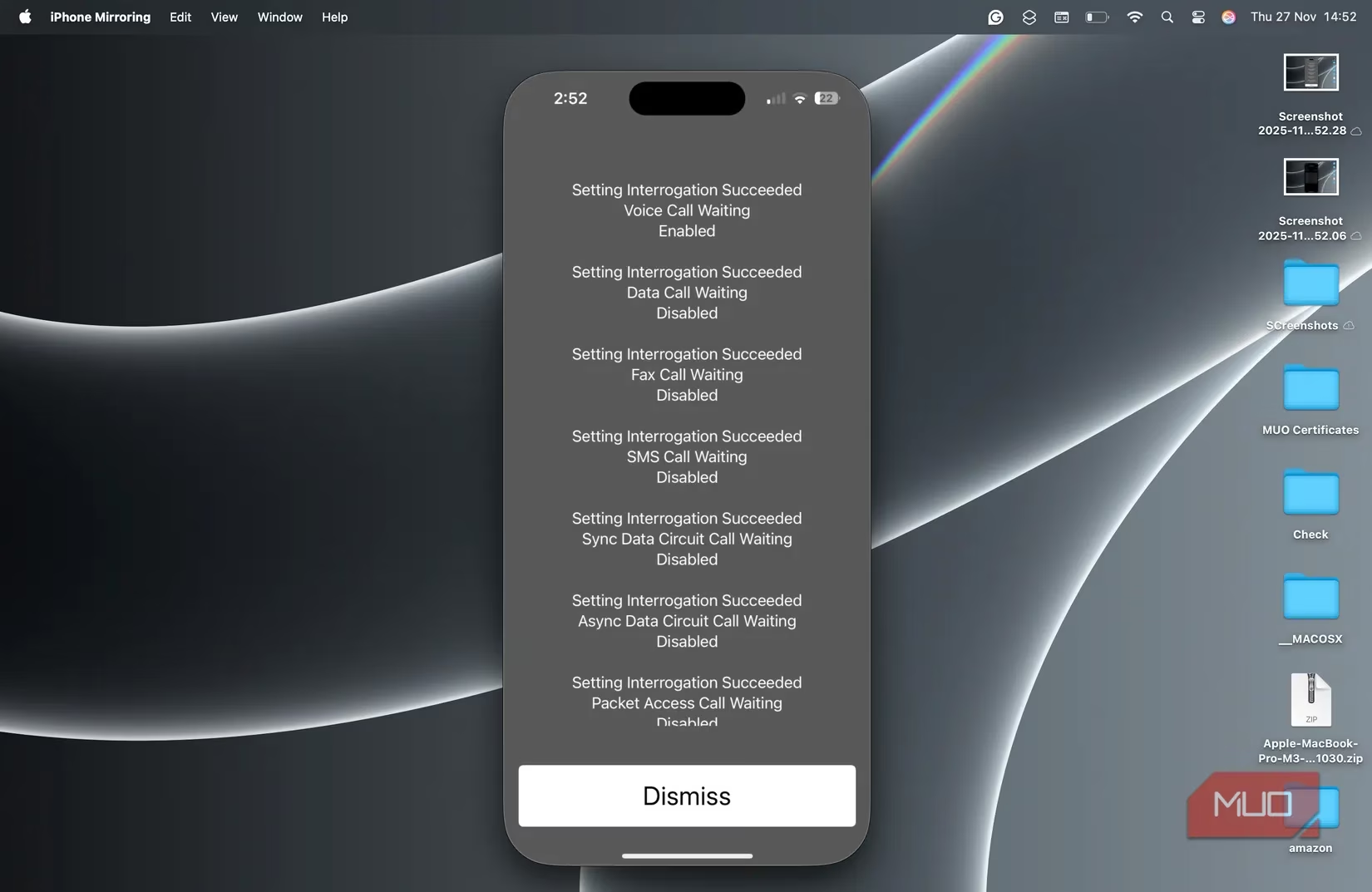
Call waiting is one of those features you don't think about until it stops working. If friends say they tried calling but got a busy signal or voicemail, dial *#43# to check if call waiting is active. It's a quick way to verify without digging through Settings. Again, a 'Failed' message means your carrier doesn't support it.
4. Forward Calls Instantly with a Secret Code 🔄
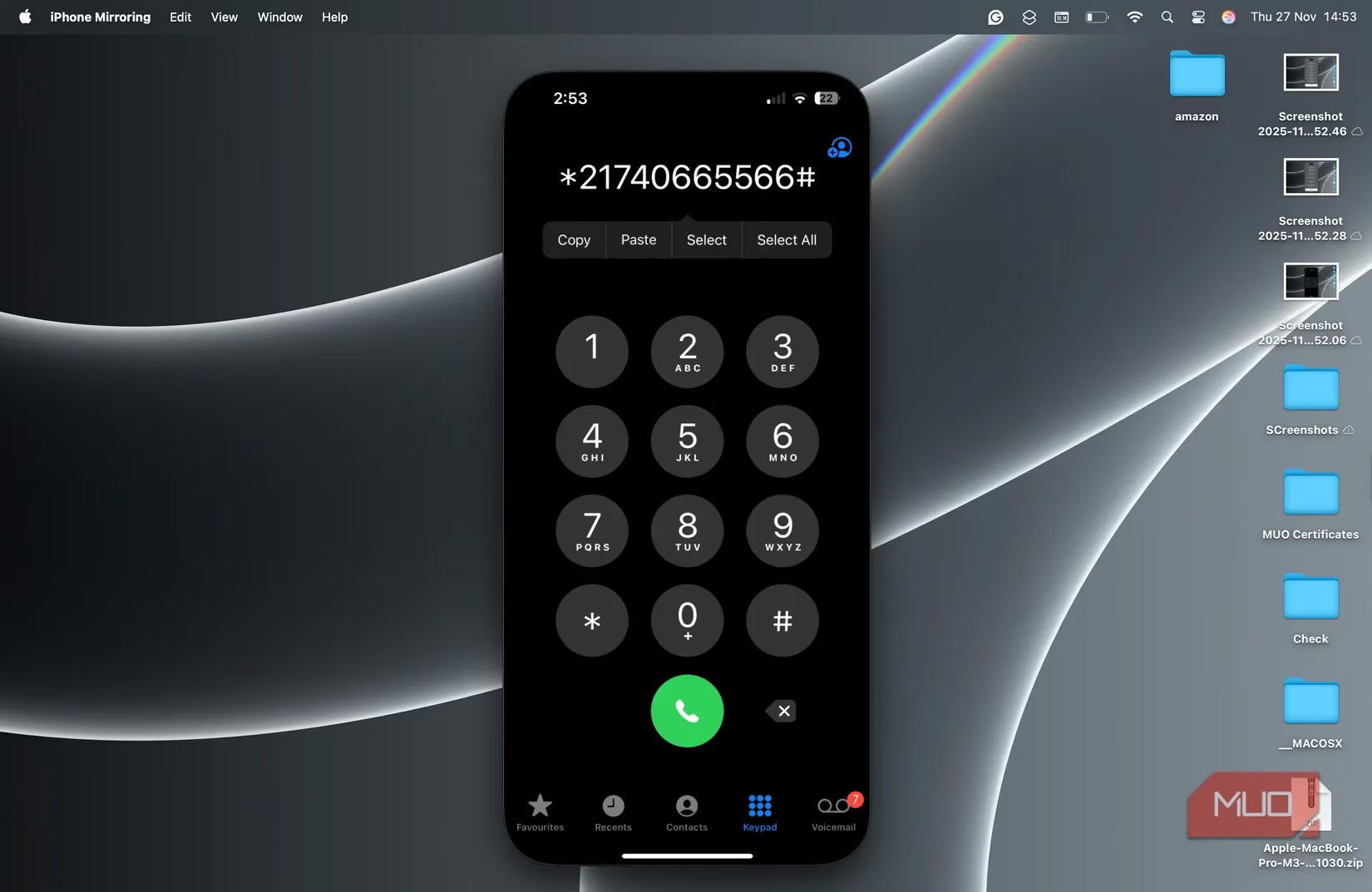
Setting up call forwarding in Settings is fine, but this code is faster. Dial *21[number]# to forward all calls to that number. I use this when traveling, switching SIMs, or when I want work calls on my secondary line. To cancel, just dial ##002#. It's a huge time-saver.
5. Check Your Bill Balance in Seconds 💰
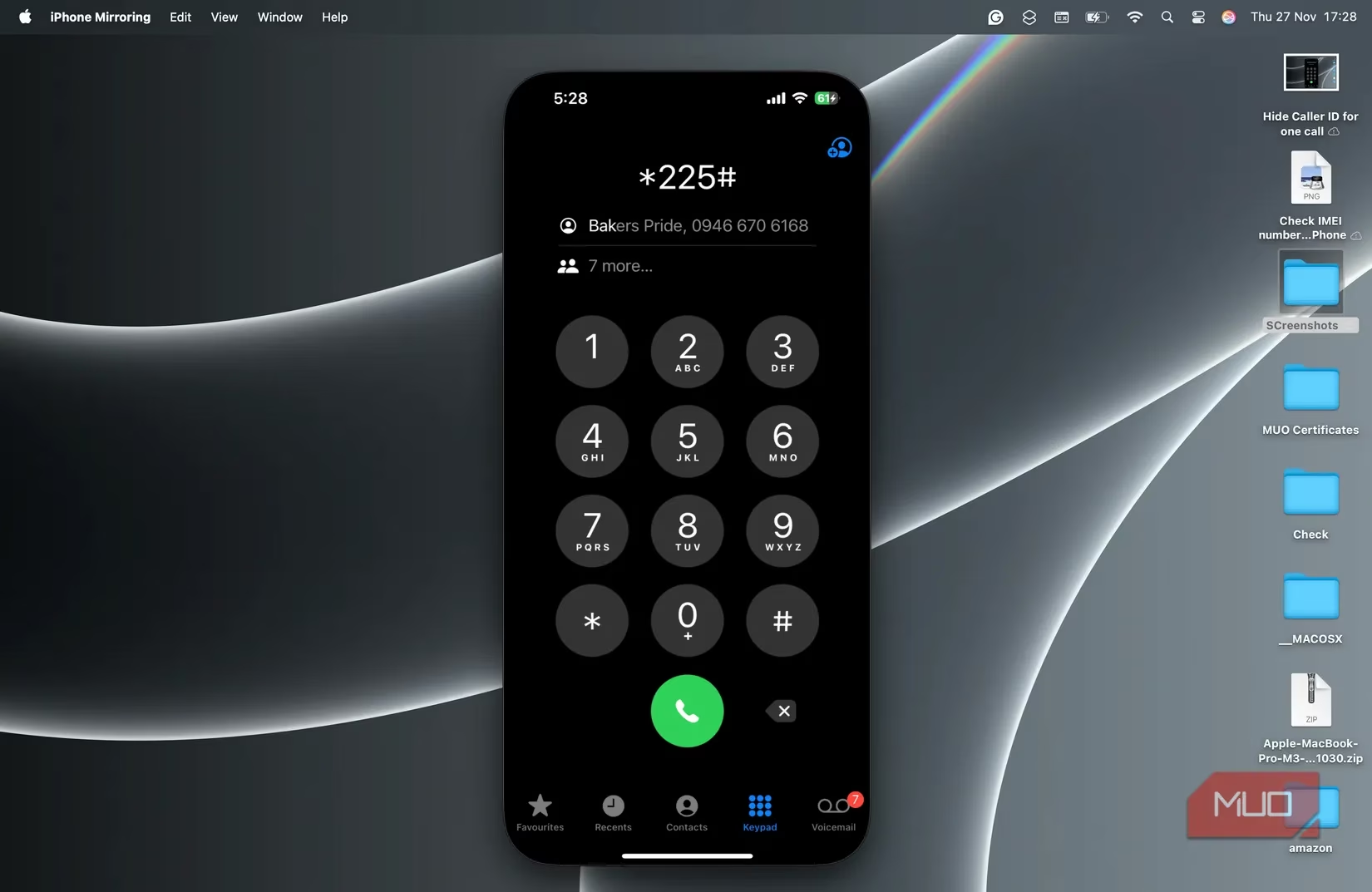
Running low on data or need to know your balance? Dial *225#, #225, or #225# to get your balance via SMS. This works best with prepaid plans and is perfect when the carrier app won't load. Not all carriers support it, but when it works, it's the fastest way to check your bill.
6. Track Data Usage with a Dialer Code 📊
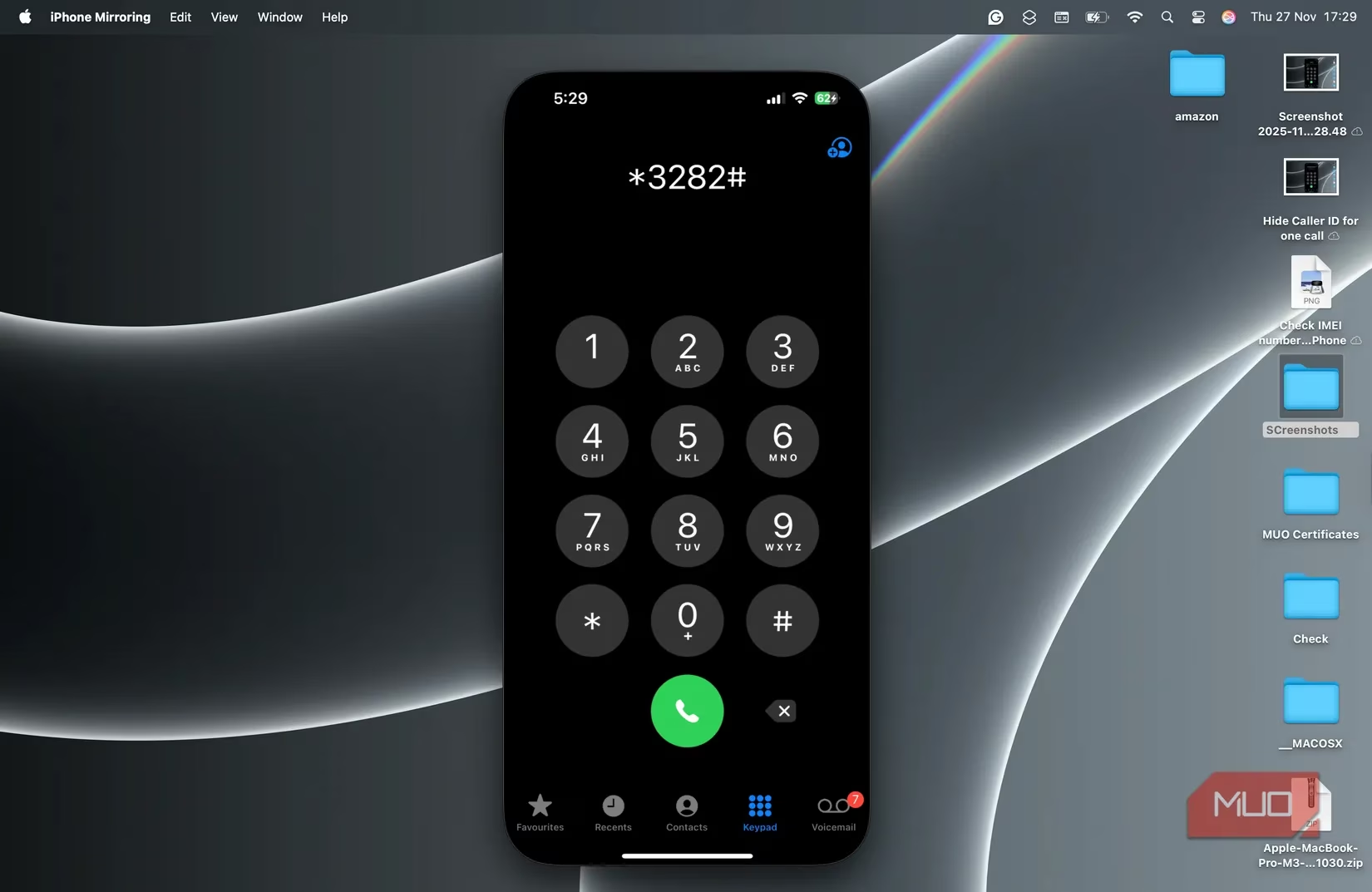
Want to know how much data you've used? Dial 3282 (which spells DATA) to get a summary of your plan usage, billing cycle, and whether you've exceeded your limit. Carrier variations: Verizon uses #3282, AT&T uses *3282#, and T-Mobile uses #932#. I use this to avoid overage charges.
7. Emergency Alerts: Are You Covered? 🚨
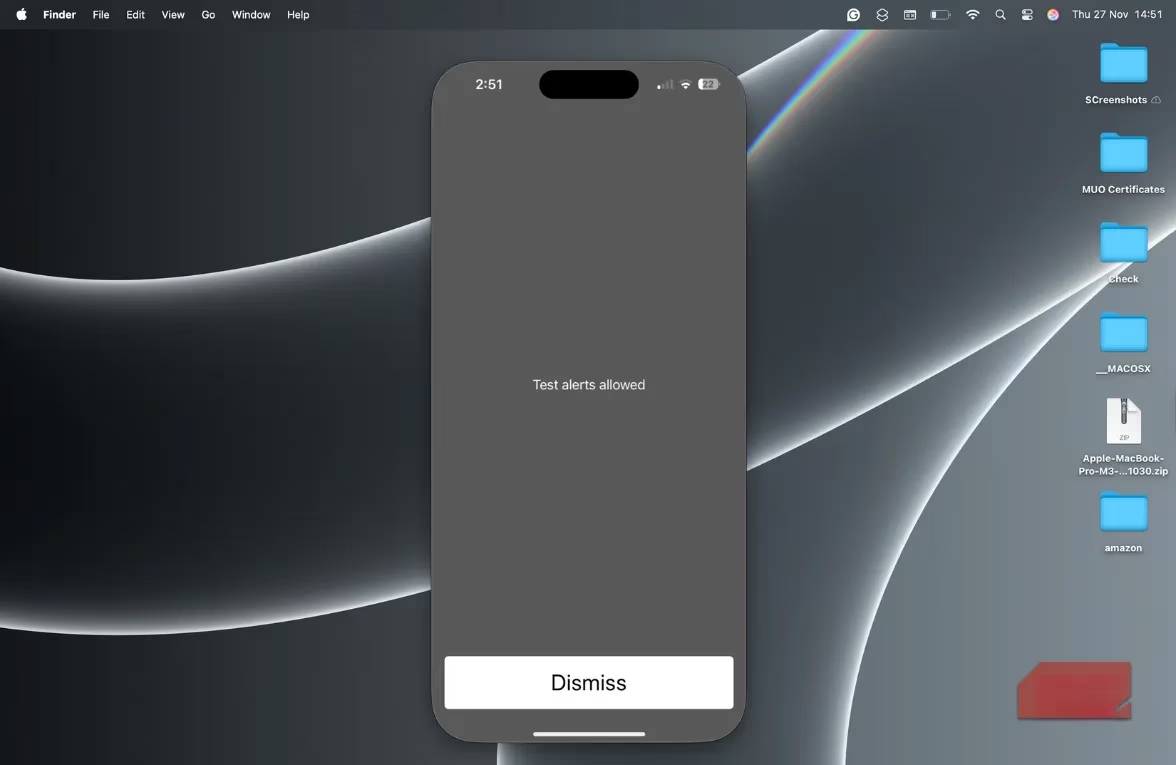
In 2026, with extreme weather and other threats, it's crucial to know if your iPhone can receive emergency alerts. Dial *5005*25371# to check if test alerts are enabled. It won't make a sound—it just tells you if your device is configured for government alerts. I check this every few months.
8. Find Your IMEI and EID Instantly 🆔
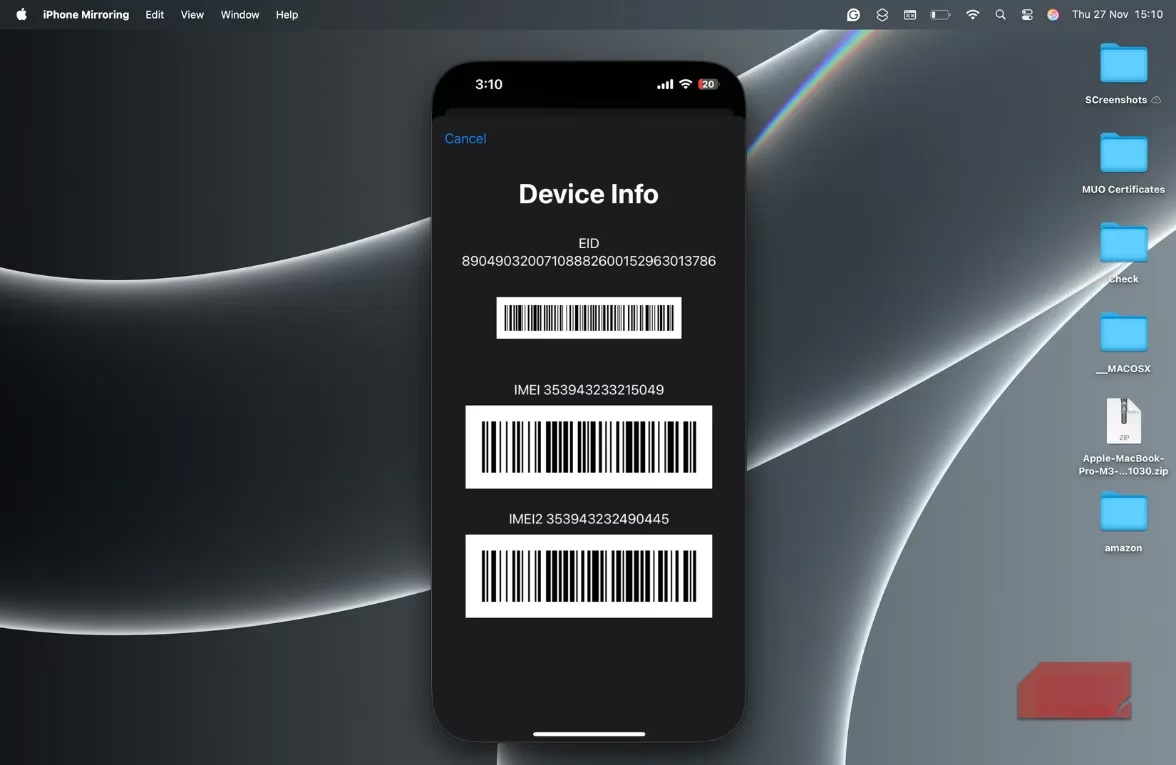
Need your IMEI for warranty, trade-in, or activation? Dial *#06# and it appears on screen. You'll also see your EID (a 32-digit number for eSIM). This is my most-used code—it's faster than going to Settings > General > About. Every iPhone user should memorize this one.
9. Hide Your Caller ID for One Call 🙈
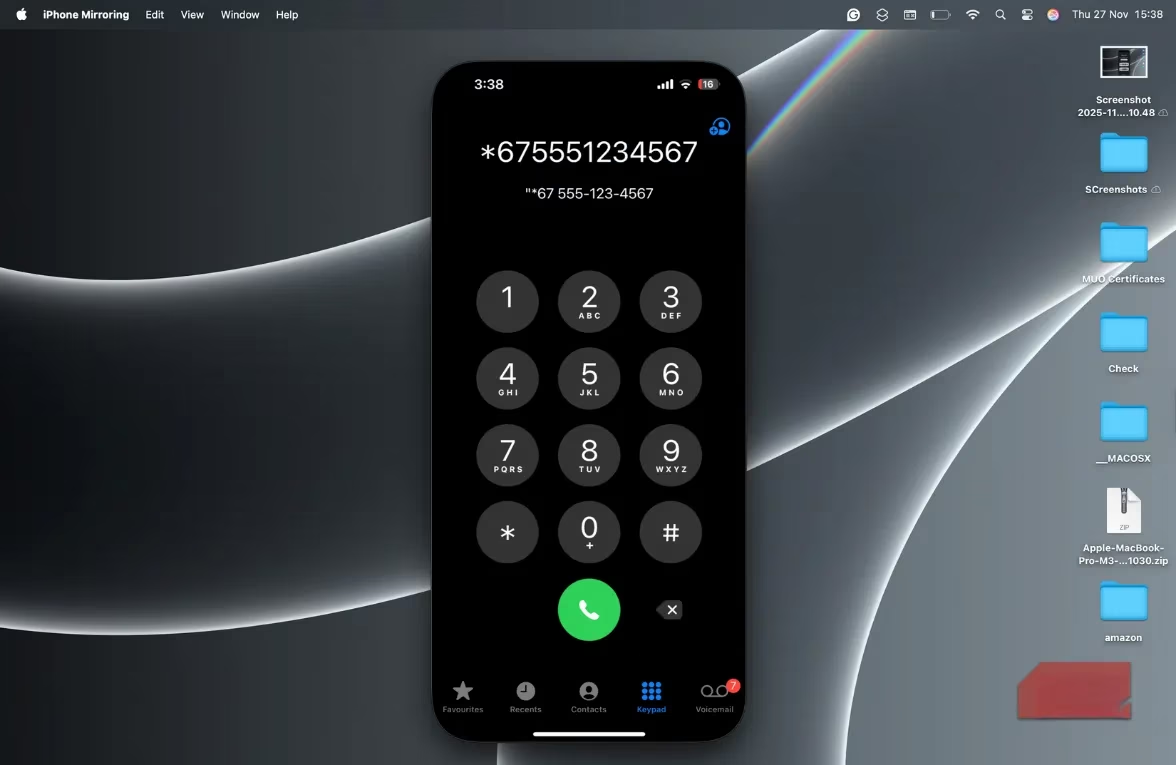
Sometimes you need to call someone without revealing your number. Prefix the number with *67 (in the US) or *31# (other regions) to hide your caller ID for that call. It shows up as 'Private Number.' I use this when calling businesses or people I don't know well.
Quick Reference Table 📋
| Code | What It Does |
|---|---|
3001#12345#* |
Field Test Mode (network info) |
*#67# / *#4004# |
Check call forwarding status |
*#43# |
Check call waiting status |
*21[number]# |
Forward calls to a number |
##002# |
Cancel all call forwarding |
*225# / #225# |
Check bill balance |
3282 (varies) |
Check data usage |
*5005*25371# |
Check emergency alert settings |
*#06# |
Show IMEI and EID |
*67 / *31# |
Hide caller ID for one call |
These codes are free, fast, and work on all iPhone models—as long as your carrier and region support them. They've saved me countless times, whether I'm troubleshooting a weak signal or quickly forwarding calls. So next time you're in the Phone app, give one a try. You might be surprised by what you find. 😉